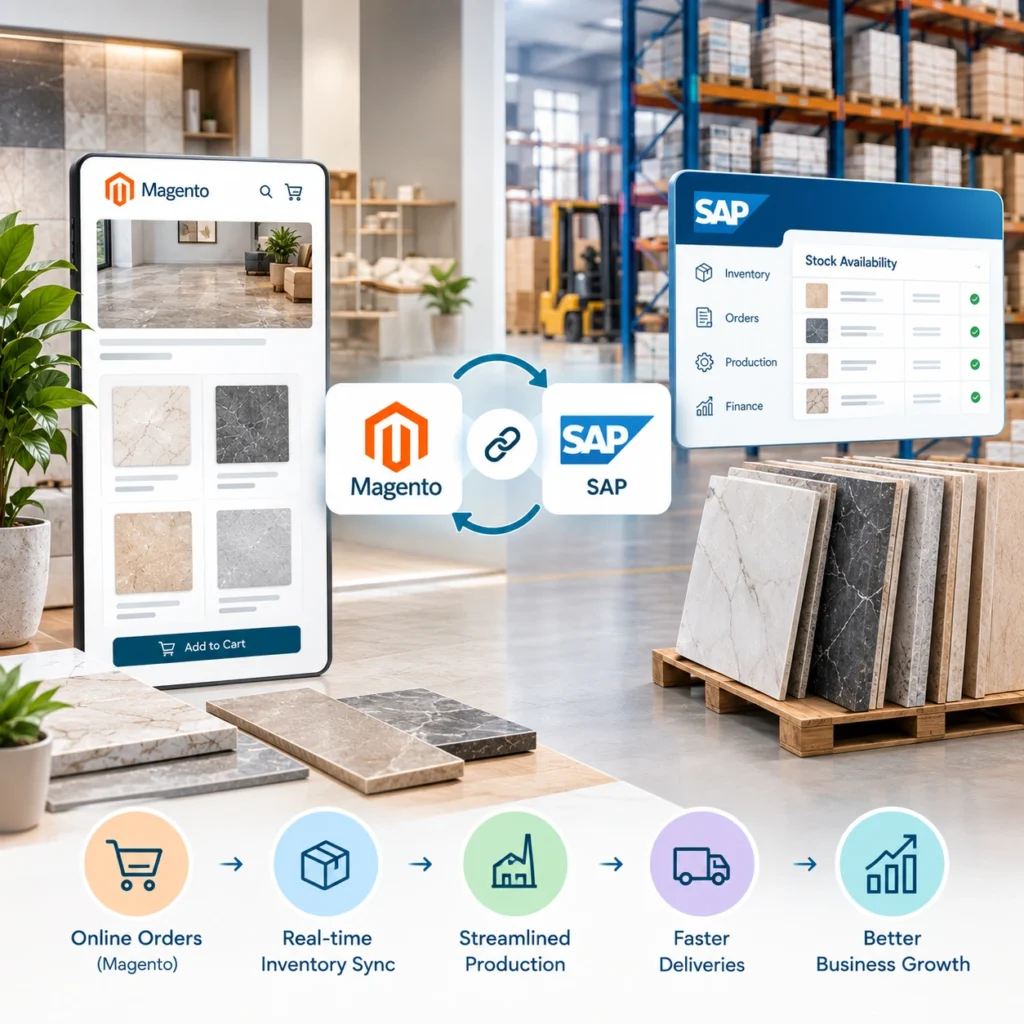

Magento sits on the front. SAP sits on the back. In most tile companies, they barely talk to each other, and two people in operations spend half their week retyping orders that already exist in one system. It doesn’t have to work that way. Connecting the two cleanly is one of the best infrastructure investments a tile business can make, and it’s rarely as painful as the sales pitch for an ecommerce and ERP integration solution makes it sound. The boring stuff, planned early, is what makes or breaks it.
Why It Matters for Tile Businesses
Tile isn’t a t-shirt. A single SKU carries size, finish, shade lot, thickness, PEI rating, box count, pallet arrangement. Sometimes country of origin. Sometimes a batch that’s technically the same color but visibly different from last month’s shipment.
Now imagine all that data living in two places, and neither system trusts the other.
Sales tells a contractor 400 boxes are available. Warehouse ships what’s actually on the floor: 280. The rest is stuck on a container that hasn’t cleared customs. The order goes out short. Contractor calls back angry. Someone in accounts spends the afternoon issuing a credit note that shouldn’t exist.
None of that is a Magento problem or a SAP problem. It’s an integration problem.
Once the two sync cleanly, some things stop happening:
- Dealers stop getting quoted prices that don’t match their contract
- Finance stops chasing invoices that never posted
- Warehouse stops rearranging pallets to cover overpromised orders
- Lot data actually travels with the order, so shade consistency isn’t a coin flip anymore
That last one gets skipped in most integrations. It shouldn’t.
What to Prepare Before Starting a Magento SAP Integration
Every failed Magento SAP project starts the same way. Someone opens SAP GUI, someone opens Magento admin, and nobody spends two weeks in a spreadsheet first.
Your SAP material master has to be the source of truth. Not aspirationally. Actually. If Magento’s going to trust SAP’s stock counts and pricing conditions, the data inside SAP has to be clean. Duplicate material codes, missing unit of measure conversions, five different names for the same finish, half populated dealer records. Fix them now, or watch every one show up in production three weeks after go-live.
A field mapping document comes next. Every attribute on both sides. Every one. Sync direction, sync frequency, and who owns it. If it isn’t written down, someone will invent a rule at 11 p.m. during launch week and forget to tell anyone.
Two more things worth sorting early. First, SAP API access. OData services, BAPIs, or IDocs, whatever you’re using needs service users with the right roles. The Basis team can take weeks to sign this off. Ask now. Second, the middleware decision. Direct API to API, or something like Boomi, MuleSoft, or SAP CPI in the middle? That call shapes the rest of the build.
Magento SAP Integration Methods for Tile Companies
Three patterns dominate. None is universally right.
Direct API integration is the cheapest build. Magento’s REST and GraphQL endpoints call SAP’s OData or SOAP services straight, no middle layer. Small catalogs and single warehouse setups get away with this happily. The problem shows up two years later when SAP pushes an upgrade and something breaks at 3 a.m.
Middleware sits between the two. Boomi, MuleSoft, SAP CPI, Alumio: pick your poison. Costs more upfront, saves considerable pain over five years. For any tile operation with more than one warehouse, contract pricing, or real tax complexity, middleware usually earns its money back inside twelve months.
Prebuilt connectors are the third option, and they’re seductive. Faster to launch, lower initial cost. Flexibility tends to be limited, though, and licensing terms vary wildly. Read the contract twice.
Rule of thumb. Under 5,000 SKUs, one warehouse, standard pricing: direct works. Anything more layered: budget for middleware.
What Data Should Sync Between Magento and SAP?
Not everything needs real time. A few things absolutely do.
|
Data Type |
Direction |
Frequency |
|
Product master |
SAP to Magento |
Daily or on change |
|
Stock levels |
SAP to Magento |
Every 5 to 15 minutes |
|
Customer accounts |
Magento to SAP |
On registration or approval |
|
Contract pricing |
SAP to Magento |
On change |
|
Sales orders |
Magento to SAP |
Real time |
|
Order status and shipping |
SAP to Magento |
Real time |
| Invoices and credit notes | SAP to Magento |
Real time |
Live stock is the piece projects underestimate constantly. A 30 minute lag looks acceptable in staging. During a seasonal peak, that same 30 minute lag means a contractor orders 200 boxes of a discontinued lot that sold out 25 minutes ago. Guess who pays for that mistake.
Multi warehouse setups get harder. If SAP tracks stock across three plants and a distributor warehouse, Magento needs to know which warehouse serves which region, and reserve stock accordingly. A proper inventory tracking solution tied into SAP handles that without human intervention. Trying to fake it with cron jobs eventually collapses.
How to Implement Magento SAP Integration Step by Step
Phase it. Every team that tries to go big bang misses the deadline.
- Step 1: The first phase is one direction only. SAP pushes products and stock into Magento, nothing goes back. Safest place to start. Data quality problems surface here without touching orders or customers. Fix what breaks, then move on.
- Step 2: Phase two brings customer accounts and pricing across. Dealer tier assignments, contract prices, credit limits, payment terms. If you’re running a B2B dealer portal solution, this is where pricing logic gets serious. Pilot with five or ten dealers before opening it up. You’ll find edge cases you didn’t know existed.
- Step 3: Phase three is where the integration earns its keep. Magento pushes orders into SAP through the SD module. SAP sends back confirmations, shipping updates through delivery documents, invoices through billing documents. This is where most bugs surface. Budget more testing time than seems reasonable, then add two weeks.
- Step 4: The final phase covers lot tracking, returns automation, credit checks, consignment stock, and anything else your operation runs. Handle these once the base is solid.
Skipping straight to phase four is how six month projects turn into eighteen month projects.
Common Magento SAP Integration Challenges to Avoid
Some pitfalls are so consistent they might as well be in the project template.
UoM conversion is a classic. Tiles get quoted in boxes, pieces, square meters, and square feet, sometimes all four for the same product. Get the conversion factors wrong and orders arrive short. Test with edge cases before launching, not after.
Tax handling comes up next. If you’re selling across multiple jurisdictions, tax rules change often enough that maintaining them inside Magento is a losing game. Push tax calculation to SAP, or to a dedicated tax engine that SAP calls. Not Magento.
Every deployment needs a rollback plan. Every one. Discovering you don’t have one at 2 a.m. on launch weekend is a specific kind of misery.
And treat go-live as the start, not the finish. Budget three months of active support afterward. API failures, mapping tweaks, unexpected data patterns from real dealers: they all come out in the first ninety days.
Managing Magento SAP Integration After Launch
An integration isn’t a project that ends. It’s a system that keeps running, and it needs attention.
Monitor API failure rates daily for the first month. Set alerts for stock mismatches beyond a threshold you’re comfortable with. Log every mapping change so you can trace behavior six months later. And when SAP or Magento releases a major update, revisit the integration. Both platforms change enough over eighteen months to break assumptions the original code was built on.
Teams that treat post-launch care as part of the plan see fewer 2 a.m. calls. Teams that walk away usually get called back to rebuild.
Planning a Magento and SAP integration for your tile operation? We’ve built these for manufacturers, distributors, and multi warehouse retailers with catalogs running past 50,000 SKUs. Talk to our integration team about scoping it right the first time.
FAQs
1. How long does a Magento SAP integration take for a tile business?
Usually 3 to 6 months. Depends on catalog size, warehouse count, and how clean the SAP data is.
2. Can we integrate Magento with SAP without middleware?
Yes, for smaller setups. For anything with complex pricing or multiple warehouses, middleware saves money over time.
3. Which SAP modules are most involved?
SD for sales orders, MM for materials and stock, FI for invoicing, WM if warehouse operations are in scope.
4. Do we need to change our Magento theme?
Not usually. The integration lives in the backend. Frontend only changes if you’re exposing new data like lot numbers or dealer specific pricing.
5. What’s the biggest risk during rollout?
Bad master data in SAP. Messy material codes and pricing conditions will surface through the integration one by one.