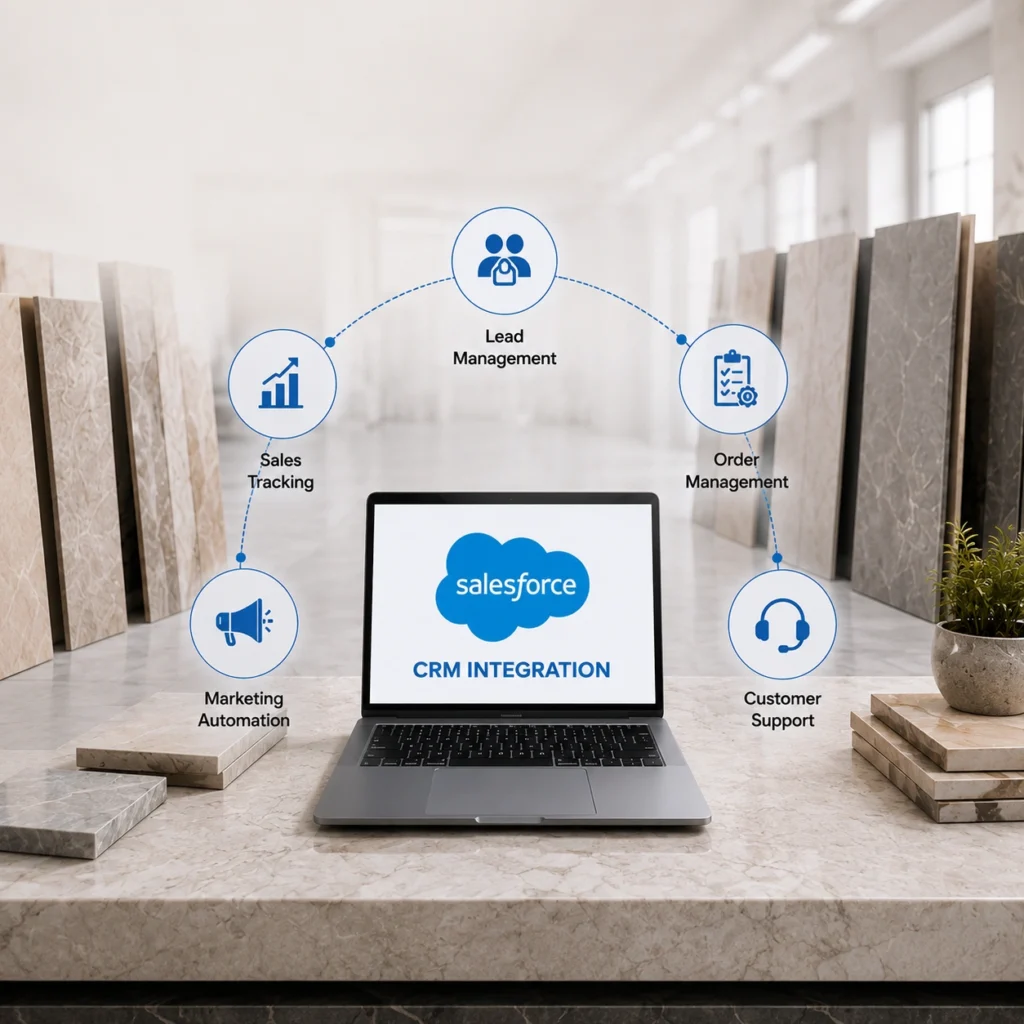
Most tile manufacturers already run a capable CRM. The problem usually isn’t the software. It’s that Salesforce sits on its own island while orders, stock levels, and dealer pricing live somewhere else entirely. Salesforce CRM integration closes that gap by wiring your sales system into the tools that actually run production and fulfillment. Done properly, it turns a contact list into a live picture of every account. This guide covers what to connect, what to expect during the build, and where our ERP and CRM integration solution fits into the picture.
What Is Salesforce CRM Integration for Tile Manufacturers?
Strip out the jargon and it’s simple. Salesforce CRM integration connects Salesforce to the other systems that hold your data, so records move between them automatically instead of by copy and paste. For a tile manufacturer, that usually means linking Salesforce to your ERP, your storefront, and your inventory system. Accounting too, in a lot of cases. A price change or a fresh order lands in one system and shows up in the others on its own. No retyping.
Tile makes this harder than most industries. You’re not selling one SKU with one price. You’re tracking lot numbers, shade variation, PEI ratings, box quantities, freight weight, and three or four pricing tiers per account. A generic CRM setup ignores all of that. A proper integration respects it, and that difference is what makes the data usable for a sales rep on a Tuesday afternoon.
Why Poor CRM Integration Costs Tile Manufacturers Sales
Picture a rep quoting a contractor on 4,000 square feet of porcelain. The rep pulls up the account in Salesforce, sees a past order for the same line, and promises a two week delivery.
Except the warehouse ran that lot down to almost nothing last week.
Nobody told Salesforce. The quote goes out, the order gets placed, and now someone has to call the contractor back and explain the delay. That’s the everyday cost of disconnected systems. Reps work from stale numbers, quotes get rebuilt by hand, and customer trust takes small hits that add up over a year.
Manual re-entry is the quieter tax. Every order typed once in the CRM and again in the ERP is a chance for a wrong quantity, a mismatched price, or a duplicate account. Multiply that across a busy sales team and the errors get expensive.
Key Benefits of Salesforce CRM Integration
A good Salesforce integration changes the day-to-day for your sales team in a few specific ways. Here’s what tends to matter most for tile businesses.
1. Unified Customer Data for Better Sales Decisions
When Salesforce connects to your order and inventory systems, your sales team can see customer data, full order history, and current stock right inside the CRM. No second screen. No calling the warehouse. A rep opening an account sees what that customer buys, how often, and what’s available to ship today.
2. Accurate Quotes with Real-Time ERP Data
This is where the payoff shows fastest. With purchase history and live inventory in front of them, reps can prepare proposals that hold up. They know the customer’s preferred products and preferred pricing tier, so quote generation gets faster and far more accurate. Fewer callbacks. Fewer “let me check and get back to you” moments.
3. Automatic Order Sync Between Salesforce and ERP
Opportunities created in Salesforce can sync straight to your order management system. The deal your rep closes becomes the order your warehouse fulfills, without anyone keying it in twice. That single change removes a whole category of mistakes.
4. Complete Customer History Across Every Interaction
Interactions log automatically. Calls, quotes, orders, follow-ups. Over time you build a complete record of every account without asking reps to update fields by hand, which, frankly, they rarely do consistently anyway.
What Data Should You Sync Between Salesforce and ERP?
Not everything needs to flow between systems. Syncing too much is a real mistake, and it usually shows up as sluggish performance and confusing duplicate records.
Worth syncing in most tile businesses:
- Customer and account records, including contacts, credit terms, and assigned pricing tier
- Order history and open opportunities, so sales and fulfillment stay aligned
- Live inventory and lot availability, which is the single most requested data point for tile sales teams
- Product and pricing data, especially dealer and contractor tiers that change by account
Usually better left alone:
- Deep accounting detail such as journal entries and ledger data, which belongs in your ERP and finance tools, not the CRM
- Internal cost data your sales team doesn’t need and shouldn’t see
- High-frequency operational logs that would flood Salesforce with noise
A short warning here. Bidirectional sync sounds appealing for everything, but two-way syncing on fields that both systems edit can create conflicts. Decide early which system is the source of truth for each field. That one decision prevents most sync headaches down the road.
How Salesforce CRM Integration Works for Tile Manufacturers
A Salesforce integration isn’t a plugin you switch on. It’s a project, and the good ones follow a clear sequence.
- System assessment: First step is looking at what you already run. We map your current systems, data structures, and where records live today. This is also where messy data gets flagged, duplicate accounts, inconsistent product codes, that kind of thing. The output is a recommended integration architecture that fits how your business runs, not a template.
- Integration development: Next, the connectors get built. Data mappings and transformation rules are configured so a “customer” in Salesforce matches a “customer” in your ERP. Automated workflows handle the actual syncing, and everything gets tested in a staging environment before it touches live data.
- Data migration: Historical data moves over and gets validated for accuracy and completeness. Any cleanup happens here. Skipping this step is how companies end up with a shiny new integration syncing years of bad records.
- Ongoing support: Systems change. ERPs get upgraded, Salesforce pushes updates, and integrations need monitoring so a silent failure doesn’t go unnoticed for a week. Ongoing support keeps the data flowing and accurate after launch.
Common Salesforce CRM Integration Challenges
Honesty helps here, because every integration project runs into a few of these.
- Data quality comes first, and it’s often ugly: Most tile manufacturers discover duplicate accounts and inconsistent product naming the moment they look closely. Cleaning this up takes time, but integrating dirty data just spreads the mess to more systems.
- API limits are real: Salesforce and most ERPs cap how many calls you can make in a given window. A well-designed integration works within those limits using batching and scheduling. A poorly designed one hits the ceiling and starts dropping updates.
- Cost depends heavily on scope: A straightforward Salesforce-to-ERP sync is a modest project. Add legacy systems, custom pricing logic, and multi-warehouse inventory, and the effort grows. Get a scoped estimate before committing.
- Adoption isn’t automatic: The cleanest integration in the world fails if reps don’t trust it. Training and a short adjustment period matter more than most teams expect.
Salesforce CRM Integration Best Practices
A few habits separate integrations that last from the ones that break within a quarter.
- Define a single source of truth for every synced field before development starts. When two systems disagree, everyone should already know which one wins.
- Start with a focused scope. Connect customer, order, and inventory data first, prove it works, then expand. Trying to sync everything at once slows the whole project and multiplies the risk.
- Build in error handling and audit logging from day one. When a record fails to sync, you want an alert and a log, not a mystery discovered weeks later.
- Test with real tile data, including lot numbers and tiered pricing. Sample data hides the exact edge cases your business runs into daily.
- Plan for maintenance. Treat the integration as a living system that needs monitoring, not a one-time setup.
Why Choose Tile IT Solutions for Salesforce CRM Integration
We build bidirectional integrations that connect Salesforce, HubSpot, and Zoho with the systems that run your operation, including SAP, NetSuite, Microsoft Dynamics, and Sage. The point is simple: eliminate manual re-entry and reduce the errors that come with it. Our team has integrated 45 plus enterprise systems for tile companies, and on the accounting side alone we’ve seen error rates drop by around 90 percent once manual data entry disappears.
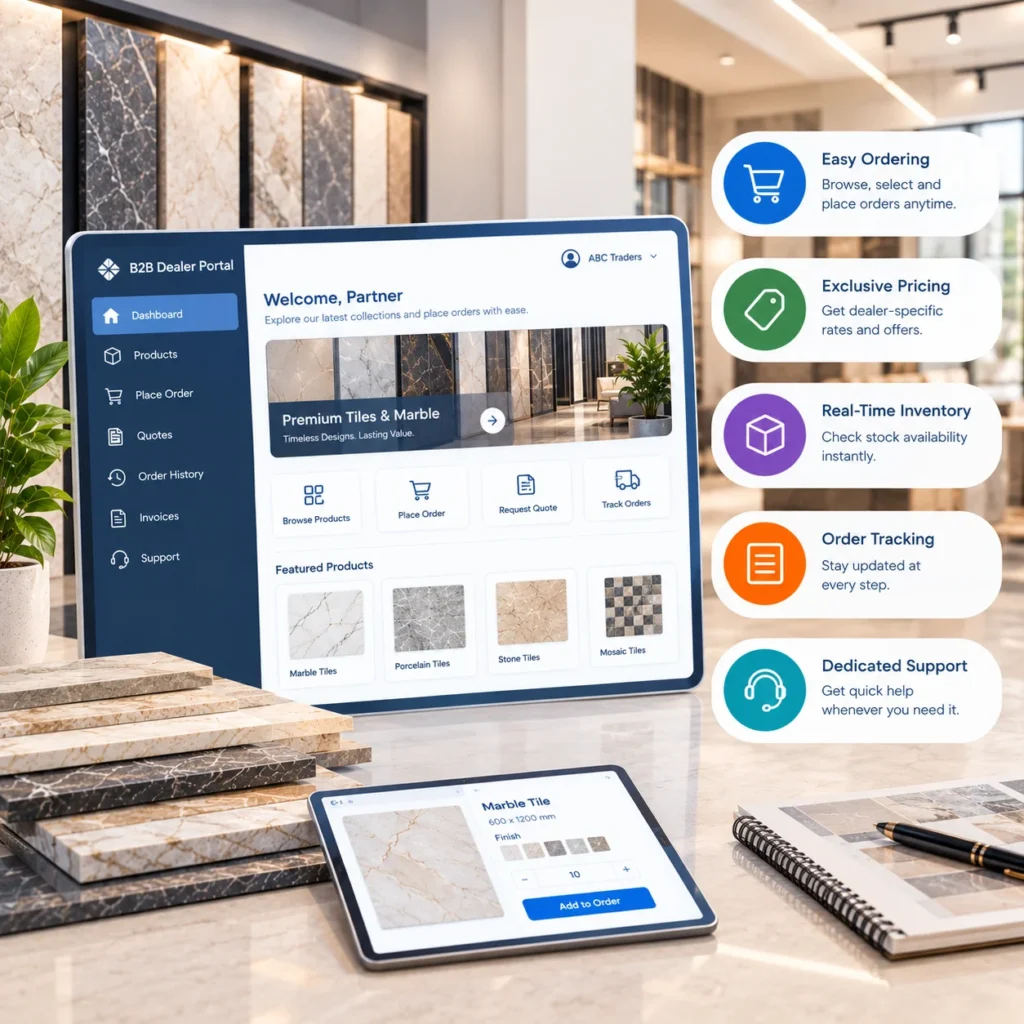
Because tile has its own quirks, we pull inventory and lot logic straight from your inventory and warehouse system and connect it to your B2B dealer portal so the same accurate numbers show up everywhere your team and your dealers look. Custom middleware and real-time data pipelines handle the systems that don’t have off-the-shelf connectors.
If your reps still call the warehouse to check stock before quoting, that’s the gap worth closing first.
Ready to connect Salesforce to the systems that actually run your tile business? Request an integration assessment and we’ll map your current setup, flag the data worth syncing, and show you what a cleaner sales workflow looks like.
FAQs
1. How long does a Salesforce CRM integration take?
Depends on scope. A focused Salesforce to ERP sync covering customer, order, and inventory data can be done in a few weeks. Throw in legacy systems, tiered pricing rules, and five warehouses, and it runs longer. Get an assessment first so the estimate is real, not a guess.
2. Which ERPs does Salesforce connect with?
The big ones tile companies actually run: SAP, NetSuite, Microsoft Dynamics, Sage. Anything without a ready-made connector gets handled with custom middleware and a bit of API work.
3. Is Salesforce integration worth it for a smaller tile manufacturer?
Usually, yes. Smaller teams feel the pain of manual re-entry more, not less, because fewer people are around to absorb it. Even a basic sync of customer, order, and live stock data buys back hours a week and trims quoting mistakes.
4. Will integration disrupt my current sales process?
Shouldn’t. All the building and testing happens in a staging environment before it touches live data. Your reps keep working in Salesforce the same way they do now. What they’ll notice is better numbers on screen, not some new tool to learn.
5. What’s the difference between one-way and bidirectional sync?
One-way sync pushes data in a single direction, say orders going from Salesforce into your ERP. Bidirectional moves it both ways. Both ways is handy, but every field needs a clear source of truth or the two systems start fighting over what’s correct.
6. Can Salesforce show real inventory and lot data?
Yes, once it’s wired to your inventory system. Then a rep can see current stock and lot availability right inside Salesforce while building a quote. That’s the number tile sales teams ask for more than any other.