
Most tile distributors already know their dealer ordering process is slow. Phone calls, email price sheets, manual invoicing, dealers waiting days for a stock answer. A solid B2B dealer portal solution fixes that, but only if it’s built with the right features. Skip the wrong ones and you’ll end up with a portal dealers log into once and never touch again. Here’s what actually matters.
Why Choosing the Right Features Matters from Day One
A portal isn’t judged by how many modules it has. It’s judged by how often dealers actually use it instead of picking up the phone. Build in the wrong priorities and adoption stalls within weeks. That’s the pattern we’ve seen across dozens of tile and flooring rollouts.
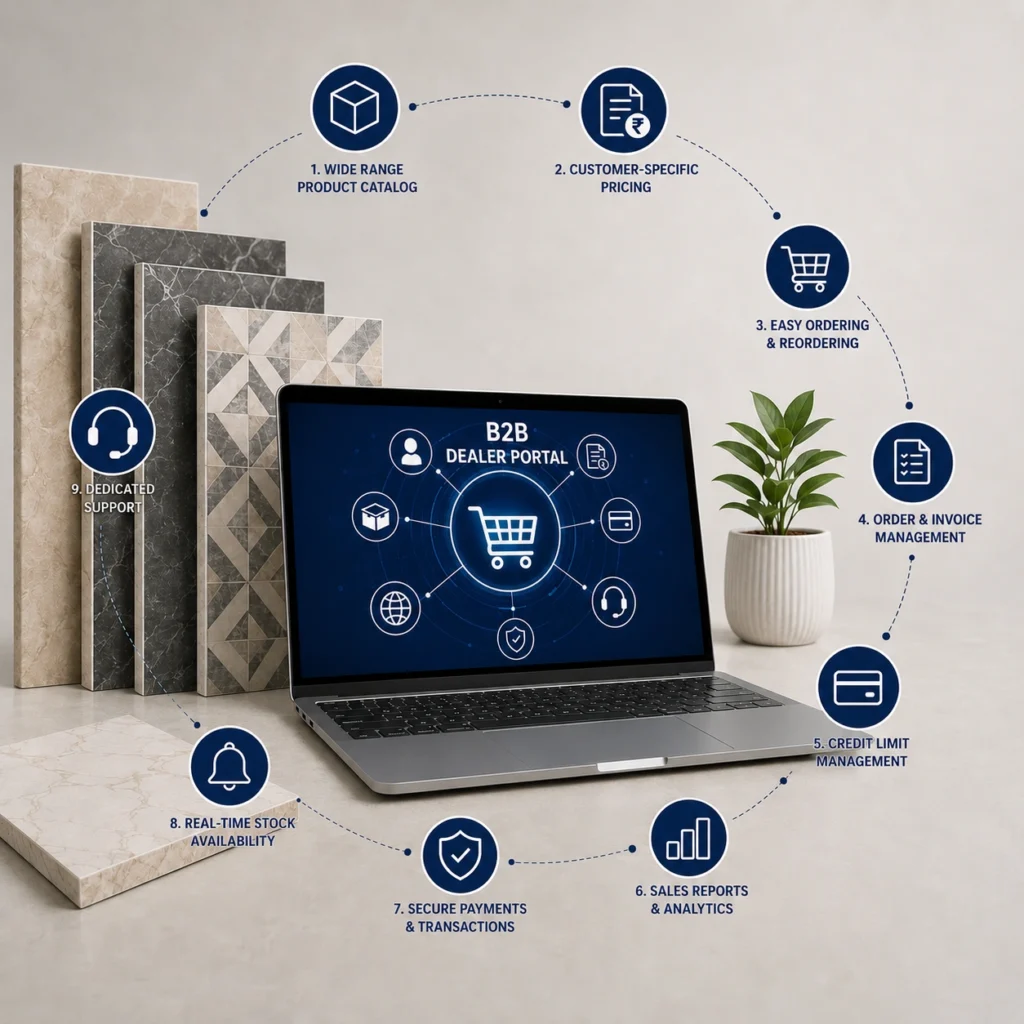
9 Features Every Modern Tile B2B Dealer Portal Should Have
Here are the features that actually move the needle for dealer adoption and order volume, based on what’s working across current tile and building materials portals.
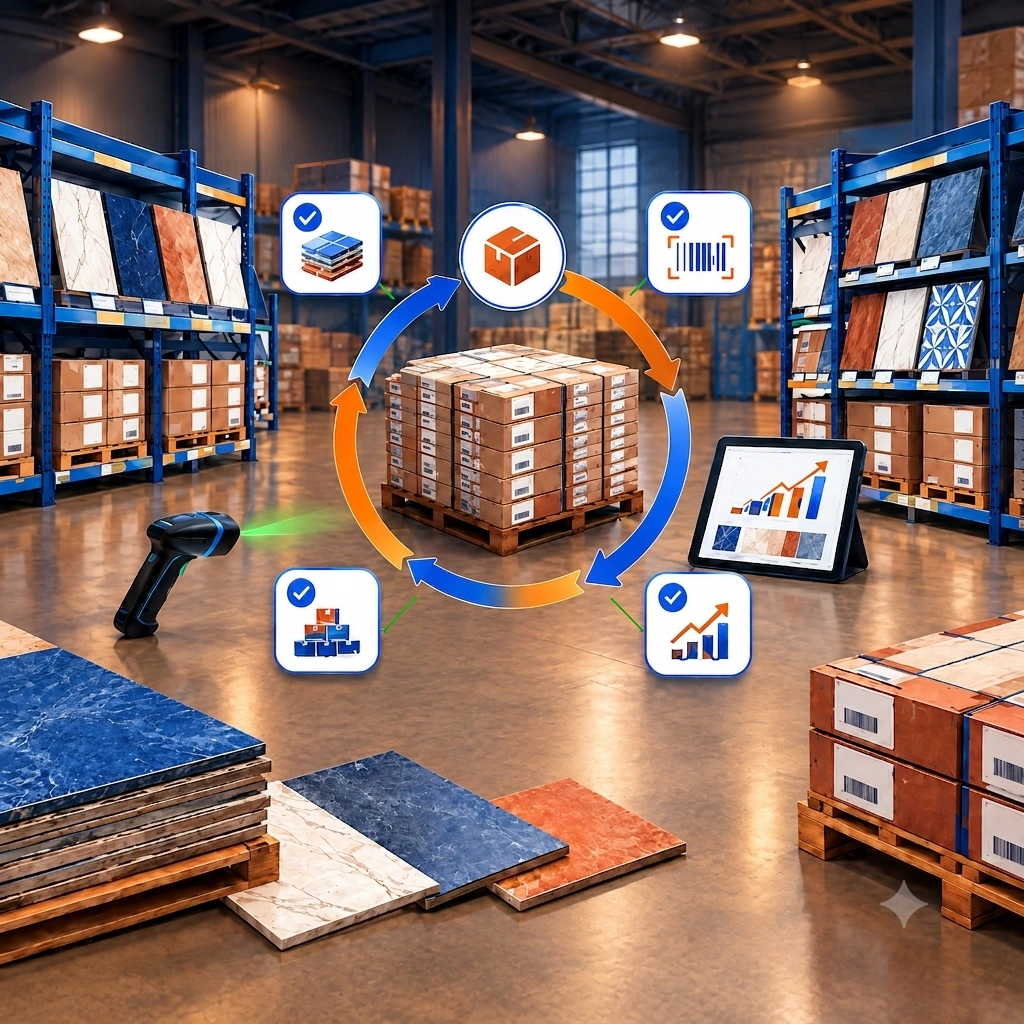
1. Real-Time Inventory Visibility
This one’s non-negotiable. Dealers need to see exact stock counts, not “in stock” versus “out of stock” toggles that lag behind the warehouse by two days.
For tile specifically, inventory visibility has to go deeper than most ecommerce platforms account for. Shade variation and lot numbers matter enormously here — a dealer ordering 400 square feet for one job needs tiles from the same lot, or the installer ends up with a visible color mismatch on the wall. A portal that shows warehouse location, restock timing, and lot-level detail prevents that headache before it starts. Automatic reorder points for fast-moving SKUs are worth adding too, since they cut down on the “are you still carrying this” emails your team gets weekly.
2. Dealer-Specific Tiered Pricing
Every dealer isn’t the same, and your pricing shouldn’t pretend otherwise.
- Volume-based tiers tied to order history or annual commitments
- Custom rules by dealer segment: retail stores, contractors, commercial builders
- Loyalty or negotiated pricing that updates automatically, not manually per order
Tiered pricing done well also nudges behavior. When dealers can see exactly how much closer they are to the next pricing tier, order sizes tend to grow. Distributors running this feature well have reported average order values climbing by roughly 40 percent, largely because dealers stock up rather than trickle-order.
3. 24/7 Self-Service Ordering
Honestly, this is the feature that changes everything else downstream. Dealers placing orders at 9pm on a Sunday shouldn’t need to wait for Monday morning and a rep’s availability. Self-service ordering removes that bottleneck entirely, and it frees your sales team to spend time on strategic accounts instead of re-keying routine POs. Order processing costs typically drop sharply once this is live, sometimes by as much as 70 percent, because so much manual work simply disappears.
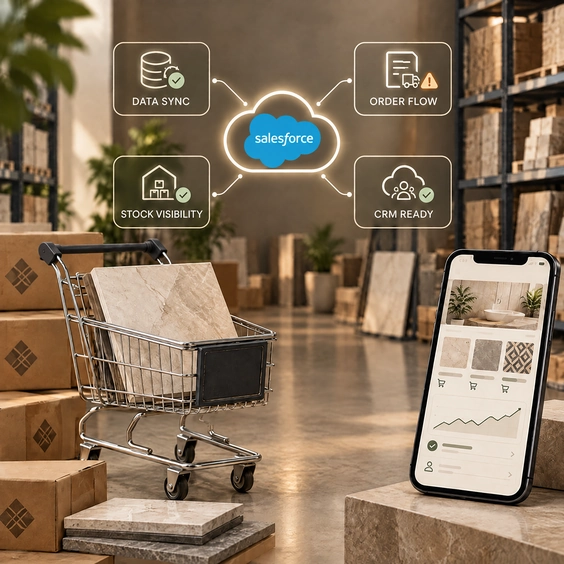
4. Native ERP and CRM Integration
Not always the flashiest feature, but easily the most important behind the scenes.
If your portal isn’t syncing inventory, pricing, and customer records with your ERP in real time, you’re maintaining two versions of the truth. That’s a recipe for the exact stockout and pricing mismatch complaints dealers hate most. Look for native connections to systems like SAP, NetSuite, Microsoft Dynamics, or Epicor rather than a bolt-on integration that breaks every time either system updates.
A quick caution: portals sold as “integration ready” sometimes mean a CSV export, not a live sync. Ask specifically how often data refreshes and what happens when the ERP goes down for maintenance.
5. Order Tracking From Placement to Delivery
Dealers want the same visibility Amazon trained every buyer to expect. That means:
- Confirmation the moment an order is placed
- Shipment notifications with expected delivery windows
- Proof of delivery, accessible without calling anyone
This sounds basic. It’s still one of the most requested features we hear about, mostly because so many legacy systems still handle it through spreadsheets and phone confirmations.
6. Automated Invoicing and Flexible Payment Options
Manual invoicing creates delays on both ends. Automating invoice generation the moment an order ships, and letting dealers pay online through credit card, ACH, or standing purchase order terms, keeps cash flow moving. Automated payment reminders reduce late payments too, which matters more than most distributors admit upfront. It’s not glamorous, but it’s the difference between chasing payments and having them show up on schedule.
7. Role-Based Access Controls
Not every dealer contact should see the same information. A warehouse manager checking stock levels doesn’t need visibility into another location’s credit terms, and a junior buyer probably shouldn’t have authority to change payment methods. Role-based permissions keep sensitive data contained and reduce the risk of costly ordering mistakes. It’s a security feature first, but it also just makes the portal easier to navigate for each type of user.
8. Performance Analytics and Dealer Dashboards
Data that sits in a report nobody opens isn’t helpful. Useful analytics show:
- Top-selling products by dealer and by region
- Seasonal ordering trends
- Underperforming accounts that might need a check-in call
- Forecasted demand based on historical patterns
This is where a portal starts paying for itself in ways beyond order processing. Spotting a dealer whose orders dropped 30 percent quarter over quarter is a lot easier when the dashboard flags it, rather than someone noticing three months later.
9. Calculators and Visualization Tools Built Into the Dealer Experience
Here’s a feature most generic B2B platforms skip entirely, and it’s specific to materials like tile. Giving dealers access to coverage calculators and product visualization tools inside the portal itself lets them quote jobs faster for their own customers. Instead of dealers doing manual math on waste factors and pattern layouts, the calculators and estimating tools do it for them. That reduces returns from underordering and gives dealers one more reason to stay inside your ecosystem instead of comparison shopping elsewhere.
Also Read: Why Tile Manufacturers Need a B2B Dealer Portal
Common Mistakes to Avoid When Building a Dealer Portal
Not every dealer portal project goes smoothly, and a few mistakes show up again and again.
Rushing the ERP integration is probably the biggest one. Distributors sometimes launch a portal before the backend sync is fully tested, which leads to pricing errors dealers notice immediately and remember for months. Skipping proper dealer onboarding is another common gap. A powerful portal that nobody trained the dealers on will sit unused, no matter how good the feature set looks on paper. And underestimating mobile usage causes real friction too. Plenty of dealer reps place orders from a job site or a truck, not a desktop, so a portal that only works well on a laptop screen loses adoption fast.
Getting the Rollout Right
A phased launch tends to outperform an all-at-once rollout. Start with your highest-volume dealers, work through onboarding issues with a smaller group, then expand once the workflow is proven. Distributors who skip this step and launch to their entire dealer network at once usually spend the first month firefighting instead of gathering feedback.
Building a B2B ecommerce and dealer platform alongside the portal, rather than treating them as separate projects, also tends to produce a cleaner experience since pricing logic and product data only need to live in one place.
Thinking about building or upgrading your dealer portal? Talk to our team about what a tile-specific B2B platform could look like for your distribution network.
FAQs
1. What’s the biggest reason dealer portals fail to get adopted?
Usually it comes down to friction. If the portal is slower or more confusing than picking up the phone, dealers just won’t switch. Real-time inventory and simple ordering flows solve most of that.
2. Do small distributors need all these features on day one?
Not necessarily. Start with self-service ordering, inventory visibility, and ERP sync. Analytics and advanced dashboards can come in a later phase once the basics are working well.
3. How long does it typically take to launch a tile B2B dealer portal?
It varies by scope, but most projects run a few months from assessment through dealer onboarding. Complex ERP integrations can extend that timeline.
4. Can a dealer portal work without full ERP integration?
It can technically launch without it, but expect ongoing data mismatches. Full integration is usually worth the extra setup time.
5. Is mobile access really necessary for a dealer portal?
Yes, in most cases. A large share of dealer reps place orders from job sites, not desks, so a mobile-friendly portal isn’t optional anymore.