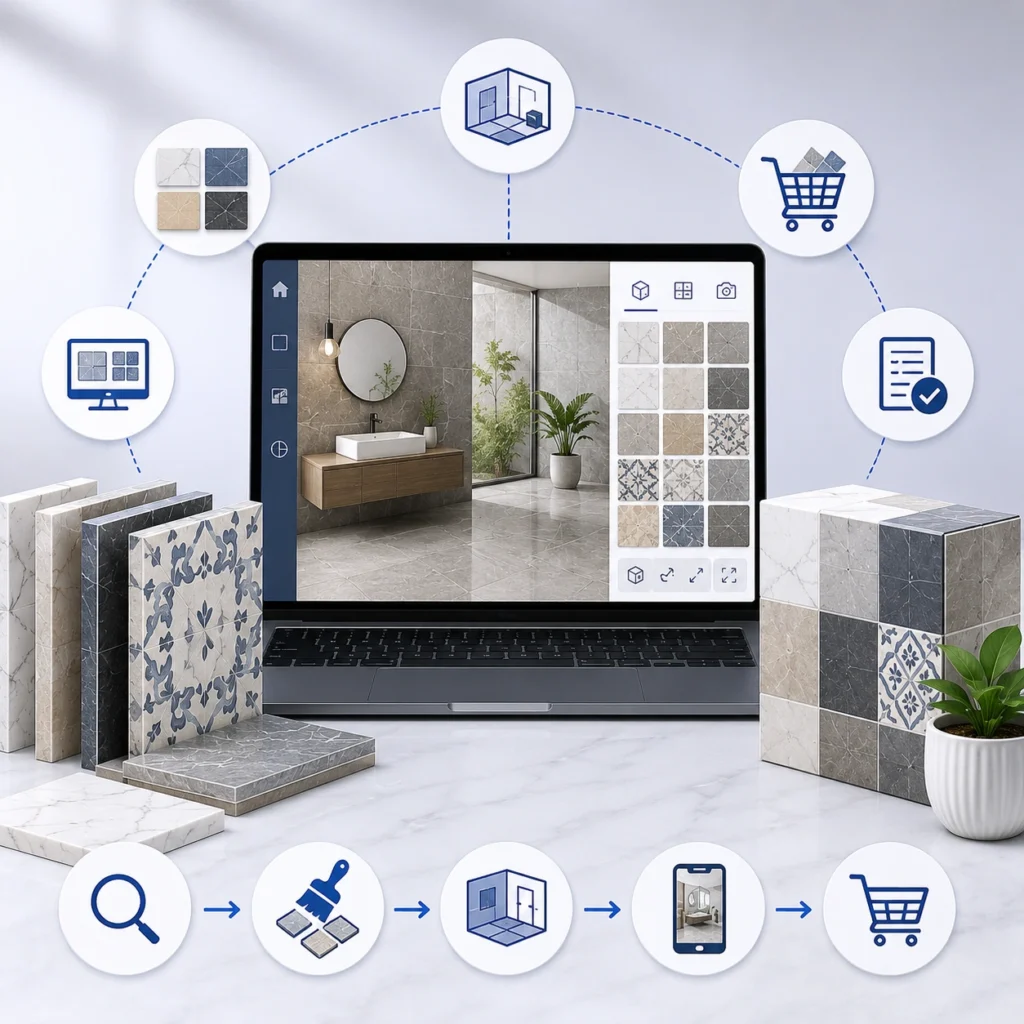
Picking dealer management software for a tile business isn’t really a software decision. It’s a decision about how your dealers order, how fast your team confirms stock, and whether shade lots get matched correctly before a pallet ships. Most platforms handle none of that well. This guide covers what to look for, what to ignore, and the questions worth asking before you sign anything. Start with a purpose built B2B dealer management portal solution rather than a generic wholesale tool.
What Is Dealer Management Software and How Does It Work?
Strip away the marketing and you’re looking at one system that holds four things: who your dealers are, what price each one gets, what stock exists right now, and where every order sits.
That sounds simple. In tile it isn’t.
A dealer ordering 40 boxes of a 600×600 porcelain needs to know the lot number, whether the full quantity comes from one lot, what the PEI rating is, and how many square metres that actually covers after a waste factor. Generic B2B ordering software treats a box of tile like a box of screws. You end up with credit notes, returns, and a dealer who stops trusting your stock numbers.
Good dealer management software also removes phone calls. That’s the honest business case. When dealers self serve, order processing costs drop sharply. Our own distributor implementations have cut processing costs by around 70 percent while average order value rose roughly 40 percent, mostly because tier thresholds became visible to the dealer at the point of ordering.
6 Signs Your Tile Business Needs Dealer Management Software
You probably already know. But a few specific symptoms show up again and again:
- Your inside sales team spends the first two hours of every morning retyping emailed purchase orders.
- Two dealers received different prices for the same SKU last month and nobody can explain why.
- Stock figures come from a file exported at 6pm yesterday.
- A dealer calls to ask where an order is, and someone has to walk to the warehouse to find out.
- Shade variation complaints are rising because lot numbers were never captured on the order.
- Your top dealer’s tier discount is stored in a colleague’s head.
Three or more of those, and manual process isn’t a cost saving anymore. It’s a ceiling.
Also Read: Reasons Tile Manufacturers Need a B2B Dealer Portal
Key Features to Look for in Dealer Management Software
Below are the capabilities that separate tile ready platforms from generic wholesale tools. Weight them against your own network size, warehouse count, and ERP setup.
1. Tiered Pricing That Matches Real Agreements
Most systems do volume breaks. Fewer handle the messy reality: a retail store on standard tier, a contractor on negotiated pricing, a commercial builder with a project specific rate, and a dealer whose discount changes if they hit an annual commitment.
Ask to see pricing rules configured live, using your actual dealer segments. Not a demo dataset.
2. Real-Time Inventory Visibility Across Warehouses
Batch sync is the single most common reason dealers stop trusting a portal. If stock updates once a day, a dealer can order 300 boxes that sold this morning.
Look for live inventory visibility per warehouse, with expected restock dates and dealer settable reorder points. Multi warehouse visibility matters more than most buyers realise at evaluation stage, and it’s expensive to retrofit later.
3. Lot and Shade Tracking Inside the Order Flow
This is the tile specific test. Can a dealer see which lots are available, request a single lot for a large job, and have that lot recorded against the order line?
If lot tracking lives only in the warehouse system and never reaches the dealer, you haven’t solved shade variation. You’ve just moved the complaint downstream. Proper inventory and warehouse management solutions track lot numbers on every movement, which is what makes isolating a defective batch possible in hours rather than weeks.
4. Automatic Tile Coverage and Box Quantity Calculations
Dealers order in boxes. Customers buy in square metres or square feet. Somebody has to convert, and when that somebody is a person with a calculator, mistakes happen.
The platform should do square metre to box conversion automatically, round to full boxes, and apply a waste factor the dealer can adjust. Small feature. Removes a whole category of ordering error.
5. Self-Service Order Tracking for Dealers
Placement through delivery, with shipment tracking, expected delivery dates, proof of delivery, and automatic notifications at confirmation, dispatch, and arrival.
The point isn’t dealer delight. It’s that your support inbox stops filling with “where is my order” messages.
6. Automated Invoicing, Credit Limits, and Payments
Invoices generated on confirmation or dispatch. Dealers able to see credit limit, available balance, and payment history without emailing accounts. Online payment by card, ACH, or purchase order.
Automated reminders do more for cash flow than most people expect. Worth asking about.
7. Dealer Sales Analytics and Business Insights
Two audiences here. You want purchasing patterns, seasonal trends, product preferences, and a way to spot underperforming dealers early. The dealer wants their own sales history and tier progress.
Vendors that only build the first half are building a reporting tool, not a dealer platform.
8. Role-Based Access Control for Dealer Teams
A branch manager, a purchasing clerk, and an accounts contact at the same dealer shouldn’t see the same screens. Role based controls also matter if your dealers include competing retailers in one region.
9. ERP Integration Depth
Here’s where projects usually fail. Not at launch. Six months later, when pricing in the ERP and pricing in the portal have quietly diverged.
Ask specifically: is the sync bidirectional, which direction wins on conflict, and what happens during an ERP outage? Native connectors for SAP, NetSuite, Epicor, Dynamics, and Sage exist, but “we integrate with SAP” covers everything from a nightly CSV to live order flow into SAP order management. Those are different products. Our ERP and CRM integration solutions handle live order, inventory, pricing, and credit term sync, including multi currency and tax handling for manufacturers running distributed operations.
10. Mobile-Friendly Dealer Ordering Experience
Your dealers’ staff are on showroom floors and job sites. If the portal needs a desktop to place a repeat order, adoption stalls at maybe 30 percent and your sales team keeps taking phone orders anyway.
Also Read: Key Features in a Tile B2B Dealer Portal
Should You Buy, Build, or Extend a Dealer Portal?
Three routes, and the right one depends mostly on how unusual your pricing and logistics are.
- Off the shelf B2B platforms get you live fastest and cost least upfront. They suit distributors with straightforward tier pricing and one or two warehouses. The trade off: lot tracking and coverage math usually need workarounds, and you’ll be waiting on someone else’s roadmap.
- Custom portal development fits distributors with complex dealer segmentation, several warehouses, or genuinely tile specific workflows. Longer timeline, higher upfront cost, and it’s yours. This is the right call more often in tile than in most verticals, purely because of lot and shade handling.
- Extending your ERP’s native portal looks cheapest on paper. Sometimes it works. Often the dealer facing experience is poor enough that adoption never happens, and a portal nobody uses costs more than no portal at all.
Quick comparison:
| Route | Time to live | Best fit | Main risk |
| Off the shelf | 6 to 10 weeks | Simple pricing, 1 to 2 warehouses | Tile specifics need workarounds |
| Custom build | 3 to 6 months | Complex tiers, multi warehouse, manufacturers | Higher upfront investment |
| ERP native portal | 4 to 8 weeks | Existing heavy ERP investment | Weak dealer adoption |
Questions to Ask Before Buying Dealer Management Software
Bring these to the demo. The answers tell you more than any feature grid.
- Show me tiered pricing configured for three different dealer types.
- How does a dealer request a specific lot, and where is that recorded?
- Is your inventory sync live or scheduled? What’s the interval?
- Which ERP have you connected most often, and can I speak to that client?
- What happens to orders placed while the ERP is unavailable?
- Who handles dealer onboarding and training, you or us?
- How many tile or building materials clients do you have live right now?
- What does year two cost, including support and changes?
Question seven filters hard. A vendor who understands kiln changeovers, seconds and downgrades, and why a dealer cares about lot consistency will answer differently from one who has only sold to industrial suppliers.
Dealer Management Software Implementation Process
Four phases, roughly.
Assessment comes first. Your dealer network, pricing structure, and current workflows get mapped, along with integration requirements against your ERP and accounting systems. Skipping this to save three weeks is the most expensive shortcut available.
Then development and integration. Role based access, pricing rules, automated order and invoicing workflows, and the ERP sync itself. Testing happens in a staging environment against real pricing data, not sample data.
Dealer onboarding is where most projects underperform. Account setup, documentation, training materials, and direct dealer communication. Budget real time for this. A portal with 40 percent adoption returns roughly nothing.
After launch, adoption metrics and order trends need watching monthly. Usage patterns usually reveal two or three workflow fixes that lift adoption more than any new feature would.
Common Dealer Management Software Mistakes to Avoid
Buying on feature count. Long lists win demos and lose implementations. Twelve capabilities you actually use beat sixty you don’t.
Treating lot tracking as a phase two item. It won’t get built in phase two. It’ll get skipped, and shade complaints will continue.
Ignoring the dealers during selection. Ask five of them what they hate about ordering from you today. Their answers should drive the shortlist.
Assuming integration is a one time task. It’s ongoing. Ask who owns it when your ERP gets upgraded.
Choosing a generalist because the quote was 30 percent lower. Sometimes fine. In tile, usually not, because the industry specifics get discovered mid build and priced as change requests.
Tile IT Solutions has built dealer platforms for 40 plus distributors and manufacturers, with 12 plus years focused entirely on tile, flooring, and building materials. We’ll review your dealer network, pricing structure, and ERP setup, then show you exactly how the ordering flow would work for your business.
Frequently Asked Questions
1. What is dealer management software for tile businesses?
It’s a system that handles dealer accounts, dealer specific pricing, live stock visibility, ordering, and invoicing in one place. Tile versions add lot tracking, shade matching, and coverage calculations.
2. How much does it cost?
Off the shelf platforms usually start in the low thousands per year. Custom portals for multi warehouse distributors typically run considerably higher upfront but avoid ongoing licence scaling. Scope drives everything.
3. How long does implementation take?
Six to ten weeks for a standard platform. Three to six months for a custom portal with deep ERP integration.
4. Do we need ERP integration from day one?
If your ERP holds pricing and stock, yes. Launching without it means two versions of the truth within weeks.
5. Will our dealers actually use it?
Only if onboarding is handled properly and the mobile experience works. Adoption is a training and usability problem, not a software one.
6. Can it handle lot and shade variation?
Purpose built tile platforms can. Generic wholesale tools generally can’t without customisation. Test this specifically during evaluation.