Most tile businesses don’t wake up wanting SAP. They reach it after years of stock mismatches, slow dealer orders, and finance teams stitching spreadsheets together at month end. A good SAP ERP implementation can fix that, but only when it respects how tile actually moves and connects to the rest of your stack. Since SAP rarely stands alone, most tile rollouts pair it with a dedicated ERP and CRM integration solution that links the storefront, warehouse, and dealer network. This guide covers what the process really involves, where it goes wrong, and how to plan one that holds up.
Why Tile Businesses Choose SAP ERP
SAP isn’t the obvious first choice for a small showroom. It earns its place once volume, warehouses, and dealer networks get complicated enough that lighter tools start breaking.
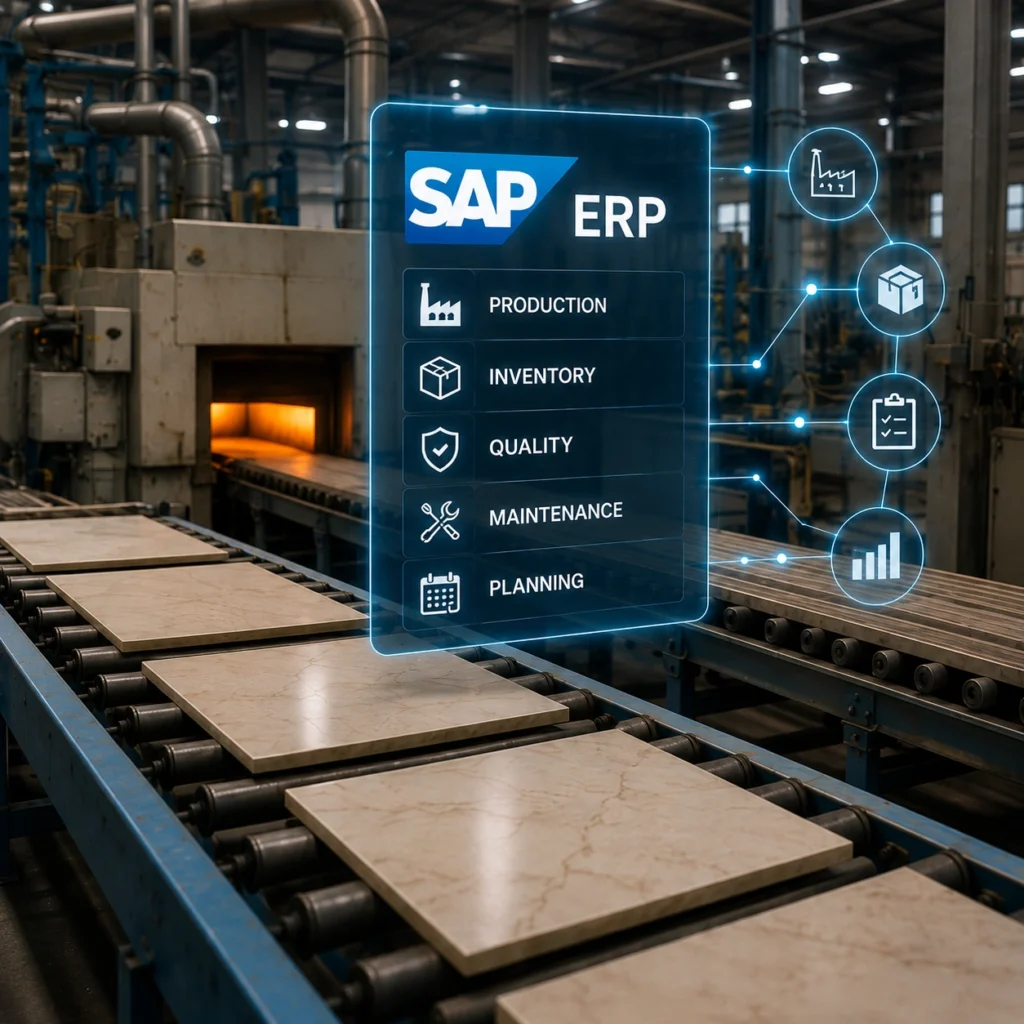
A few things usually push tile companies toward it. Growth across multiple locations, where nobody trusts the stock numbers anymore. Exports that bring multi currency and tax complexity. Manufacturing that needs real production planning, not guesswork. And often a plain deadline: SAP plans to wind down mainstream maintenance for its older ECC systems around 2027, with extended support offered at a premium. Companies still on legacy SAP are moving now rather than later.
Honest take: if you’re a single site retailer with a few hundred SKUs, full SAP may be overkill. Read the next section before you commit.
SAP Business One vs SAP S/4HANA: Which Is Right for Your Tile Business?
This is the fork that decides your whole budget, so it’s worth slowing down here.
SAP Business One suits small and mid sized tile dealers and distributors. It’s lighter, faster to stand up, and cheaper to run. If your team is under a couple hundred people and your processes aren’t wildly custom, this is often the sensible pick.
SAP S/4HANA is the enterprise flagship. Manufacturers with real production lines, multi plant operations, or heavy compliance needs tend to land here. It’s powerful. It’s also a bigger commitment in money, time, and internal change.
Quick way to decide:
- Choose Business One when you mainly distribute or retail, want a faster rollout, and don’t need deep manufacturing modules.
- Choose S/4HANA when you manufacture at scale, run several plants or warehouses, or already sit inside the SAP ecosystem.
- Still unsure? Scope both. A short assessment usually makes the answer obvious.
There’s no prize for buying more ERP than you’ll use.
What Makes SAP ERP Implementation Different for Tile Businesses?
Here’s where most generic implementation partners quietly struggle. Tile isn’t a uniform box on a shelf.
Lot and shade variation is the big one. Two pallets of the same SKU can differ in color, and a customer who orders more mid project expects a match. Your ERP has to track lots and shades, not just quantities, or you’ll ship mismatched tile and eat the returns.
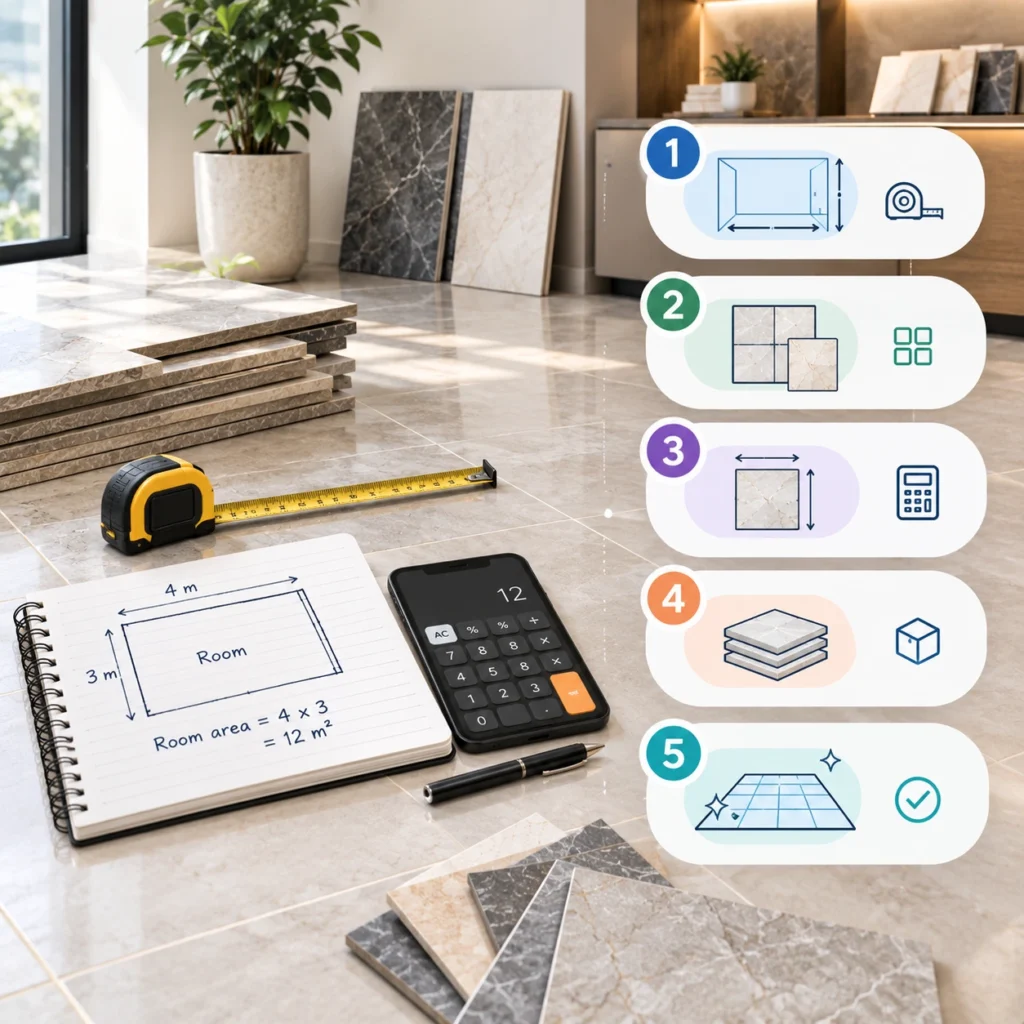
Then there’s coverage math. Customers buy square footage, not pieces, and waste factors change with the layout pattern. Dealer pricing adds another layer, since the same tile carries different prices for retail, contractor, and distributor accounts. And stock lives across showrooms, warehouses, and distribution centers at the same time, which is why your live ecommerce solution has to read the same numbers SAP does.
A rollout that treats tile like generic inventory will technically go live and still frustrate everyone. This is exactly why tile specific configuration matters more than the SAP badge on the box.
SAP ERP Implementation Roadmap for Tile Businesses
A tile ERP project moves through clear phases. Rushing any one of them is where budgets blow up. The path below mirrors the same four phase approach we use on live integrations, expanded for a full SAP rollout.
Phase 1: Business Assessment & Project Scoping
Start by mapping what you actually run today. Current systems, data structures, the workflows people rely on, and the gaps nobody talks about. This is also where you confirm Business One versus S/4HANA and lock down which modules you genuinely need. Skip this and you’ll pay for it later in scope creep.
Phase 2: Data cleanup and migration planning
Your existing data is messier than you think. Duplicate SKUs, dead dealer accounts, inconsistent units, lot records that never matched reality. Clean it before migration, not after. Garbage moved into SAP is still garbage, only now it’s expensive garbage.
Plan what moves, what gets archived, and how you’ll validate accuracy once it lands.
Phase 3: SAP ERP Configuration & Customization
Now the system gets shaped to your business. Pricing tiers, tax rules, lot and shade logic, warehouse structures, approval flows. Configure first, customize only where the standard system genuinely can’t handle a tile specific need. Heavy custom code is what makes future upgrades painful, so keep it lean.
Phase 4: Third-Party System Integrations
An ERP that doesn’t talk to your other systems just moves the silos around. This is the phase where SAP connects to your storefront, your dealer portal, and your warehouse.
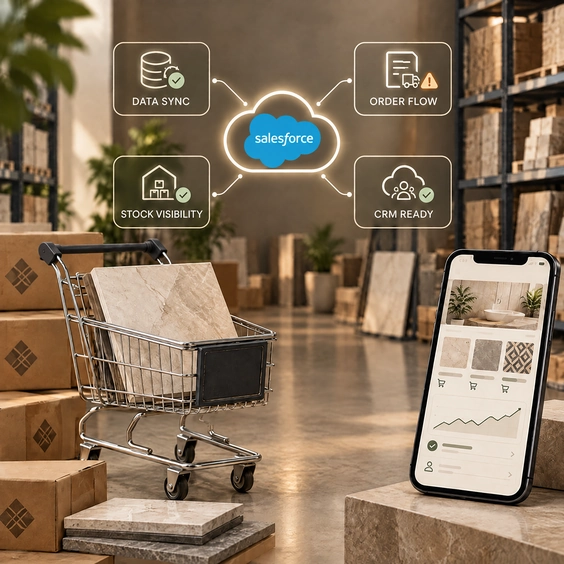
Sales orders from ecommerce should flow straight into SAP order management. Inventory should sync in real time so the website shows what’s actually on the floor. Customer data, pricing, and credit terms should stay consistent everywhere. If your dealers order online, the B2B dealer portal solution has to read live SAP stock, and your inventory and warehouse solution needs bidirectional sync down to the lot level.
This is usually the hardest phase. It’s also the one that decides whether the whole investment pays off.
Phase 5: User Acceptance Testing (UAT)
Test with real scenarios, not tidy sample data. Run a multi currency export order. Push a partial dealer shipment. Force a lot mismatch and see what the system does. Bring in the people who’ll actually use it daily, because they’ll find breaks your consultants never will.
Phase 6: Training and go live
Train by role. A warehouse picker and a finance controller need completely different things from SAP, and generic training wastes everyone’s afternoon.
For go live, phased beats big bang for most tile businesses. Bring one warehouse or one region online, prove it works, then expand. It’s slower on paper and far less risky in practice.
Phase 7: Post go live support
The first ninety days are when the real issues surface. Edge case orders, reporting quirks, sync hiccups under load. Budget for active support here. A rollout that gets abandoned at go live tends to quietly decay within a year.
Common SAP ERP Implementation Challenges for Tile Businesses
A few failure patterns show up again and again in this industry:
- Treating it as an IT project instead of a business one. If operations and sales aren’t in the room, the configuration won’t match reality.
- Migrating dirty data because cleanup felt boring.
- Over customizing early, then dreading every upgrade.
- Skimping on training and blaming staff when adoption stalls.
- Leaving integration as an afterthought, so SAP sits on an island.
None of these are technology problems. They’re planning problems, which is oddly good news, because planning is the part you control.
SAP ERP Implementation Timeline and Cost: What to Expect
Straight answer: it depends on scope, and anyone who quotes a fixed number without seeing your operation is guessing.
Business One rollouts for a distributor can often land in a few months. A full S/4HANA program for a mid sized manufacturer with several plants commonly runs closer to nine to eighteen months, sometimes longer when heavy customization or messy data gets involved. Cost tracks the same logic and shifts with edition, user count, modules, and how much integration you need.
The bigger cost isn’t the license anyway. It’s internal time, data cleanup, and change management. Plan for those honestly and the project surprises you far less.
Why Choose Tiles IT Solutions for SAP ERP Implementation?
We work only in tile, flooring, and building materials, so we don’t relearn lot management and coverage math on your dime. Our team has integrated SAP, NetSuite, Microsoft Dynamics, and Sage for tile companies, connecting them to ecommerce platforms, dealer portals, and warehouse systems with bidirectional sync for orders, inventory, pricing, and customer data.
For businesses on SAP specifically, we handle the deep pieces: sales orders flowing from ecommerce into SAP order management, real time inventory sync, and customer, pricing, and credit terms staying consistent across channels, including multi currency and tax scenarios. On the integration work we’ve delivered, clients have seen accounting errors drop by around 90 percent simply by removing manual re entry between systems.
If SAP is on your roadmap, the smartest first move is a proper assessment, not a rushed purchase.
Thinking about SAP but not sure it fits how your tile business runs? Start with a straight assessment instead of a rushed rollout. Request an integration assessment and we’ll map your systems, flag the risks, and show you a realistic path to go live.
FAQs
1. Is SAP worth it for a small tile retailer?
Often not the full enterprise version. A single site retailer with a modest catalog usually gets more value from SAP Business One or a lighter platform. Save S/4HANA for real manufacturing or multi location complexity.
2. How long does a SAP ERP implementation take for a tile business?
Business One rollouts can land in a few months. A full S/4HANA program for a mid sized manufacturer often runs nine to eighteen months. Data quality and customization depth swing that timeline the most.
3. What’s the difference between SAP Business One and S/4HANA for tile companies?
Business One is lighter and suits distributors and retailers. S/4HANA is the enterprise system built for scaled manufacturing, multiple plants, and heavier compliance. The right pick depends on how you make and move product.
4. Can SAP handle tile specific needs like lot and shade tracking?
Yes, but only when it’s configured for it. Lot and shade logic, coverage math, and dealer pricing tiers all need deliberate setup. A generic rollout that ignores them will technically work and still cause mismatched shipments.
5. Do we need to integrate SAP with our ecommerce and dealer portal?
If you sell online or take dealer orders digitally, yes. Without integration, staff re key orders by hand and stock numbers drift. Live sync between SAP, your storefront, and your portal is what makes the investment pay off.