Most tile plants don’t struggle at making tile. They struggle at tracking it. One production run can split into a dozen shades and lot numbers, land across three warehouses, and sell to dealers on five different price agreements. Spreadsheets can’t keep up.
ERP implementation for tile manufacturers carries wrinkles generic guides skip, so this walkthrough covers the steps, the pitfalls, honest timelines, and what actually works. If your systems already run and just need to talk to each other, our ERP and CRM integration solution handles that without ripping everything out.
What does an ERP system do for a tile manufacturer?
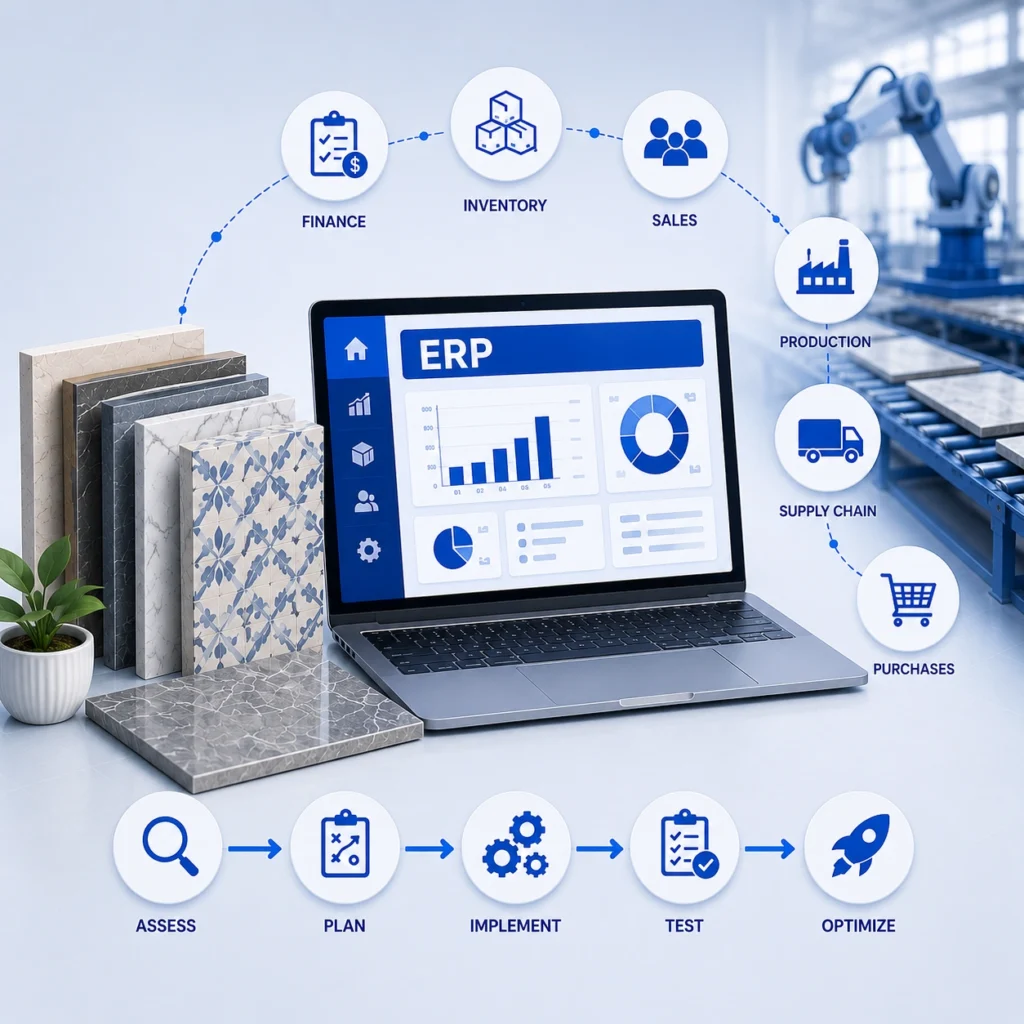
An ERP ties production, inventory, purchasing, sales, and finance to one shared database. Everyone works off the same numbers instead of a private spreadsheet.
Here’s what that looks like on the floor. A batch comes off the line, and the system logs the lot, shade, grade, and destination warehouse. Sales sees the stock right away. Finance sees the cost. Purchasing reorders raw material before the line stalls.
Most tile companies don’t lack data. They’ve got too much of it, sitting in systems that don’t agree.
Why can’t tile manufacturers use off the shelf ERP?
Generic ERP treats a widget like a widget. Tile doesn’t behave that way.
Coverage math alone trips up standard systems. A 12 by 24 plank, a hex mosaic, and a large format slab all fill a room differently, and waste factors swing with the layout pattern.
Watch for these:
- Lot and shade tracking: Two boxes of one SKU can look different. A mismatch turns into a return or a job site argument, so the system has to track down to the lot, not just the SKU.
- Mixed units: You buy by weight, make by square meter, store by box and pallet, sell some accounts by piece. Those conversions belong baked in, not bolted on.
- Grading and dealer pricing: Firsts, seconds, contract rates, volume breaks. Pricing is rarely one number.
- Several warehouses: Stock keeps moving, and your site has to match the rack.
Miss these at setup and you’ll spend the first year patching gaps by hand.
How do you implement ERP in a tile plant?
No two plants run it identically. Still, the smooth projects follow roughly the same arc.
Step 1: Map your current processes
Before any software, trace how work really moves: order intake, scheduling, batch tracking, picking, shipping, invoicing. Walk the floor and ask the people doing the job, not just the managers describing it. The undocumented workarounds tell you the most. Write down the exceptions too: the rush orders, the split shipments, the one dealer who always gets custom terms. Those edge cases are where generic setups crack.
Step 2: Clean your data before you migrate
Most ERP problems are data problems in disguise. Duplicate SKUs. Three spellings of one dealer. Stock counts wrong since 2019. Clean it in the old system before you migrate. Tedious, yes. Also the highest payoff thing on the whole project.
Step 3: Choose the platform and the partner
SAP, NetSuite, Microsoft Dynamics, and Sage all run tile fine. Honestly, who configures it matters more than the logo. Ask flat out: have you done this for a tile or flooring business? Vague answer, keep looking.
Step 4: Configure the system for tile
This is where it gets shaped to your operation: units of measure, lot and shade fields, grading, dealer tiers, reorder points. Don’t customize everything. Heavy customization feels powerful early and becomes an upgrade anchor later.
Step 5: Connect the rest of your stack
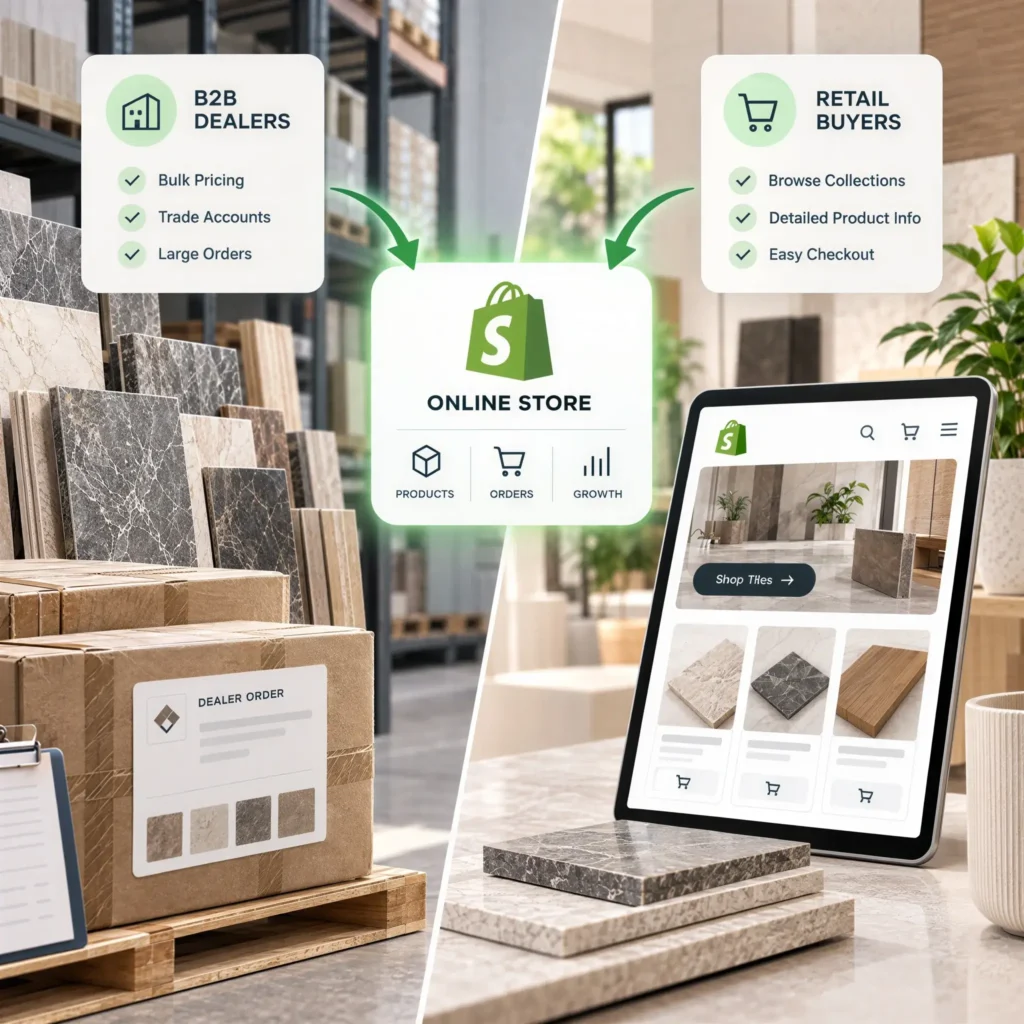
An ERP that doesn’t talk to anything is an expensive island. It needs two way sync with the tools people actually use. Stock changes should hit your inventory and warehouse system and your storefront at the same moment. Orders from your B2B dealer portal should drop into the ERP with nobody retyping them.
Picture a maker running five warehouses and a couple hundred dealers. Before integration, a single dealer order meant a phone call, a manual stock check, and a retyped entry in accounting. After, the same order flows from portal to ERP to warehouse on its own.
Step 6: Migrate, test, and run in parallel
Push a sample order through production, shipping, and invoicing. Check the numbers at every step. Then run old and new side by side for a few weeks. Double work, but it catches what only shows up live.
Step 7: Train your team, then go live
Software doesn’t fail. Adoption does. Train by role, use your own products, and don’t launch during your busiest week. Pull a few power users from each team in early and let them help shape the rollout. People defend what they helped build.
Step 8: Stabilize and improve after launch
The first 30 to 60 days are bumpy. Keep your partner close and fix issues fast. Once it settles, the payoff shows up: cleaner forecasting, faster order cycles, fewer month end surprises.
What are the most common ERP implementation challenges?
Most ERP projects fail for reasons that are predictable, and avoidable, once you know where to look. These are the issues that derail tile manufacturers most often:
- Poor data quality: This sinks more projects than anything else. Migrate duplicate SKUs, three versions of the same dealer, and inventory counts nobody has trusted since 2019, and you’ve simply moved the mess into nicer software. Clean it first.
- Treating it as an IT project: It isn’t one. An ERP changes how production, sales, and finance work every single day, so it needs a business owner who can actually make decisions, not just a tech lead babysitting the install.
- Scope creep: Every department shows up with a wish list, and saying yes to all of it quietly doubles your timeline. Lock the scope, ship something solid, then add the rest in a later phase.
- Underestimating the time cost: Here’s the trap nobody plans for. The operators you most need on the project are also the busiest people in the plant, so piling it on top of their day job tends to produce burnout by month three. Backfill them or lighten the load.
- Choosing a generalist partner: A vendor with no tile background can hand you a perfectly tidy system that still fumbles lot tracking, shade variation, and dealer pricing. You won’t notice until after go live, which is exactly when fixes cost the most.
ERP implementation best practices for tile manufacturers
A handful of habits separate the rollouts that deliver real value from the ones that stall. Build these into the plan from the start:
- Phase the rollout: Don’t flip every switch at once. Get core operations live, prove they hold up under real orders, then expand into more modules and locations once the foundation is solid.
- Put one person in charge: Not a committee. A single owner with real authority keeps decisions moving and gives the team someone to rally behind when things get messy, and they will.
- Clean your data before migration, never during: Standardize item codes, reconcile stock, merge the duplicate dealer records. It’s dull work with the highest payoff on the whole project.
- Design the integrations up front: Decide how the ERP will feed your storefront, dealer portal, and warehouse before you finalize the build. Bolting connections on at the end is where launches slip.
- Hire a partner who actually knows tile: Real experience with grading, lot logic, and dealer pricing beats a big name almost every time. Ask them to prove it.
- Set a baseline first: Write down today’s order processing time, inventory accuracy, and error rate before you start. Without that, you’ll never really know whether the project paid off.
- Plan for the weeks after launch, not just up to it: That first quarter of fixes, tweaks, and extra training is usually where adoption either takes hold or quietly slides backward.
How long does ERP implementation take, and what does it cost?
Depends on scope, and anyone quoting a flat number without questions is guessing.
A single facility with light integration can land in a couple of months. Multiple warehouses with deep ecommerce and portal ties run several months or more.
Cost moves the same way. Tightly scoped sits in the tens of thousands. A complex, multi system transformation reaches six figures. The license is rarely the big line. Configuration, integration, and data cleanup are.
Rule of thumb: more systems plus messier data means longer and pricier. That’s a reason to start the cleanup early, not to wait.
Where does ERP fit in your wider tech stack?
ERP is the backbone, not the whole body. It works best wired into what customers and staff touch: your ecommerce and catalog platform, your dealer portal, and your warehouse system. The ERP holds the truth. The rest puts it in front of the people who need it.
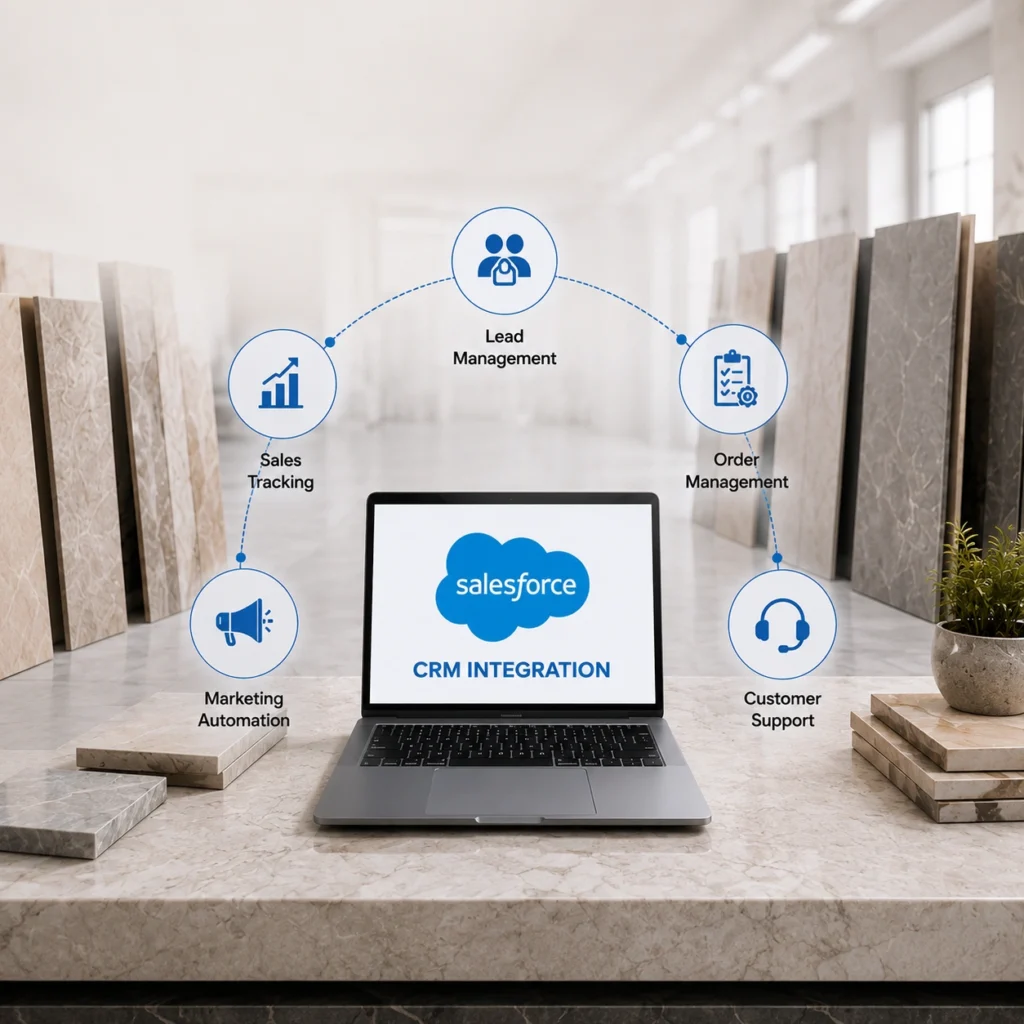
That’s the work we do. Tile IT Solutions has spent over a decade building this for tile, flooring, and building materials companies, connected to most of the major ERP, WMS, PIM, and CRM platforms in the industry. See how it’s played out in our case studies.
Planning an ERP rollout, or just trying to get the systems you already own to work together? Tile IT Solutions builds and integrates ERP for tile and building materials companies, with real experience in lot tracking, dealer pricing, and multi warehouse setups. Book a consultation and we’ll map a realistic path for your plant.
FAQs
1. How long does ERP implementation take for a tile manufacturer?
Mostly it comes down to scope. One plant with light integration can be live in a couple of months. Stretch it across several warehouses and wire in ecommerce plus a dealer portal, and you’re realistically looking at six months or more. And if your starting data is a mess, add time. It always does.
2. How much does it cost?
There’s no sticker price, and honestly, be a little wary of anyone who quotes one before asking questions. A tight single site project can land in the tens of thousands. A full transformation across several systems climbs into six figures. The software license is rarely the big number. The real spend goes into configuration, integration, and cleaning up old data.
3. Which ERP is best for tile manufacturing?
SAP, NetSuite, Dynamics, Sage. They all run tile operations well, so there isn’t one universal answer. What actually matters is the setup: lot tracking, shade variation, dealer pricing, your unit conversions. A mid tier ERP configured properly for tile will beat a famous platform that someone dropped in without that thinking.
4. Can ERP handle lot and shade tracking?
It can, as long as it’s built for tile from the start. The key is tracking stock at the lot level instead of just the SKU. Once that’s in place, matching shades, pulling a defective batch, and avoiding the returns that come from mismatched boxes all get a lot simpler.
5. Do we have to replace everything, or can we integrate what we already have?
Usually you can integrate, and plenty of times you should. When your current systems do their jobs but won’t share data, linking them with two way sync is normally quicker and cheaper than ripping everything out. For a lot of tile companies, that’s the smart place to begin.