Tile catalogs aren’t like other catalogs. A single porcelain line can spin out into forty finishes, six sizes, three rectified edge options, and lot codes that shift every quarter. Multiply that across a full manufacturer range and you’re staring at tens of thousands of SKUs, most of them tied to physical stock that moves.
Plenty of platforms slow to a crawl once catalog depth gets to that scale, or push you into ugly workarounds. Magento handles it differently, and that’s exactly where our Magento ecommerce services and solutions tend to earn their keep.
Why Large Tile & Flooring Catalogs Are Challenging to Manage
Standard ecommerce platforms are built around a simple product model. One item, a few variants, done.
Tile doesn’t work that way.
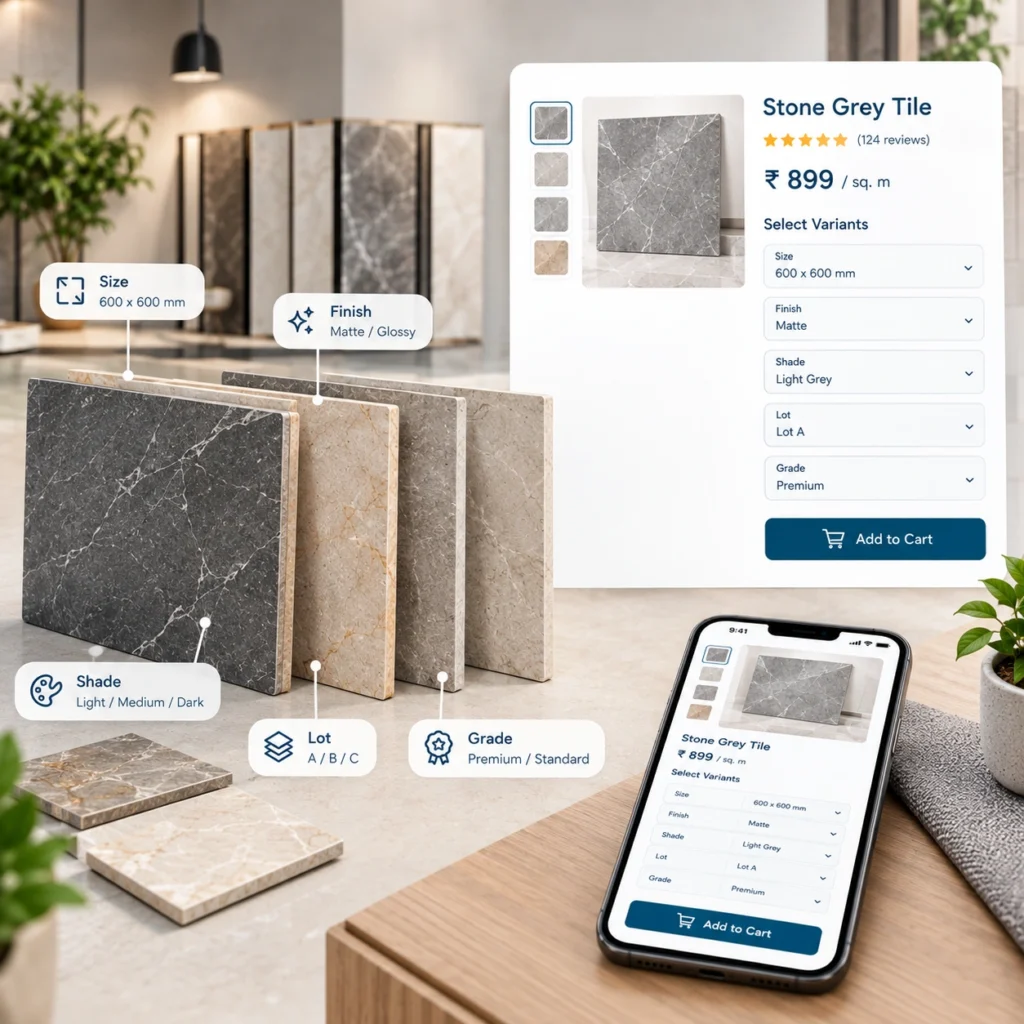
A single collection often carries a matrix of finish, size, color group, thickness, edge type, and shade lot. That’s before you get to trims, bullnose, mosaics, and companion pieces. Filtering across those attributes should feel instant to a specifier or dealer, not lag for six seconds while the storefront rebuilds. And behind the scenes, inventory data is landing from an ERP that treats every lot as a distinct stock unit.
Most SaaS platforms cap out here. Either the variant count trips a hard limit, or category pages start timing out under filter combinations no one anticipated. Honestly, that’s why so many tile brands end up on Magento or Adobe Commerce once they cross a certain size.
How Magento Handles Large Flooring & Tile Product Catalogs
1. Attribute-Based Catalog Architecture
Magento uses what’s called an EAV model, entity attribute value, under the hood. In plain terms, that means every product attribute is its own record rather than a fixed column on the product table.
Why that matters for tile:
You can add a “PEI rating” attribute, a “shade variation” attribute, a “rectified edge” flag, or a custom “lot code” field without restructuring the whole catalog. Attribute sets group these by product type, so wall tile, floor tile, and mosaics can each carry their own field set without cluttering the others.
Practical example. A distributor selling glazed porcelain, natural stone, and vinyl plank can define three distinct attribute sets, each with its own required fields. The stone products carry finish, veining pattern, and slab origin. The porcelain carries PEI rating, water absorption, and rectified edge. Vinyl carries wear layer, click system, and AC rating. One catalog, three logically separate structures.
That flexibility is rare on simpler platforms. Usually you either force everything into a shared schema or duplicate products across categories.
2. Configurable Products for Finish, Size, and Color
For SKU variation, Magento’s configurable product type is the workhorse.
The parent product is what customers see and search. The child SKUs sit underneath, each with its own stock, price, and image. So the “Carrara Modern” collection appears as one product on category pages, but selecting the 12×24 matte finish routes to a specific SKU with its own lot-linked inventory feed.
A few things this unlocks:
- Cleaner category pages: Twelve variants of one collection show as one card, not twelve.
- Independent pricing per variant: Larger formats or premium finishes can carry their own price without a custom rule.
- Per-variant image swaps: Selecting “polished” loads the polished tile shot automatically.
- Accurate stock per SKU: Sold out on the 24×24 while the 12×12 is fully stocked? Only the one variant disables.
For tile, this maps almost one to one to how catalogs are already organized in the ERP.
3. Layered Navigation for Large Product Catalogs
Category filtering is where a lot of platforms visibly buckle. Twenty thousand SKUs plus ten filter attributes plus concurrent shopper sessions, and you get slow pages or index errors.
Magento pairs with Elasticsearch (or OpenSearch on newer builds) to keep filtering responsive at real catalog volumes. Facet counts stay accurate, filters return in under a second on well-tuned installs, and search handles synonym mapping so a specifier typing “6×36 wood look” lands on the right plank collection even if the SKU is titled differently.
That last part matters more than it sounds. Tile buyers rarely search by product name. They search by size, look, application, or a rough visual descriptor. Search that understands “hexagon marble kitchen backsplash” as a real intent, not a keyword string, is a genuine advantage over generic platform search.
4. Multi-Store Setup for Regional Catalogs
Selling into the UK, Australia, and the US usually means three different catalogs. Not just currency swaps.
Product availability differs by region. Compliance labeling differs. Freight logic, unit conventions (square feet versus square meters), and even collection names differ. Adobe Commerce’s multi-store architecture handles this from a single back end, sharing what should be shared and diverging where it needs to.
One catalog master. Regional overrides for pricing, inventory, and content. Currency and tax by store view. Product exclusions per region without deleting the SKU globally.
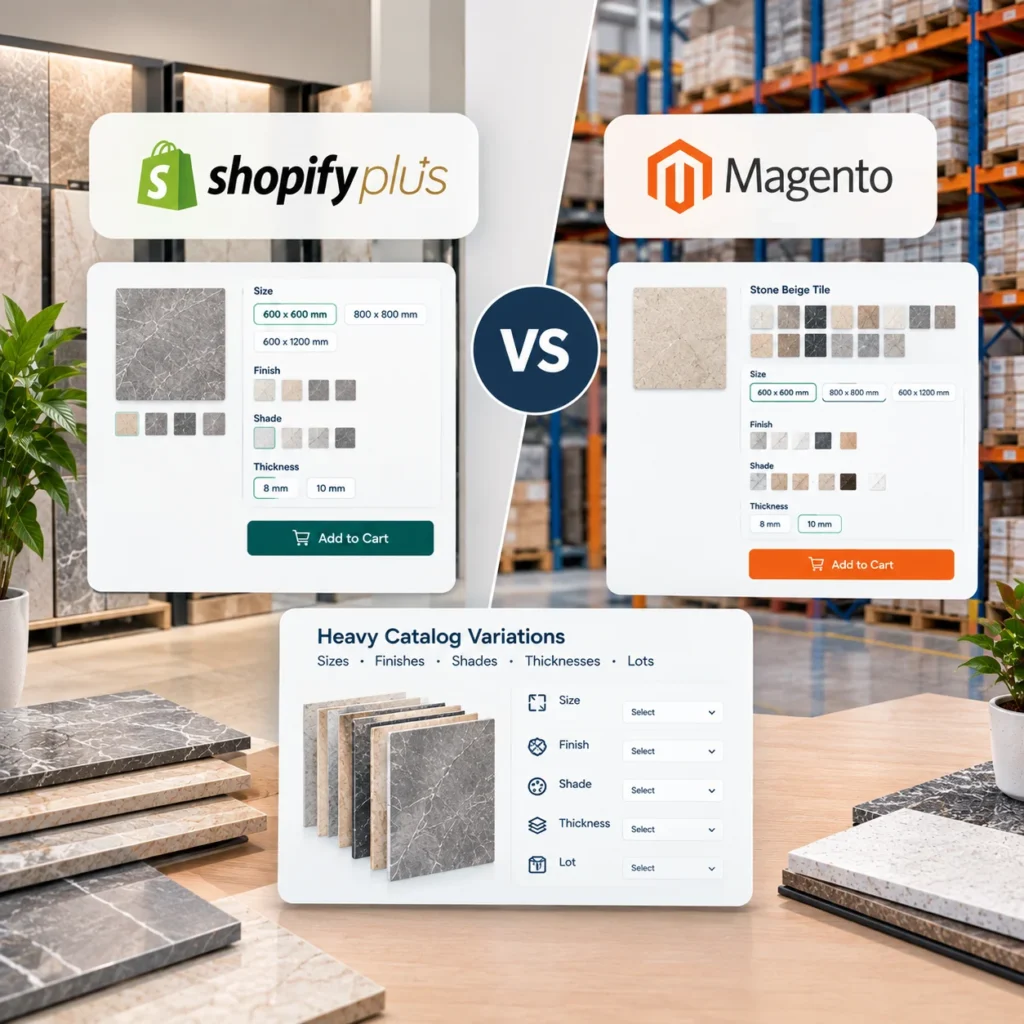
For a manufacturer running three regional storefronts, this is often the tipping point away from simpler platforms. Cloning a Shopify store three times means three separate catalogs to update every quarter. On Magento, it’s one update with regional deltas layered on.
5. Bulk Imports, PIM Sync & Product Data Feeds
At thousands of SKUs, manual product entry stops being realistic. Nobody’s typing lot codes by hand.
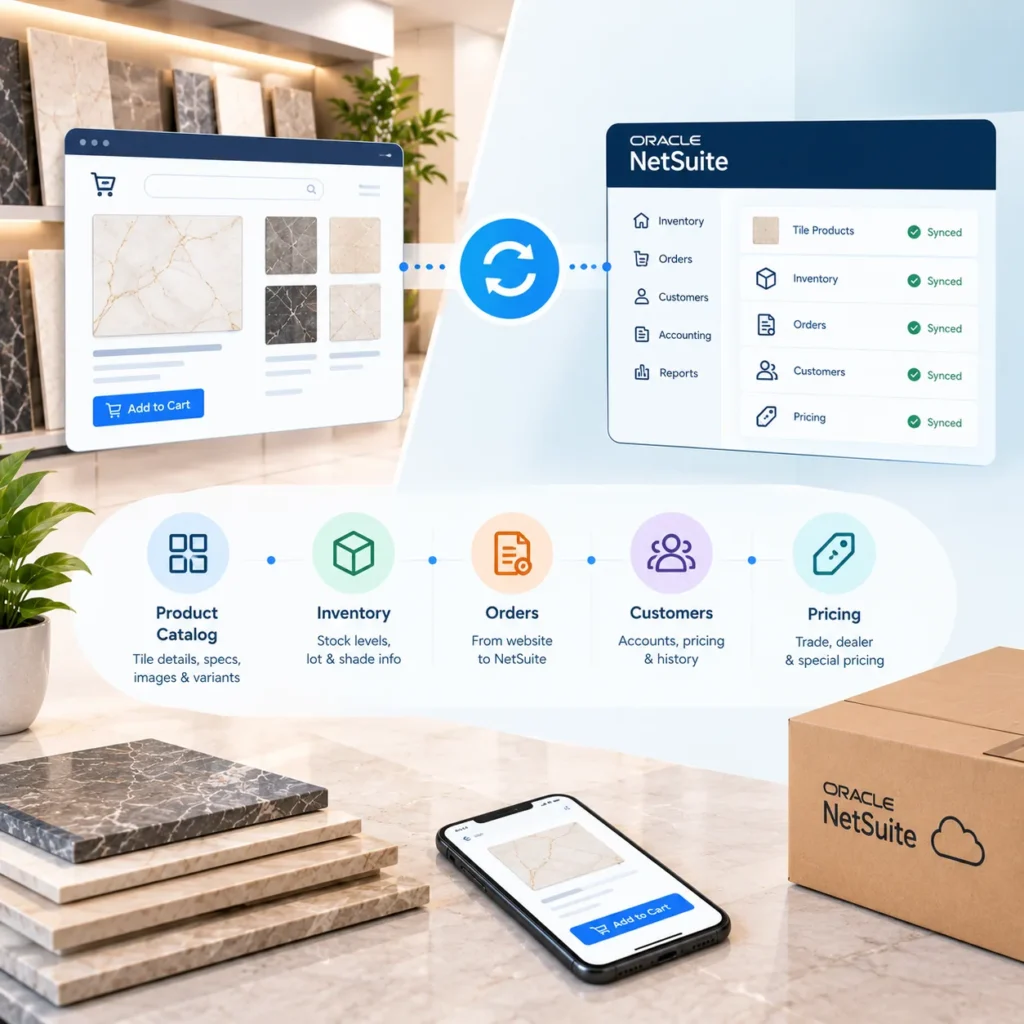
Magento’s import framework accepts CSV and API-driven feeds, so catalog data can sync from a PIM or ERP on a schedule. New collections, discontinued lots, updated pricing, revised technical specs, all pushed automatically. Our team usually builds the sync layer around whatever your ERP or PIM already outputs, rather than forcing a data reshape.
Common flows we set up:
- Nightly catalog sync from Sage or SAP into Magento
- PIM to Magento image and spec sheet push
- Real-time inventory feed from the warehouse system
- Price list refresh per dealer group
If you’re currently exporting spreadsheets and re-uploading them weekly, this alone changes how the merchandising team spends its time. Related work often overlaps with our inventory and warehouse solutions, particularly on the stock sync piece.
6. Lot & Batch Tracking for Tile Products in Magento
Tile lots are their own headache. Shade variation between production runs means a dealer ordering more of “the same” tile can end up with a visibly different batch. That’s a returns problem waiting to happen.
Magento can carry lot as a stock attribute, so the ecommerce layer knows which lot fulfilled which order. Add a lot-aware inventory feed and reorders can be flagged when they’d pull from a different batch than the original purchase. Not a full ERP replacement, but enough visibility to stop obvious mismatches at checkout.
Worth asking about during scoping, because implementation depth varies by ERP.
7. Performance Optimization for Large Catalogs
A catalog this large won’t perform out of the box. Real talk.
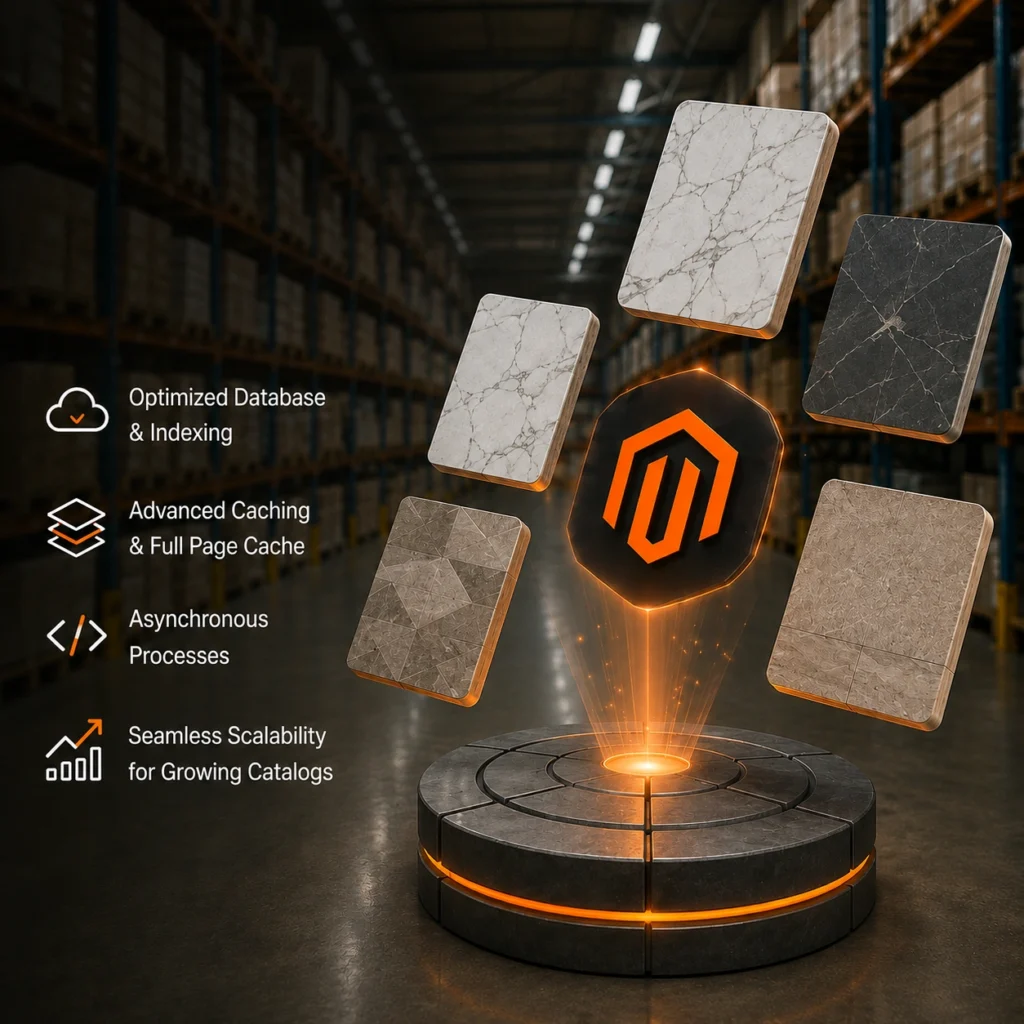
Magento gives you the levers, but they need to be pulled. Full page caching through Varnish, image optimization with WebP delivery, database indexing schedules that don’t collide with peak traffic, and a CDN in front of static assets are all standard tuning work. Skip any of them at 15,000 SKUs and page speed suffers.
Adobe Commerce Cloud handles some of this natively. Open Source builds need the infrastructure engineered deliberately. Either way, ongoing performance management isn’t optional at manufacturer scale, which is why continuous maintenance sits inside the service scope rather than as an afterthought.
8. Custom Pricing for B2B Flooring & Tile Businesses
Some pricing rules just don’t fit standard tiered discount tables:
Freight-included pricing that varies by ZIP code. Contract pricing per distributor with negotiated rates on specific SKU groups. Minimum order quantities per account type. Volume breaks that stack differently for showroom accounts versus commercial buyers.
Magento’s promotion and pricing engine is flexible enough to handle these directly, and where it isn’t, custom modules can extend it without breaking upgrade paths. For B2B tile distributors, this is often the reason to move off Shopify in the first place. The pricing rules can’t be flattened into what a simpler platform supports.
When Magento Might Be Overkill for Flooring & Tile Businesses
Fair caveat, because it’s not right for everyone.
If your catalog sits under 500 SKUs, you’re single-region, and pricing is straightforward, Magento is heavier than you need. The build cost, the ongoing maintenance, the hosting requirements, all of it scales with complexity. A smaller tile retailer running a showroom-plus-online setup is often better served on a lighter platform.
The tipping point usually looks like this: SKU count above roughly 3,000 with real variant depth, multi-region operations, B2B pricing that can’t be modeled with tiered discounts, or ERP integration that carries meaningful custom logic. Below that, the ROI gets harder to justify.
We’d rather tell you that upfront than sell you a build that doesn’t fit.
Ready to Scope Your Magento Ecommerce Build?
If your catalog has outgrown your current platform, or you’re planning ahead before it does, we can walk through what a Magento or Adobe Commerce build would actually look like for your product range. No generic pitch. Just a scoping conversation grounded in your SKU depth, ERP setup, and regional footprint.
FAQs
1. How many SKUs can Magento realistically handle?
Well-architected Magento installs run comfortably at 50,000 to 100,000 SKUs with proper indexing and search infrastructure. Some enterprise builds go much higher. The number itself matters less than how variant depth and attribute complexity are structured.
2. Is Adobe Commerce required for large tile catalogs, or does Open Source work?
Both work at scale. Adobe Commerce includes native B2B features, cloud hosting, and advanced merchandising tools. Open Source needs more custom development for the same B2B functionality, but the underlying catalog engine is the same.
3. Can Magento sync with our existing ERP for inventory and pricing?
Yes, through API-based integration. Depth depends on your ERP and how much custom logic it carries. This is usually scoped during technical discovery rather than quoted flat upfront.
4. How does Magento handle lot tracking for tile products?
Lot can be carried as a stock attribute, letting the storefront show which lot is being fulfilled. Reorders can be flagged when they’d pull from a different batch than the original.
5. What’s the biggest performance risk with a large Magento catalog?
Poor caching setup and unoptimized indexing. Both are fixable, but they need attention from day one, not after launch.