Imagine a relatively normal medium-sized tile company with three spreadsheets, an old on-premise ERP system, and a warehouse manager that has to keep track of the “real” inventory numbers in his head. That’s not rare. For many mid-sized manufacturers, this is actually the norm these days, which is why there is been a tremendous demand for a solid ERP integration service in this industry.
Below is what an Odoo migration actually entails, and not the sanitized version that you’ll experience on a sales call.
Why Tile Manufacturers Are Migrating to Odoo ERP
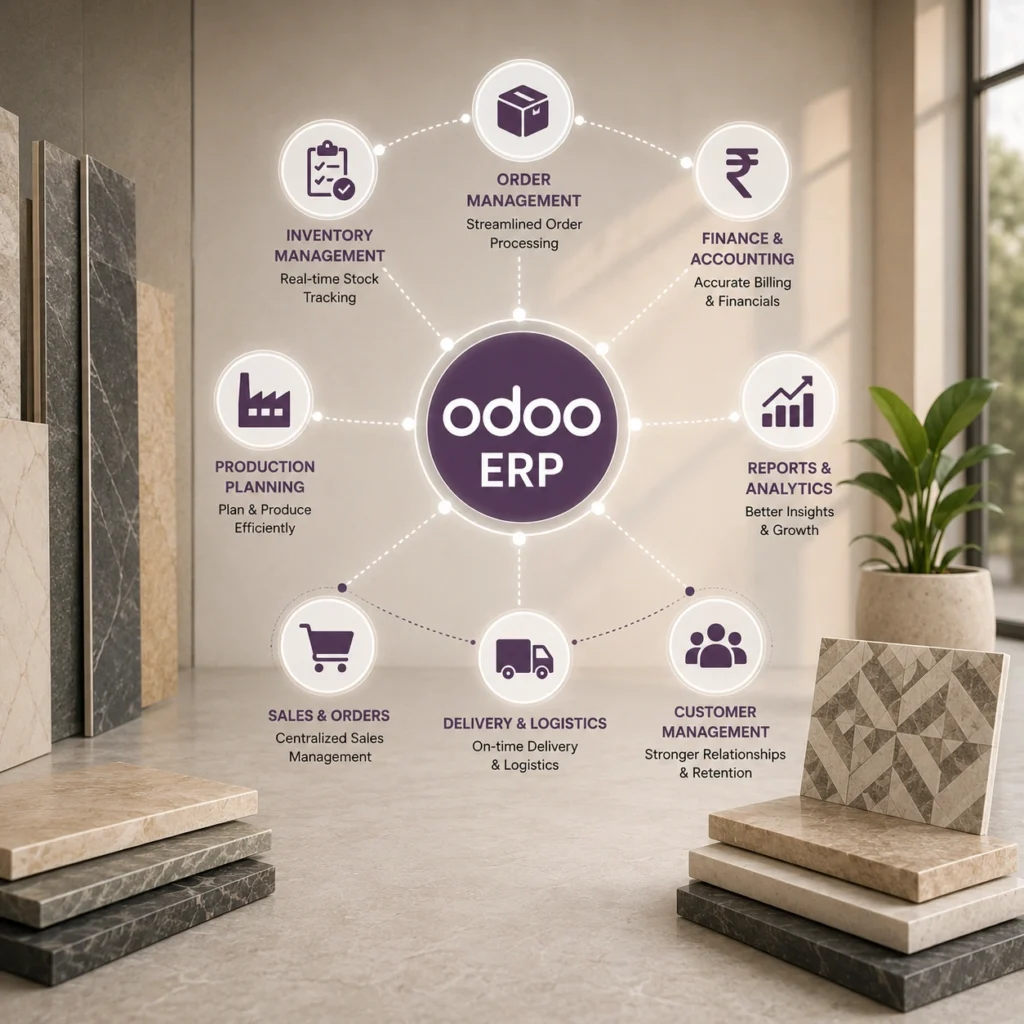
Odoo isn’t glamorous. Nobody puts it on a pitch deck next to a logo wall. But it’s modular, it costs a fraction of SAP or Dynamics to run, and honestly, it handles the weird stuff tile companies deal with: batch numbers, shade lot variation, PEI ratings, unit conversions between square feet, square meters, and boxes.
Three things usually push a manufacturer toward switching:
Production planning that has nothing to do with what’s actually selling. Warehouses fill up with slow movers while the popular SKUs run short.
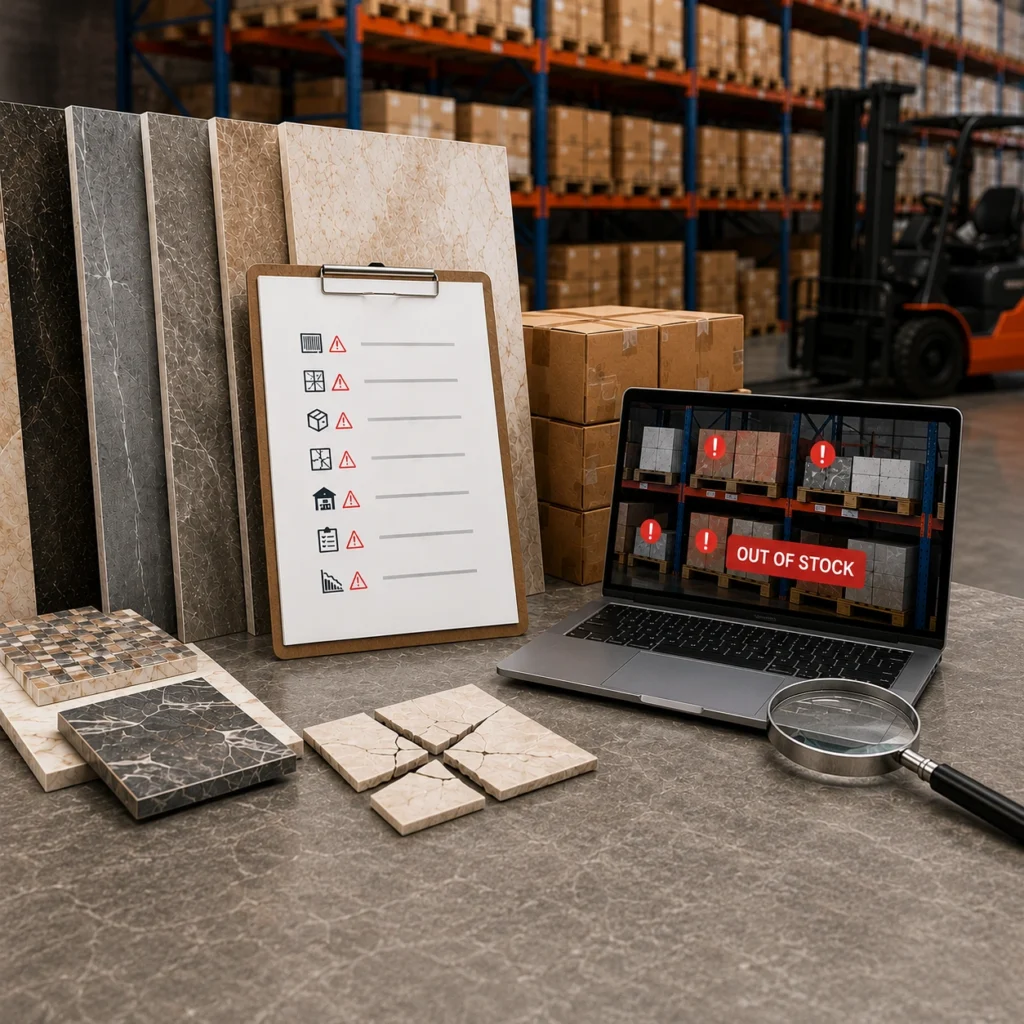
Inventory counts that don’t match the floor. Ever done a cycle count and found the system was wrong by 15 percent? It happens more than people admit.
Sales and finance working off two different versions of the truth, and nobody quite sure which one is right.
None of that is unique to Odoo customers, to be clear. It’s a symptom of outdated, disconnected systems. Odoo just happens to be a solid, cost-effective fix for manufacturers who don’t need (or want to pay for) a Tier 1 ERP.
What Is Odoo ERP Migration?
People throw the word around loosely. Some mean a straight data lift, copy the old records into the new system and call it done. Others mean a full re-platform touching finance, inventory, manufacturing, and CRM all at once. For most tile manufacturers it’s the second one. That distinction changes everything downstream, scope, timeline, budget, all of it.
A real Odoo migration has four parts moving in parallel, not sequence:
- Master data — products, customers, vendors, pricing
- Transactional history — open orders, invoices, active work orders
- Configuration — approval workflows, tax rules, custom fields
- Integrations — ecommerce, B2B portal, warehouse systems, CRM
Miss one and you get a system that looks migrated but isn’t actually usable. Happens more often than you’d think.
Must Read: Why Your Tile Ecommerce Store Needs ERP Integration
Signs Your Current Setup Is Already Costing You
Not everyone needs to move right now. But certain patterns show up again and again in the manufacturers who eventually do call us.
Gut-feel production planning is the big one. Nobody’s forecasting off actual sell-through data.
Inventory accuracy below 90 percent. We see this constantly in legacy setups, and that single number often justifies the entire migration cost within a year.
Dealer pricing scattered across three places: the old ERP, a spreadsheet the sales manager maintains privately, and whatever actually gets billed. Nobody fully trusts any of them, including the sales manager.
- Books close two to three weeks late because reconciliation is manual
- Customer service can’t answer “where’s my order” without a call to the warehouse
- New SKU launches take weeks because three systems need updating separately and none of them talk
Two or more of those sound familiar? Worth having the conversation.
Odoo ERP Migration Process: Step-by-Step
Step 1: System Assessment and Data Audit
Everyone wants to rush this part. Don’t. This is the phase that determines whether everything after it goes smoothly or turns into a mess six weeks in.
A real assessment maps every system in current use, down to that one Excel file the warehouse manager swears by. It flags data problems early too: duplicate SKUs, inconsistent unit conversions, customer records nobody’s touched in years.
Expect two to four weeks here, depending on how many systems are involved and how dirty the existing data actually is.
Step 2: Data Mapping and Cleanup
Old fields rarely map cleanly onto Odoo’s structure. Lot and batch tracking needs particular care for tile manufacturers, since shade and caliber variation affects quality control and, eventually, customer satisfaction.
This step is tedious. Not exciting work. But it’s also where most migration failures actually start, not in the technical build itself.
Step 3: Integration and Configuration Build
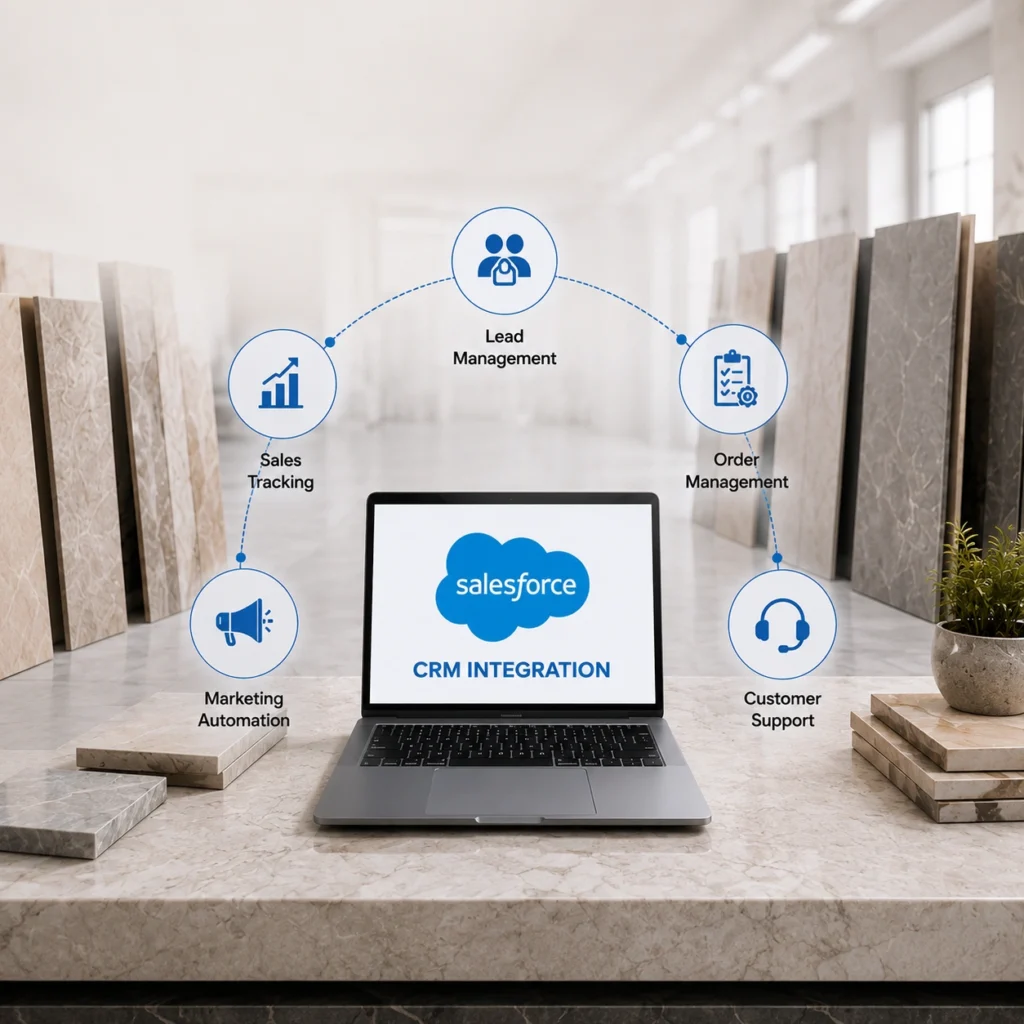
Here’s where Odoo gets wired into everything else your business runs on: ecommerce platform, B2B dealer portal, warehouse management, CRM. A properly built ERP and CRM integration means sales orders flow into production planning automatically, inventory updates in real time across every location, and finance stops re-keying invoices by hand.
Custom API work often comes up here. Especially for manufacturers running older, heavily customized legacy systems that nobody documented properly.
Step 4: Testing in a Staging Environment
Do not push live data into production Odoo without a full staging run first. Test entire order flows: dealer places an order, inventory decrements, production planning adjusts, invoice posts correctly to accounting. Run this across at least two full business cycles before cutover, not one.
Step 5: Go-Live and Stabilization
The first two or three weeks are usually bumpy. That’s normal, not a sign something went wrong. Budget for a support team standing by, not just a handoff document and a wave goodbye. Most problems at this stage trace back to data, not software.
Also Read: ERP Implementation for Tile Manufacturers
What Data Should You Migrate to Odoo ERP?
Manufacturers consistently underestimate this list. Plan for, at minimum:
- Product master data: size, finish, PEI rating, lot attributes
- Open sales orders and purchase orders in flight at cutover
- Dealer-specific pricing tiers and contract terms
- Historical inventory by warehouse and lot number
- Customer and vendor records, credit terms included
- Open invoices and outstanding receivables
Skipping historical data feels efficient in the moment. It’s also how manufacturers end up rebuilding six months of reporting from scratch later, usually right when leadership wants a quarterly comparison.
Common Odoo ERP Migration Challenges and How to Avoid Them
Underestimating data cleanup tops the list, by a wide margin. Dirty data doesn’t disappear during a migration. It just moves house and causes new problems in a new system.
Treating this as a pure IT project is mistake number two. Production planners, warehouse staff, and sales reps all need input early, not a system dropped on them after the fact.
Rushing go-live rounds things out. A hasty cutover usually means weeks of firefighting that staging testing would have caught for free.
One thing that varies quite a bit by provider: some quote a price covering only the technical build, not data cleanup or staff training. Ask what’s actually included before signing.
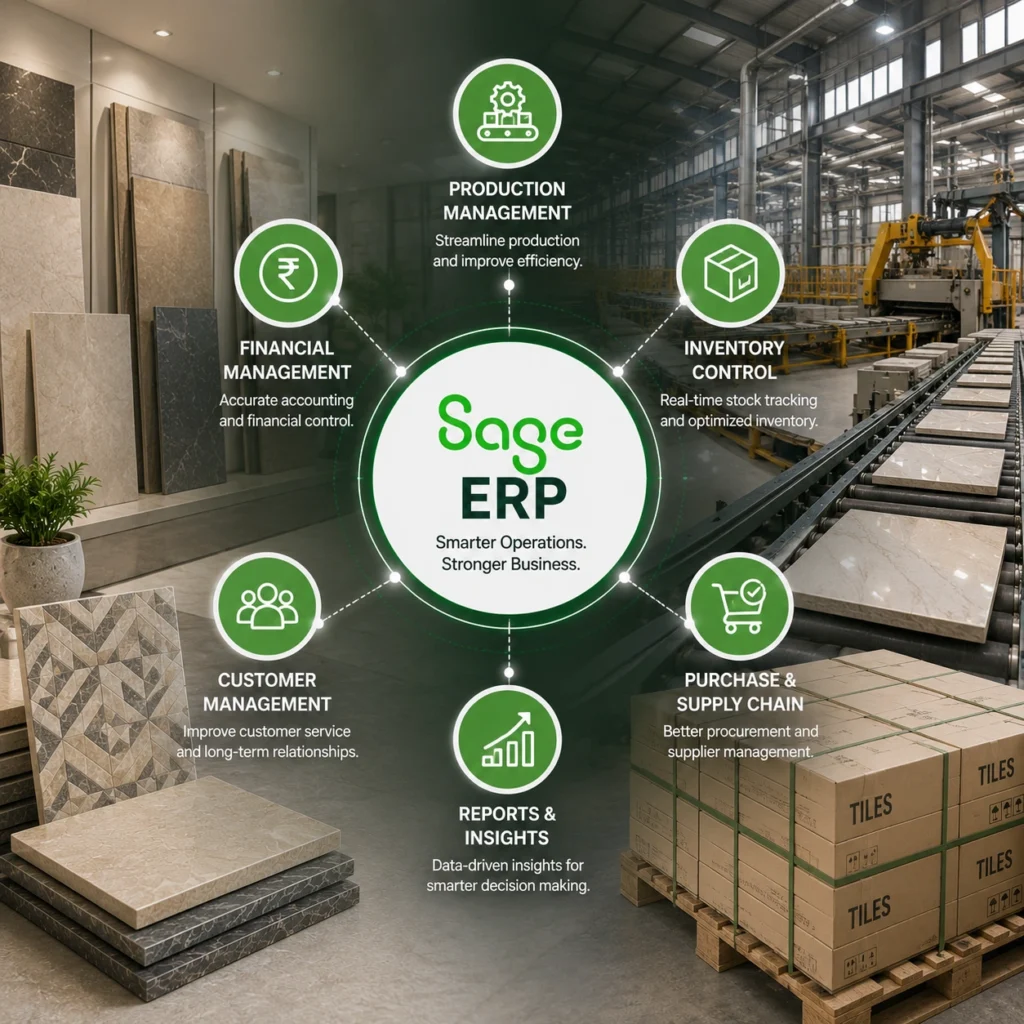
Odoo ERP vs Legacy ERP Systems: Which Is Better for Tile Manufacturers?
| System | Best fit | Cost tier | Notes |
| Odoo | Small to mid-sized manufacturers | Lower to mid | Modular, faster to deploy |
| NetSuite | Mid-sized to larger distributors | Mid to high | Strong financials, cloud native |
| SAP | Large enterprise manufacturers | High | Deep functionality, slower rollout |
| Microsoft Dynamics | Mid to large, Microsoft-heavy shops | Mid to high | Plays well with existing Microsoft tools |
Odoo tends to win for manufacturers needing real functionality without enterprise overhead. It’s not always the right call for larger operations running complex multi-entity finance. Worth being upfront about that instead of pretending Odoo fits everyone.
How Much Does Odoo ERP Migration Cost?
Every project varies, but based on what we’ve seen across the industry:
Single-facility, small to mid-sized manufacturer: three to five months. Moderate five-figure investment.
Multi-facility, dealer portals, several integrations: six to nine months. Higher five-figure to low six-figure territory.
These numbers move a lot depending on data quality and how much process redesign happens alongside the technical work. Anyone quoting a fixed number before an assessment is guessing, plain and simple.
How to Choose the Right Odoo ERP Migration Partner
Skip past the sales pitch and ask about real tile industry experience. Lot tracking, shade matching, coverage-based conversions, these aren’t generic ERP problems, and a partner who’s only worked general manufacturing or retail will hit them cold.
Ask for references from similarly sized manufacturers. Not logos on a slide, actual people you can call. Ask what share of their projects went live on the original timeline too. That answer tells you more than any case study ever will.
Thinking about migrating to Odoo? Get a straight answer on scope, timeline, and cost before you commit to a platform. Request an Integration Assessment and we’ll map out what your migration actually involves.
FAQs
1. How long does an Odoo ERP migration take for a tile manufacturer?
Most single-facility migrations take three to five months. Multi-facility operations with dealer portals and multiple system integrations typically run six to nine months, depending on data quality and integration complexity.
2. Does Odoo handle lot and batch tracking for tile products?
Yes, with proper configuration. Tile manufacturers need shade, caliber, and batch attributes mapped correctly during setup, since these affect quality control and customer-facing inventory accuracy.
3. What’s the biggest risk during an ERP migration?
Data quality issues, not software limitations. Duplicate records, inconsistent unit conversions, and incomplete historical data cause more delays than any technical integration challenge.
4. Can Odoo integrate with an existing B2B dealer portal?
Yes. A properly built integration syncs inventory, pricing, and order data between Odoo and your dealer portal in real time, so dealers always see accurate stock and pricing.
5. Is Odoo a good fit for larger tile manufacturing enterprises?
It can be, but larger operations with complex multi-entity finance or extremely high transaction volumes sometimes outgrow Odoo faster than smaller manufacturers. It’s worth an honest assessment before committing either way.