Choosing a CRM for tile distributors looks simple on paper. Contacts, deals, pipeline. Then a rep closes a 1,800 square foot porcelain order for a hotel lobby, the CRM marks it won, and three weeks later the contractor calls, furious, because the boxes on site came from two shade lots and the floor looks patched.
Nobody really did anything wrong. The CRM just never knew shade lots existed.
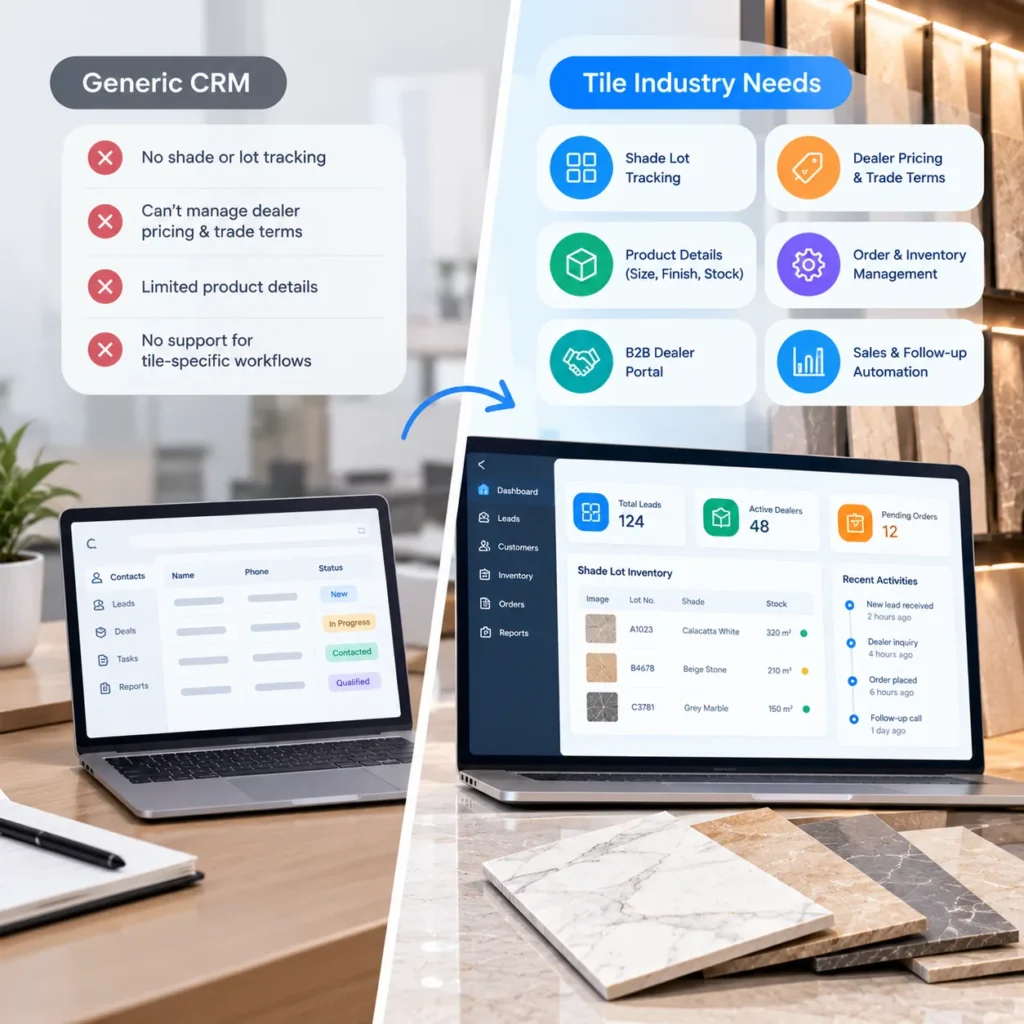
That’s the core issue. HubSpot, Zoho, Pipedrive, or a standard Salesforce setup will manage contacts and deals perfectly well. But tile doesn’t sell like software or office supplies. It’s quoted by the square foot, shipped by the box and pallet, priced by dealer tier, and matched by lot. A CRM that can’t see any of that leaves reps patching the gaps by hand.
Below, we cover where generic setups fail and how to fix them without replacing the CRM you already pay for. Most fixes mean connecting it to systems that already know your lots and stock, which our tile CRM and ERP integration solution handles for distributors.
Why Generic CRMs Fail Tile Distributors
Generic CRMs fail tile distributors because they treat every product as a simple SKU with one price and one unit of measure. Tile needs lot level stock, box and area conversions, tiered dealer pricing, and projects with several buyers, so reps end up working around the CRM instead of in it.
1. Shade Lot Tracking and Tile Inventory Visibility
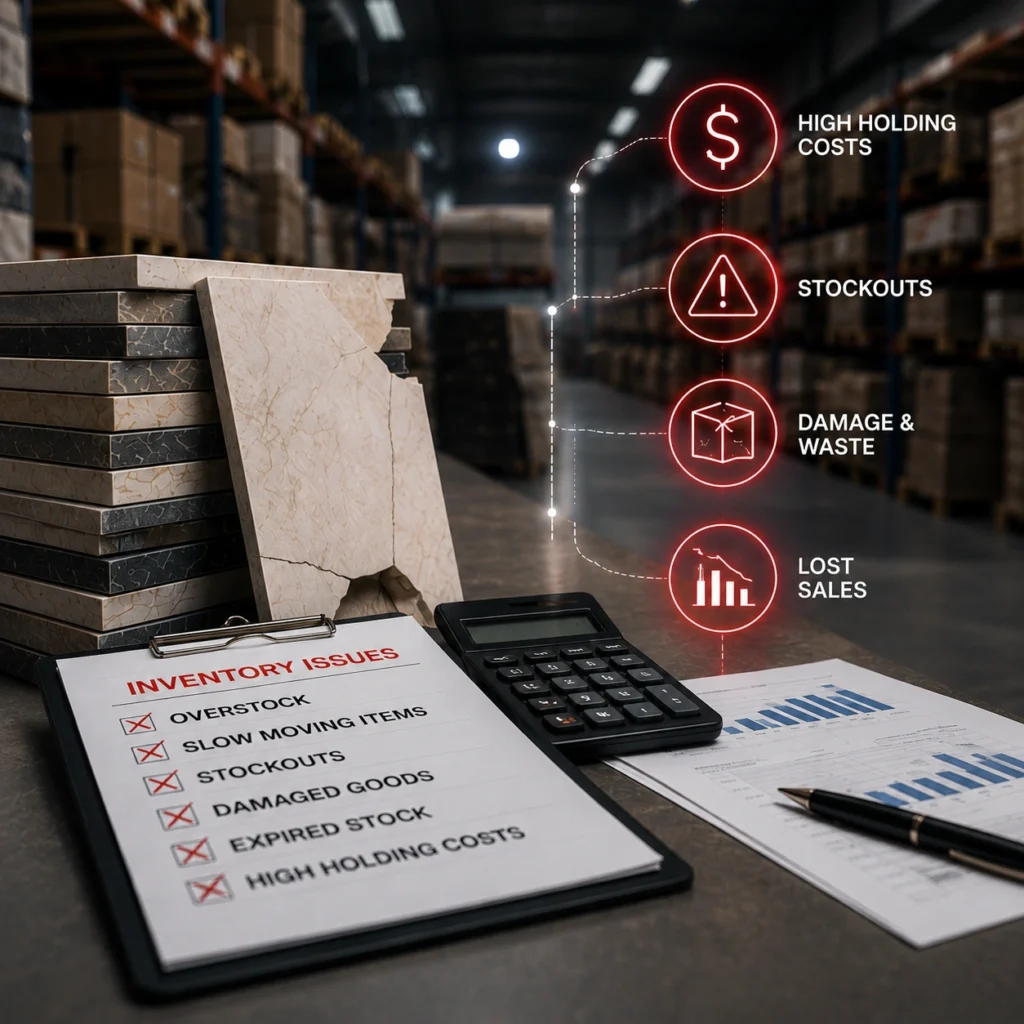
Every production run comes out slightly different. Shade, caliber, sometimes tonality. Your warehouse tracks that by lot, and your ERP probably does too.
The CRM? It shows “Matte Porcelain 24×48, 600 boxes available,” if it shows stock at all.
So the rep quotes from the total. The job needs 140 boxes from a single lot for one continuous floor, but the largest lot on hand holds 96. Nobody spots it until the pick ticket prints. What follows is a split shipment, an awkward phone call, or a substitution the contractor never approved.
Lot checks belong at the quote stage. Getting there means feeding live lot data from your inventory and warehouse management solution straight into the rep’s screen.
2. Square Foot to Box and Pallet Conversion Errors
Contractors think in square feet. Warehouses think in boxes and pallets. A generic CRM thinks in “quantity,” and that’s where the trouble starts.
Take one line item for a nominal 24×48 plank:
- Job area: 1,800 sq ft plus 10 percent waste, so 1,980 sq ft
- Box coverage: 15.5 sq ft (two pieces)
- Boxes: 1,980 divided by 15.5 is 127.7, which has to round up to 128
- Pallets: exactly 4, at 32 boxes each
Now say the CRM sends “1,980” and the ERP reads it as boxes. You’ve just priced roughly 15 times the material. Round down to 127 instead and the installer comes up short on the last room.
Both mistakes happen more often than anyone likes to admit.
3. Managing Multiple Buyers in Tile Distribution Projects
Most CRMs assume one buyer per deal. Tile projects almost never work like that.
An architect or designer specifies the tile. A general contractor signs off on budget. A flooring subcontractor places the order, and a dealer (sometimes yours, sometimes not) fulfills it. Four companies, one floor.
Generic setups make you hang the opportunity on a single account. Pick the contractor and the specifier disappears from view, even though they’ll choose tile for their next dozen projects. Pick the dealer and there’s a commission argument waiting. You want one project record linked to every party, each with a clear role, and influence tracked apart from billing.
4. Dealer Pricing, Price Lists, and Project-Based Quotes
One SKU can carry a retail price, three or four dealer tiers, a contractor rate, a project price held for 90 days, and freight that shifts with pallet count. Most CRMs offer price books, but they’re built for a handful of plans, not thousands of SKUs across six tiers.
A warning sign worth watching: reps keeping their own pricing spreadsheet “because the CRM is wrong.” Once that starts, margin control is gone. Quotes go out at last quarter’s dealer rate, and nobody notices until the invoice.
5. Sample Tracking for Tile Sales and Follow-Ups
Samples are honestly the best buying signal in tile. A designer who requests three terrazzo style porcelain samples is telling you a project is coming, and roughly what it’ll need.
Most generic CRMs log that as a task. Or don’t log it.
The box ships, nobody follows up, and the order goes to whichever distributor called first. Treat samples as pipeline instead: tie each one to a project, set a follow up date, and track how many convert. You’ll get an early read on demand, often better than the forecast.
How Generic CRMs Create Manual Work for Tile Distributors
Reps get asked the same questions all day: is it in stock, in one lot, at what price, by when? The CRM can’t answer them, so reps stop asking it. They keep a shadow spreadsheet, call the warehouse, and update the CRM on Friday afternoon. If at all.
That isn’t laziness. Salesforce’s State of Sales report, based on a survey of 4,050 sales professionals, found reps spend about 40 percent of their week actually selling, with quote building and manual data entry among the tasks eating the rest. A CRM that can’t check lots or convert units only adds to that pile.
Even a CRM vendor’s own Zoho customer story makes the point: porcelain tile manufacturer Land Craft Paver said the ceramic industry couldn’t run on a standard CRM setup. It took custom modules for samples, pallet packing, and packaging based pricing to make the system fit, and the company reports sample turnaround fell from 12 days to two. Vendor published figures, so treat them as a best case. Still, the lesson holds: tile rarely fits a CRM out of the box.
How to Integrate Your CRM With Tile Inventory and ERP Systems
You probably don’t need a new CRM. You need the one you have to stop guessing about data that already lives in your ERP and warehouse system.
1. Define Data Ownership Between CRM, ERP, and WMS
Agree on this before anyone writes integration code:
| Data | System of record | What the CRM should do |
| Shade and caliber lots | ERP or WMS | Read live, never edit |
| Box, area, and pallet conversions | ERP item master | Apply on every quote line |
| Dealer, contractor, and project pricing | ERP | Pull by account and date |
| Contacts, specifiers, opportunities | CRM | Own fully |
| Sample requests | CRM | Own, linked to a project |
Most sync conflicts start because two systems both think they own the price. Settle it on paper first.
2. Automate CRM and ERP Data Synchronization
With ownership settled, connect the systems so each field flows one way. Lots, stock, and prices come into the CRM. Won quotes leave as ERP sales orders, in boxes, with the lot reserved.
Running Salesforce? Pay close attention to API limits and sync direction. We’ve covered the common Salesforce integration mistakes tile brands make separately.
3. Generate Accurate Tile Quotes Using Boxes and Shade Lots
This is where a tile CRM earns its keep. The rep enters square feet. The system calculates boxes and pallets, shows only lots with enough stock for the whole job, and reserves that lot when the customer signs.
No calculator tab. No call to the warehouse.
4. Improve Dealer Self-Service With a B2B Portal
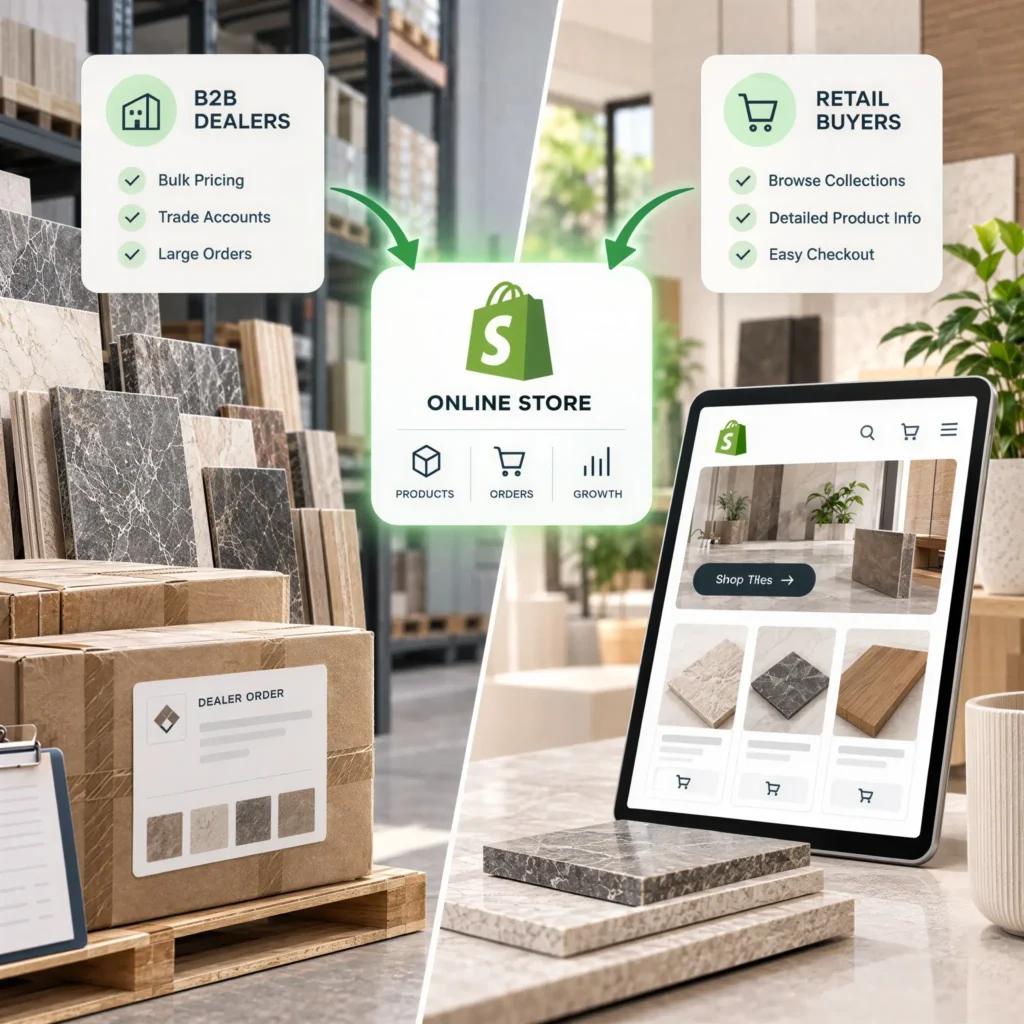
Plenty of rep time goes to dealers who just want to check stock or reorder. Move that work into a B2B dealer management portal solution with tiered pricing and lot level availability, and reps get hours back for specifiers and projects.
Should Tile Distributors Replace or Integrate Their CRM?
It depends on what you’re starting with.
Connect it if your team genuinely uses the CRM, the platform has a decent API (Salesforce, Dynamics 365, HubSpot, and Zoho all do), and the main gaps are inventory and pricing data. That’s the most common situation, and usually the cheaper path.
Replace it if adoption is already dead, the tool has no usable API, or you’re a small operation with three reps and one depot. Frankly, for that last group, the CRM module built into many ERPs is often enough. A full integration project would be overkill.
Still weighing it? Check your shortlist against these CRM features tile and marble showrooms need before signing anything.
Start With Accurate Tile Quotes and Inventory Data
Don’t try to fix everything at once. Pick one workflow, and make it the quote. Get it lot aware and unit correct on a single product line, prove it works, then extend it.
A quote that’s right the first time builds more dealer trust than any dashboard ever will.
Fix Your Tile CRM Integration Gaps
If your reps still check lots by phone and convert boxes by hand, the problem probably isn’t your team. It’s the gap between your CRM and everything else. Tile IT Solutions connects Salesforce and other CRMs with open APIs to your ERP and warehouse systems, so stock, lots, and dealer prices show up where reps actually work.
Request an integration assessment and we’ll map exactly where your data breaks today.
FAQs
1. What is the best CRM for tile distributors?
There isn’t a single winner. Salesforce, Dynamics 365, HubSpot, and Zoho can all work well once they’re connected to your ERP for lots, units, and pricing. The integration matters more than the brand.
2. Can a CRM track tile shade lots?
Not on its own, in most cases. Lot data usually lives in the ERP or warehouse system, so the CRM needs a live feed from there to quote from the right lot.
3. Does a tile distributor need both a CRM and an ERP?
Usually, yes. The ERP runs stock, pricing, and orders, while the CRM handles relationships and pipeline. Very small distributors can sometimes manage with the CRM module inside their ERP.
4. How long does CRM and ERP integration take?
It depends on scope and data quality. Clean item data and modern APIs shorten it a lot. Messy unit conversions and legacy systems stretch it out.
5. Why do sales reps stop using the CRM?
Because it can’t answer their daily questions about stock, lots, and price. When reps need a second tool to build a quote, the CRM turns into a reporting chore.