
Forty minutes. That’s how long one homeowner might spend on your floor, running a hand over a honed Calacatta slab and asking whether the 24×48 porcelain comes rectified. She leaves with three samples and a polite “we’ll be in touch.”
Then nothing.
Three weeks later, someone calls. She’s already ordered elsewhere, and nobody wrote down which slab she liked.
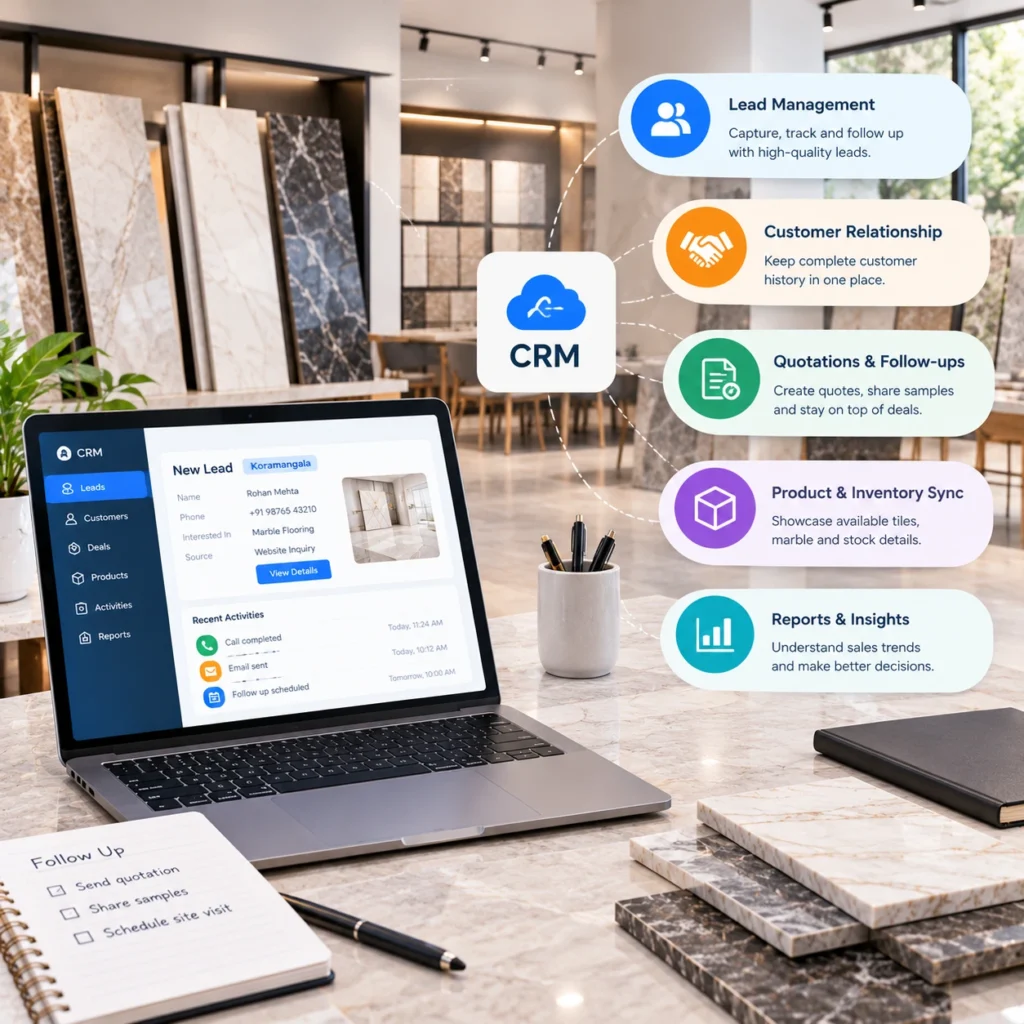
A CRM for tile and marble showrooms should stop that from happening. Most don’t, mainly because they were designed for companies selling identical software seats. Tile isn’t identical. Shade lots drift, slabs are one of a kind, and a big share of your revenue walks in through designers and contractors rather than homeowners. If your CRM also has to share data with an ERP, a stock system or your accounting package, our ERP and CRM integration solution was built for that exact headache.
The five features below are the ones we’d fight for.
Why Generic CRMs Fall Short for Tile and Marble Showrooms
Most CRMs think in three things: a contact, a deal, a stage. Fine for a software sales team.
A showroom project is messier. A kitchen remodel might drag on for months while the client swaps backsplash samples. There’s a homeowner, a designer expecting trade pricing, and a contractor who only cares when the pallet arrives. And cartons from two production runs can look noticeably different once they’re down.
Put a standard CRM on top of all that and you’ve bought a very pricey address book.
5 Essential CRM Features for Tile and Marble Showrooms
They’re listed roughly in the order showrooms tend to feel the pain. Trade heavy showrooms might shuffle them.
1. Lead Capture and Sample Tracking
Start with the person standing in front of you.
Walk ins are warm leads, and they cool off fast. Logging them should take thirty seconds on a tablet: name, room, rough budget, project type. If it’s slow, nobody bothers on a busy Saturday.
Samples are where almost everyone slips. Big mistake.
Log every sample against the customer who took it and you win twice. More samples come back, which matters when you’re handing out natural stone chips and large format boards. And your rep gets a perfect reason to call: “How did the Statuario look under your kitchen lights?”
Ask vendors whether overdue sample reminders go out automatically, and whether you can see which source brought each lead in.
One more thing. If shoppers already play with your room visualization solution online, pipe those sessions into the CRM. Knowing someone spent ten minutes previewing herringbone wood look tile before arriving changes how a rep opens the conversation.
2. Full Customer and Project History
Quick test. Ask your floor staff what a regular designer ordered last spring, or which grout color the contractor picked for the Martinez master bath.
If the answer starts with “let me search my email,” you’re losing time on every interaction.
Past orders, favorite collections, open quotes and earlier selections should all sit on one screen. It’s a big part of how we approach Salesforce CRM integration for tile businesses. When a salesperson builds a proposal, the customer’s order history and current stock levels are right there beside it.
Trade accounts deserve their own treatment. A designer isn’t a one time buyer, and her record should carry pricing tier, credit terms and every live project she’s running through you.
Not every showroom needs that depth, mind you. A single location store selling mostly to homeowners can skip the account hierarchies.
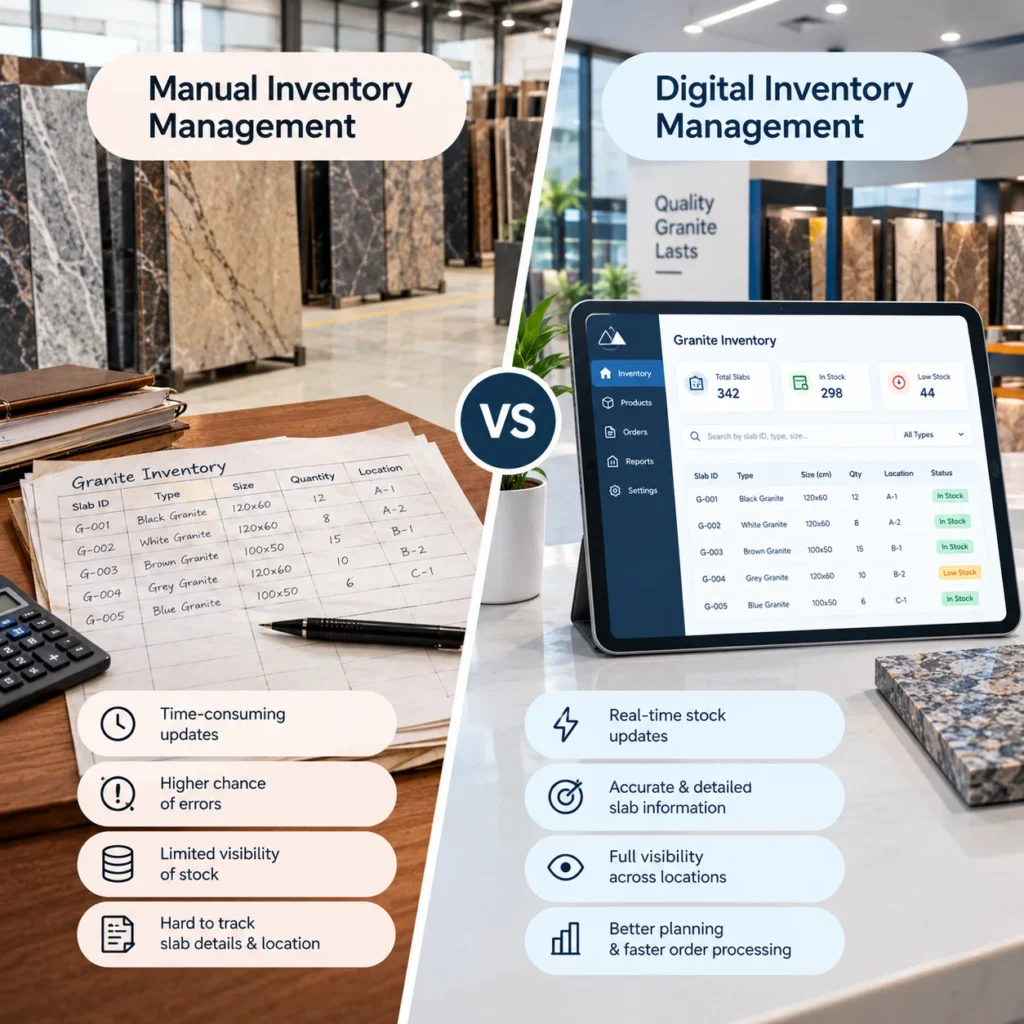
3. Live Inventory with Lot and Slab Detail
If we had to pick one feature that separates a showroom CRM from a generic one, it’d be this.
Here’s how it goes wrong. A rep quotes 600 square feet of an 8×48 porcelain plank. Contract signed, deposit taken. Then the warehouse checks and finds only 420 square feet in a single shade lot, with the rest from a different run. Someone now gets to call the client and explain why her living room might show two tones, or why install day just moved by three weeks.
Nobody enjoys that call.
Your CRM needs live stock pulled straight from your system, not a spreadsheet someone exports overnight. For tile, that means quantity by SKU and location along with shade lot and caliber. Stone asks for more: slab ID, thickness (2cm or 3cm), dimensions and a real photo, because nobody commits to a bookmatched pair from a product code alone.
Holds matter too. Two reps promising the same slab to two clients? It happens more than owners admit.
Then there’s units. You stock cartons; customers think in square feet. Let the CRM do that math.
Most of this lives or dies on how well the CRM talks to your inventory management solution.
4. Quoting That Flows into Orders
Quotes change. Constantly.
First the client wants the mosaic border, then she doesn’t. Then the shower wall goes from 12×24 to a 3×12 subway and the whole number moves. A decent CRM keeps every version, pulls from current price lists and, once she finally says yes, turns that quote into an order without anyone retyping it.
Retyping is where things break. A transposed SKU in tile isn’t just an invoice to correct; it’s the wrong pallet on a truck and an installer standing in an empty bathroom.
Connecting quotes to tile calculator solutions for coverage, waste and grout keeps your website, showroom and field measure on the same figure.
After approval, the order ought to flow into order management and accounting by itself. Selling to dealers too? A B2B dealer management solution shares that pricing and order data so trade buyers reorder online instead of ringing your floor staff.
5. Reporting Built Around Showroom Metrics
A dashboard full of charts that don’t answer your questions is just decoration.
So what do showroom owners actually want to know? Usually something like this:
| Question you’re asking | Metric worth tracking |
| Is our floor traffic converting? | Walk in to quote rate, quote to order rate |
| Which samples actually sell? | Sample check outs compared with orders by SKU |
| Who’s following up? | Open quotes older than 14 days, by rep |
| Are trade accounts growing? | Revenue by designer and contractor account |
| Is each display earning its space? | Sales by displayed product line |
Watch the sample row. A display handled all day sometimes barely sells, while something in a corner quietly carries the month.
Timing matters too. A month end report on falling slab sales is a post mortem. Real time numbers let a manager spot unanswered quotes on Tuesday and fix them by Thursday.
Why CRM and ERP Integration Matters for Tile Businesses
Every feature above quietly depends on one thing.
Your CRM has to share data with the rest of your stack, or it becomes a second place to type things in. We’ve unpacked the sales upside in how CRM integration helps tile and marble showrooms sell more. That might mean Salesforce alongside NetSuite or SAP, a lighter QuickBooks or Xero setup, or a custom API bridging older industry software.
We’d put two questions to any vendor. Does stock sync in real time or on a timer? And when your ERP pushes an update, who fixes the integration? If they hesitate on either, keep looking.
How to Choose the Right CRM for a Tile and Marble Showroom
Skip the polished demo at first. Trace one recently closed project from first visit to install day, noting every point where information changed hands or vanished.
That map becomes your shopping list.
From there, a few practical tests:
- Hand a tablet to one of your reps and have them log a walk in plus a sample check out. Time it.
- Ask how the system handles shade lots and slab holds. A confused look tells you plenty.
- Find out what support looks like six months after go live, not just during onboarding.
To be fair, plenty of retail showrooms do perfectly well on an off the shelf flooring CRM. Deeper integration pays off once you run several locations, sell heavily to trade, or have an ERP you can’t replace.
Build a CRM That Fits Your Tile Showroom’s Workflow
Your showroom doesn’t sell like a software company, so your CRM shouldn’t act like one. Tiles IT Solutions connects CRMs to the inventory, ERP and quoting systems tile and stone businesses already run on, so your team quotes from live stock and real customer history.
Book a CRM integration consultation and we’ll show you where your current setup is losing leads.
FAQs
1. What is a CRM for a tile showroom?
It’s software that tracks showroom leads, samples, quotes and customer history, tied to tile details like shade lots and slab stock. Your team follows up on time and sells from accurate inventory.
2. Can Salesforce work for tile and marble showrooms?
Yes, once it’s configured and connected to your inventory and ERP. Out of the box, it doesn’t understand shade lots, slabs or carton to square foot conversion.
3. Why does lot tracking matter in a CRM?
Tiles from different production lots can vary in shade and size. If reps can’t see lot quantities while quoting, a job may ship mixed lots, and that usually means visible color differences and returns.
4. How long does CRM integration take?
It depends on scope. A single accounting sync is fairly quick. Projects covering ERP, inventory and data migration take longer, so a system assessment up front is the best way to get a realistic timeline.
5. Should a small showroom invest in a CRM?
Usually, yes, if samples and follow ups keep slipping. Start with lead capture and sample tracking, then add integrations as volume grows.