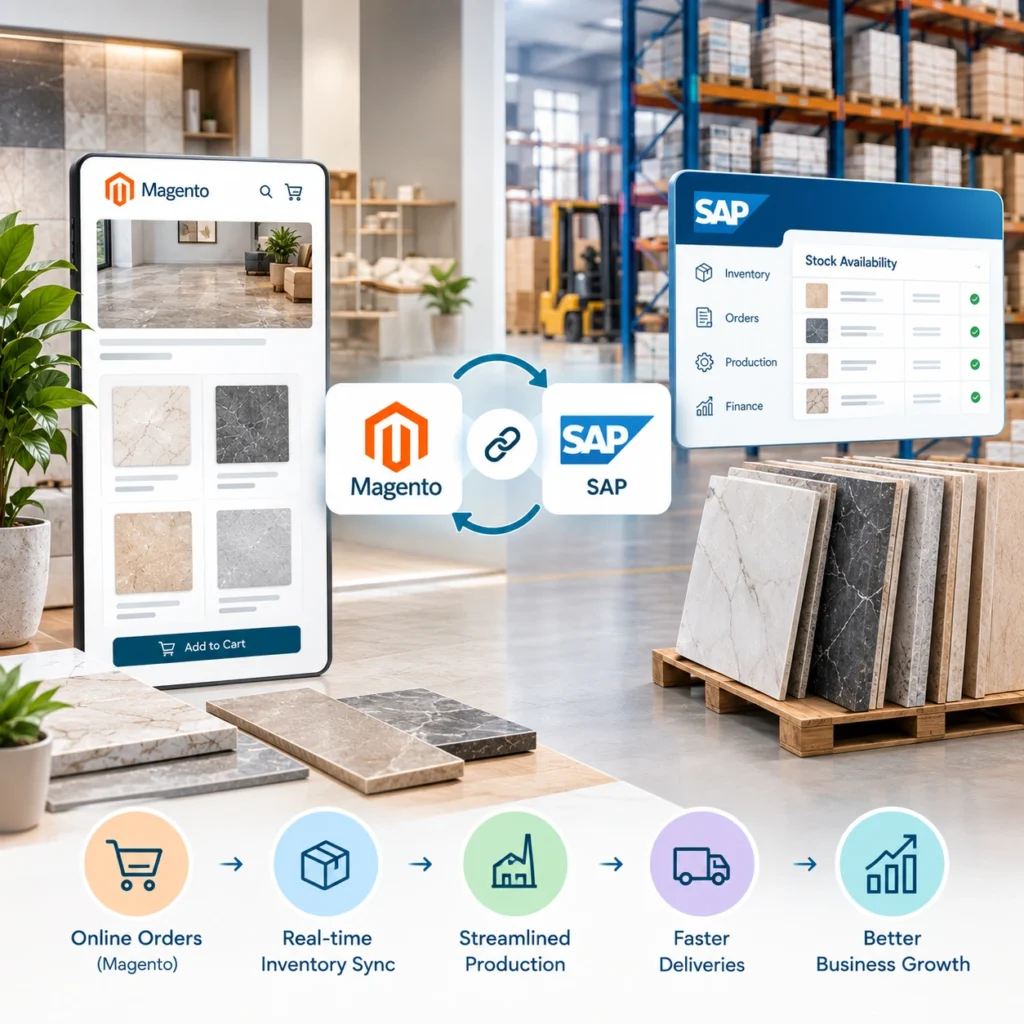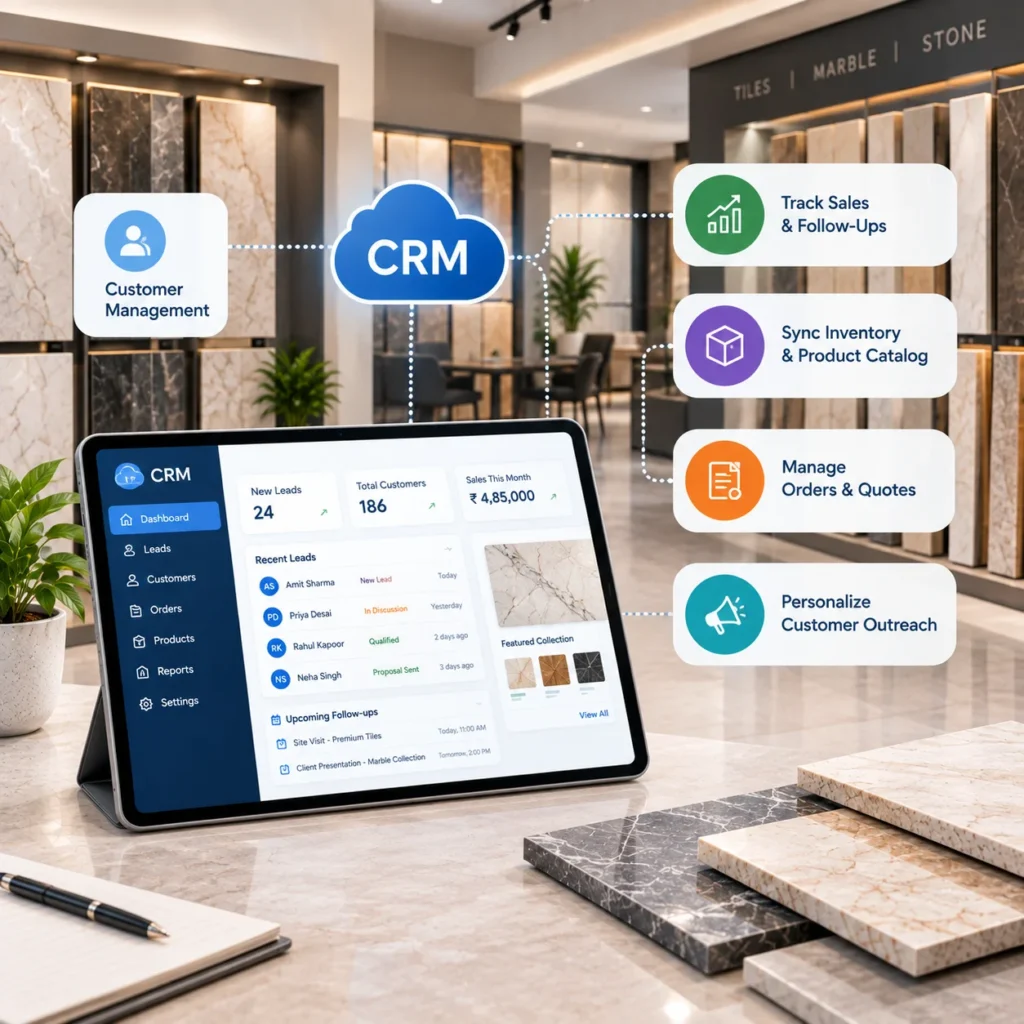
A showroom can do everything right on a Saturday and still lose the sale by Wednesday. Someone falls for a honed marble, takes three samples home, and nobody calls. Sound familiar? CRM integration is mostly about fixing that. It ties customer records to stock, quotes, and order history, so consultants aren’t selling from memory. Our ERP and CRM integration solution covers the technical side. Here, we’ll stick to five ways it actually helps tile and marble showrooms sell more.
What Does CRM Integration Actually Mean for a Showroom?
Short version: your CRM (Salesforce, HubSpot, Zoho, whatever you run) gets connected to the systems holding stock, pricing, and orders. Usually that’s an ERP or an inventory platform. After that, a consultant who opens a customer record sees what they bought last time, any open quotes, which samples are sitting in their living room, and what’s really available by shade lot. One screen.
That’s it, really. The rest is plumbing.
5 Ways CRM Integration Helps Tile and Marble Showrooms Sell More
None of these need a giant rollout. You could start with one and add the others later.
1. Nobody Leaves the Showroom Without a Record
A couple spends forty minutes with your consultant. Porcelain for the kitchen, honed marble for the main bath, a long debate about grout color. They leave with samples and a rough guess at square footage.
Monday? Nobody remembers their last name.
It happens more than most owners like to admit, and honestly, it’s rarely a people problem. It’s a system one. When the CRM sits on a tablet at the design table, the visit gets logged while everyone’s still seated: name, phone, rooms, budget range, sample numbers. Two minutes, maybe less.
Website leads belong in that same list, or you end up running two pipelines that never meet. Our tile calculator solution can send lead details into your CRM whenever someone runs a coverage or grout estimate. So the person measuring their bathroom at 11pm turns up on Monday’s call sheet with tile size and square footage already attached. Not a bad way to open a phone call.
Worth the effort? Fireclay Tile credits Salesforce with a 400% jump in leads, according to the Salesforce customer story. That’s the vendor telling its own success story, so don’t build a budget around it. The direction’s right, though.
2. Quoting From Stock That Actually Exists
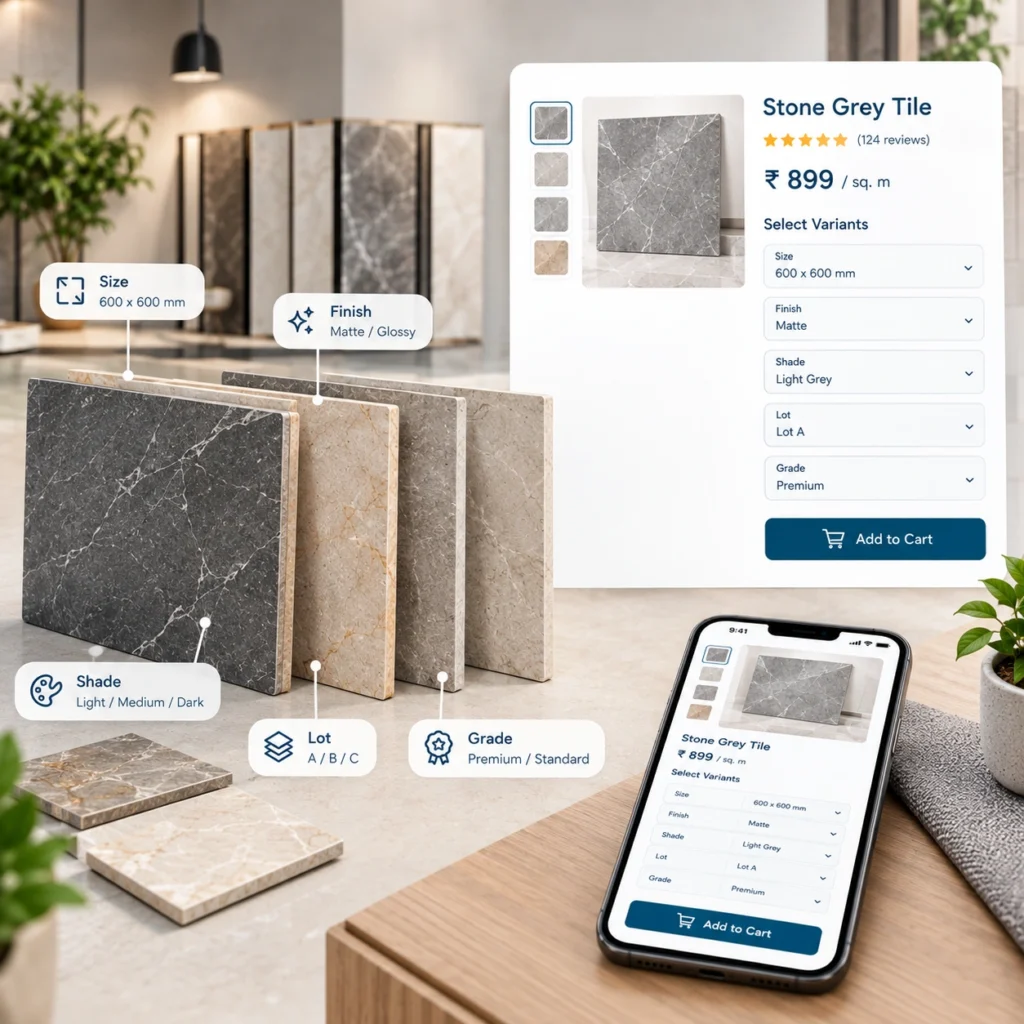
Tile isn’t shoes. Same SKU, two production runs, and the tonality can drift enough that a homeowner spots it from the doorway. Marble’s worse, since every slab in a bundle is its own animal.
So a quote has to know more than “we’ve got 800 square feet.” Once inventory data flows into the CRM, your consultant sees quantity by shade lot and caliber, which location it’s sitting in, and whether a single lot covers the job plus overage. If it doesn’t, they see when the next delivery lands. Reserved slabs show as reserved, which spares everyone an awkward call two weeks later.
The classic mistake? Quoting 600 square feet from a lot with 420 left. You’ve basically booked a callback. Probably a return, too, and maybe a one star review for good measure.
Our inventory management solution tracks tiles by lot number for shade matching and updates the moment stock moves. That’s precisely the feed a CRM needs to quote honestly.
3. Your Best Contractors Stop Getting Treated Like Strangers
A setter who sends you six jobs a year shouldn’t fill in the same form as someone buying their first backsplash. Yet at plenty of counters, that’s exactly what happens. The rep asks for the company name, guesses at the discount, then wanders off looking for a manager.
With integration, the account pops up with its pricing tier, credit terms from the ERP, open projects, and the last few orders. Quote’s out before the coffee goes cold.
Designers matter here too (arguably more). Tag the project to both the designer and the homeowner. When that homeowner drifts back alone a fortnight later, your team knows who sent them and won’t accidentally undercut the person who’ll send the next three clients.
Bigger operators already work this way. Emser Tile, a tile and natural stone distributor, connected Oracle Sales to its JD Edwards ERP and says it streamlined order management. If you also sell through dealers, that same account data can power a B2B dealer portal solution with tiered pricing and order tracking. Trade buyers reorder on their own. Fewer phone calls all round.
4. Follow Ups That Don’t Rely on Anyone’s Memory
Hardly anyone buys tile on the first visit. Samples go home. They get studied in morning light, then evening light. Somebody’s mother weighs in.
Whoever checks in at the right moment tends to win the order. A connected CRM can nudge your consultant based on what actually happened, for example:
- two days after samples leave, a quick “how do they look in the room?”
- around day five, a link to preview the shortlist in their own space
- just before the quote expires, a heads up that the lot’s held until Friday
That middle one pairs nicely with an AR visualization solution. Point a phone at the floor, see the tile in place, decide faster.
Don’t automate the whole thing, though. A canned email signed “the team” on a $20,000 marble job feels a little insulting. Let the system remind the consultant, and let the consultant write the note.
5. Selling the Whole Job, Not Just the Tile
Margins hide in the small stuff. Thinset, trim pieces, edge profiles, membranes, sealer, grout. Customers forget nearly all of it until the installer turns up and asks where it is.
If the CRM knows the project type and what’s already been ordered, the gaps jump out. Natural marble with no sealer? Ask. Shower job with no waterproofing membrane? Definitely ask. Most people would rather hear it from you than from an irritated installer on day one.
Then there’s reporting, which most showrooms barely touch. Which consultant turns sample checkouts into orders? Which collection gets sampled constantly but almost never bought? You’ll only get those answers by joining CRM activity with ERP sales data. Frankly, they’ll tell you more about your display wall than any trend forecast will.
Disconnected vs Integrated Showroom : Side by Side Comparison
If you’d rather skim, here’s the difference in one view.
| Showroom task | Disconnected systems | CRM integrated with ERP and inventory |
| Capturing visitors | Paper forms, lost names | Logged on a tablet during the visit |
| Checking stock for a quote | Phone call to the warehouse | Live quantity by shade lot and caliber |
| Trade pricing | Manager approval every time | Tier and credit terms on the account |
| Sample follow up | Whoever remembers | Triggered by checkout date |
| Add on items | Often missed | Flagged by project type |
| Sales reporting | Spreadsheets stitched monthly | Conversion by consultant and collection |
What Should You Connect First?
Not everything. Trying to wire up every system in one go is how these projects drag on.
Start with inventory feeding the CRM, because it protects every quote. Customer and pricing data from the ERP comes next, so trade accounts look right at the counter. Website and calculator leads after that. Automated reminders and dashboards? Later, once the data underneath is clean.
And it won’t be clean at first. Expect duplicate customers, SKUs named one way in the ERP and another in the CRM, and at least one rep who quietly goes back to paper because the tablet form has too many fields. Cleanup often takes longer than the connection work itself, which is why our integration process treats data migration and validation as a separate phase.
One last thing. Hold off on fancy dashboards until reps are actually logging visits. Nobody needs a chart of empty records.
Stop Losing Sales After the Showroom Visit
Your consultants already do the hard bit, which is earning trust on the floor. Integration just makes sure that effort turns into orders instead of forgotten samples. We build CRM, ERP, and inventory connections for tile and stone businesses, with lot tracking, trade pricing, and website lead capture included. Request a CRM integration solution assessment and we’ll tell you what’s worth connecting first, and what can wait.
FAQs
1. Which CRM is best for a tile showroom?
Salesforce, HubSpot, Zoho. They all work. What matters is how cleanly it connects to your ERP and inventory, and whether your team will open it every day.
2. Is CRM integration worth it for a single location showroom?
Yes. Even without an ERP, tying the CRM to inventory and website leads stops people from slipping through.
3. How long does a CRM integration take?
Depends on scope. One inventory to CRM sync is a small job; ERP, ecommerce, and CRM together is a much bigger one. An assessment gets you a real timeline.
4. Will it work with our current ERP?
Probably. SAP, NetSuite, QuickBooks, and Xero connect directly, and custom APIs handle older or homegrown systems.
5. Does it help with shade lot problems?
It does. Quotes pull live lot data, so consultants know whether one lot covers the job before they promise it.