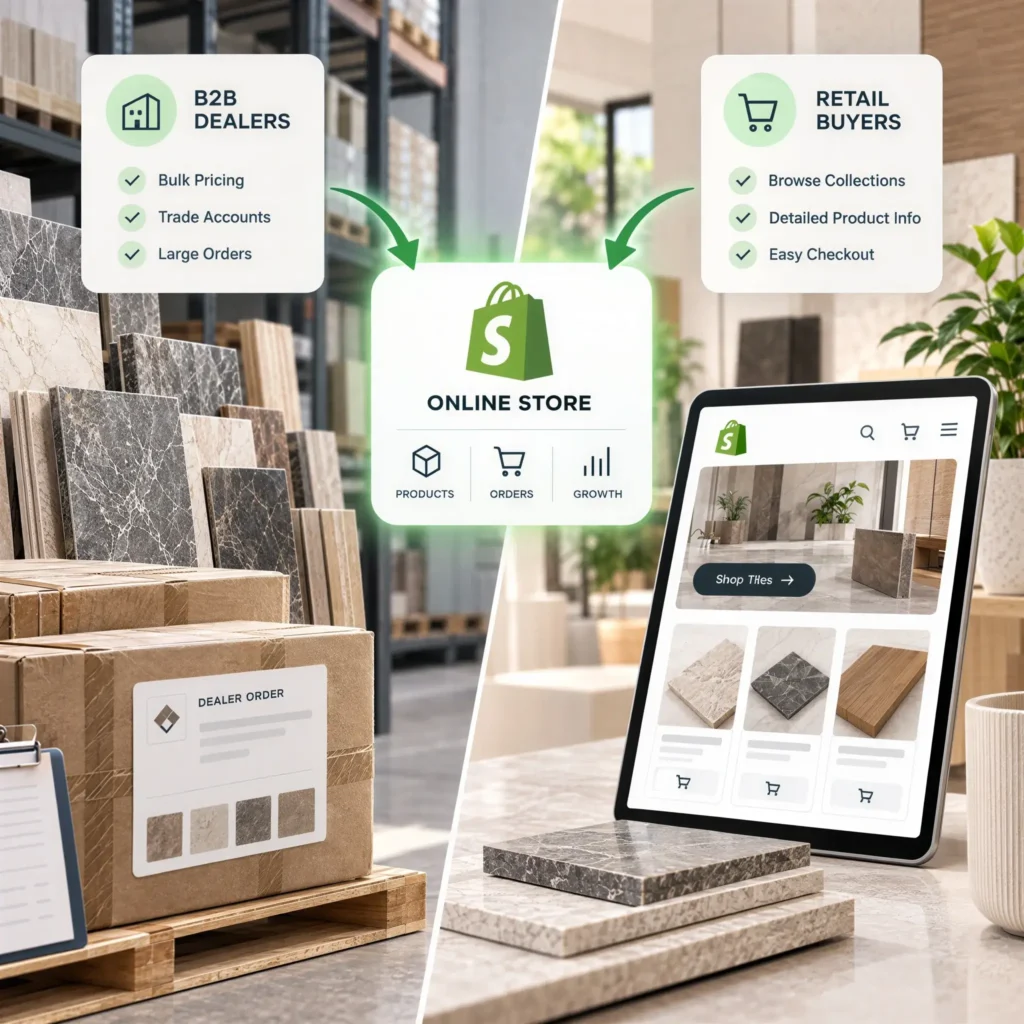
A homeowner wants to know how many boxes will cover a 12 by 15 bathroom. A dealer wants 40 boxes of the same porcelain, from one shade lot, on Net 30 terms, delivered on a pallet by Thursday.
Same product. Completely different buying experience.
That gap is why many tile companies end up with two disconnected storefronts, or one Shopify tile store that frustrates both audiences. Shopify can now serve both from a single store, but only if the setup starts with tile data rather than a generic theme. This guide follows the setup order we use in our Shopify store solutions for tile brands, including the parts Shopify doesn’t do natively.
To set up a Shopify tile store for both dealers and retail buyers, run one store with Shopify’s native B2B features. Retail shoppers get box pricing with a coverage calculator; dealers log in to company accounts with their own catalog prices and payment terms. Before launch, structure tile specs in metafields, price every product by the full box, display the per square foot figure, plan catalogs around your plan’s limits, expose shade lot stock, and connect your ERP so inventory stays accurate.
Shopify B2B vs. Retail: Should Tile Businesses Use One Store or Two?
For most tile businesses, one.
On April 2, 2026, Shopify moved its core B2B tools onto the Basic, Grow, and Advanced plans. Merchants on those plans now get company profiles, payment terms, volume pricing, and up to three active B2B catalogs at no extra cost, according to Shopify’s changelog. Before that change, a shared store usually meant paying for Plus or stacking wholesale apps.
So a distributor with a few dealer tiers can genuinely run everything from one admin. One catalog, one inventory pool.
Two stores still make sense in a few cases. If your trade range and retail range barely overlap, separation can be cleaner. And if you need unlimited catalogs or deposits on large project orders, that’s Plus territory, since both remain exclusive to it.
Honestly, most teams overestimate how different the two audiences need to be. The products are the same. The rules around them aren’t.
7 Steps to Set Up a Shopify Tile Store for Wholesale and Retail
Order matters. Jumping straight to theme design is a common reason tile stores get rebuilt within a year.
1. Structure Tile Data First
Shopify’s default product fields were built for shirts and sneakers. Tile needs more. Before you choose a theme, create metafields for every spec a homeowner filters by or a dealer quotes from:
- Coverage per box (sq ft) and pieces per box
- Size, thickness, and edge type (rectified or pressed)
- Finish, PEI rating, and DCOF slip value
- Box weight and boxes per pallet, which your freight rules will need later
- Shade and caliber codes, if your plant or supplier provides them
Variants need a decision too. A common approach is one product per series and color, with sizes as variants. Finishes that change the price or the photo usually work better as separate products. More on that choice in our guide to managing complex tile product variants.
2. Price by the Box, Show by Area
Tile sells by the box. Buyers think in square feet. Your product page has to speak both languages.
Set each product’s price as the full box price, then display the per square foot figure beside it. Shopify’s unit price setting can do this in some regions; elsewhere, a coverage metafield and a small theme edit handle it.
Here’s how the math should run for a retail shopper:
A porcelain tile ships at 15.5 sq ft per box and sells for $62 per box, which works out to $4.00 per sq ft. The shopper enters 180 sq ft and accepts a 10 percent overage for cuts. That’s 198 sq ft, or 12.8 boxes. The calculator rounds up to 13 boxes, adds $806 to the cart, and confirms the order covers 201.5 sq ft.
Never let a calculator sell a partial box. Dealers won’t touch the calculator anyway. They order in box or pallet quantities, so give them a quick order form. Our tile calculator solutions are built around this exact rounding logic.
3. Create Dealer Company Accounts
In Shopify B2B, each dealer is a company, not a single customer. A company can hold multiple locations (say, a showroom and a stockyard) and multiple buyers with different permissions. B2B also requires Shopify’s newer customer accounts, so switch over from classic accounts before you start.
At the company level, set:
- Payment terms, usually Net 30 for most dealers and Net 60 for your largest accounts
- The catalog that company can see
- Tax exemptions where they apply
- Shipping addresses for each location
Onboarding is the weak spot. There’s no built in “dealer or homeowner” choice at signup, so dealers usually apply through a form and get approved manually. That’s manageable at 30 dealers. At 300, a dedicated B2B dealer management solution with approval workflows, credit limits, and order tracking starts to earn its keep.
4. Plan Your Three Catalogs
Below Plus, you get three active B2B catalogs. Sounds like plenty. It often isn’t.
Map them before you create a single dealer account:
| Catalog | Assigned to | Pricing logic |
| Trade | Installers and contractors | Percentage off retail |
| Dealer | Stocking dealers | Fixed per box prices with volume breaks |
| Project | Builders and key accounts | Lowest fixed prices, pallet minimums |
Retail shoppers don’t need a catalog at all. They see your standard prices.
Notice what’s missing: seasonal price lists, clearance pricing for discontinued lots, one off dealer deals. A fourth tier means restructuring, an app, or Plus. One more catch. On plans below Plus, catalogs are assigned through Markets rather than directly to individual companies, so test the assignment before you invite real dealers.
5. Keep Shade Lots Visible
This is where generic Shopify setups fail tile businesses.
Two boxes of the same SKU from different production runs can look noticeably different on a floor. A homeowner ordering 13 boxes needs all of them from one lot. A dealer reordering for a job site needs to know whether the original lot still has stock.
Shopify tracks inventory by variant and location. It doesn’t track lots natively. Your practical options:
- Create lot specific variants for high volume lines, hidden once sold through
- Show quantity per lot through an app or custom block
- Sync lot data from your warehouse system and cap the order quantity at the largest single lot
That third option is the most reliable, and it’s where an inventory management solution built for shade and caliber tracking does the heavy lifting.
Worth saying plainly: “13 boxes in stock” means nothing if those boxes are split across three lots.
6. Set Up Freight, Samples, and Quotes
The tile is heavy. A single box of large format porcelain can weigh well over 50 lbs, and flat rate shipping will quietly eat your margin.
Retail parcel orders should use weight based rates built on accurate box weights. Pallet orders need either a freight rate table or a quote step, depending on volume.
Samples deserve separate products, priced low and kept out of dealer catalogs so trade buyers aren’t scrolling past them.
For large jobs, add a request for a quote form. Plenty of contractors won’t commit to 2,000 sq ft through a cart, and frankly, they shouldn’t have to.
7. Connect Your ERP and Test Both Journeys
If prices, stock, and dealer accounts live in an ERP, sync them before launch, not after. Manual reconciliation breaks fast once a second dealer catalog goes live. Our ERP and CRM integration solutions cover the connections tile businesses rely on most.
Then test like a skeptic. Place a guest retail order through the calculator. Log in as a dealer, confirm the catalog price, order on Net 30, and check that it lands correctly in your ERP. Then try to break things: order across two shade lots, or mix a pallet with a parcel.
Fix what breaks. Then launch.
Shopify B2B Limitations for Tile Stores: What Requires Apps or Custom Development?
Shopify’s B2B tools cover the basics well. Not everything, though.
Expect apps or custom development for:
- Order approval workflows when one dealer has several buyers
- Live ERP sync with SAP, NetSuite, or Business Central
- Hiding specific collections from specific dealer accounts
- Lot level stock allocation
If your pricing logic is genuinely complex, Shopify might not be the right base at all. Our Shopify Plus vs Magento comparison for tile brands breaks down where each platform handles tile catalogs better.
How to Build a Shopify Tile Store That Serves Dealers and Retail Buyers
Dealers and homeowners don’t need two storefronts. They need one built around tile data, box math, and trade rules from the start. Tile IT Solutions sets up Shopify and Shopify Plus stores for tile retailers, distributors, and manufacturers, including dealer catalogs, shade lot visibility, and ERP sync.
FAQs
1. Can one Shopify store serve both tile dealers and retail customers?
Yes. Retail shoppers see standard pricing, while logged in dealers see their company’s catalog prices, payment terms, and volume breaks. Since April 2026, that’s included on every paid Shopify plan.
2. Do I need Shopify Plus for a B2B tile store?
Not always. Plans below Plus include up to three active B2B catalogs. You’ll need Plus for unlimited catalogs, direct catalog assignment to companies, or deposits.
3. How do I sell tile by the box but show the price per square foot?
Set the price at the box level, store coverage per box in a metafield, and display the per square foot price beside it. Your calculator should always round up to whole boxes.
4. Can Shopify track tile shade lots?
Not natively. Most tile stores use lot specific variants, an app, or a sync with their warehouse system to show stock by lot.
5. How long does a Shopify tile store setup take?
It depends on catalog size and integrations. Moving from another platform usually takes 6 to 10 weeks in our experience, and our Shopify migration guide explains what shapes that timeline.