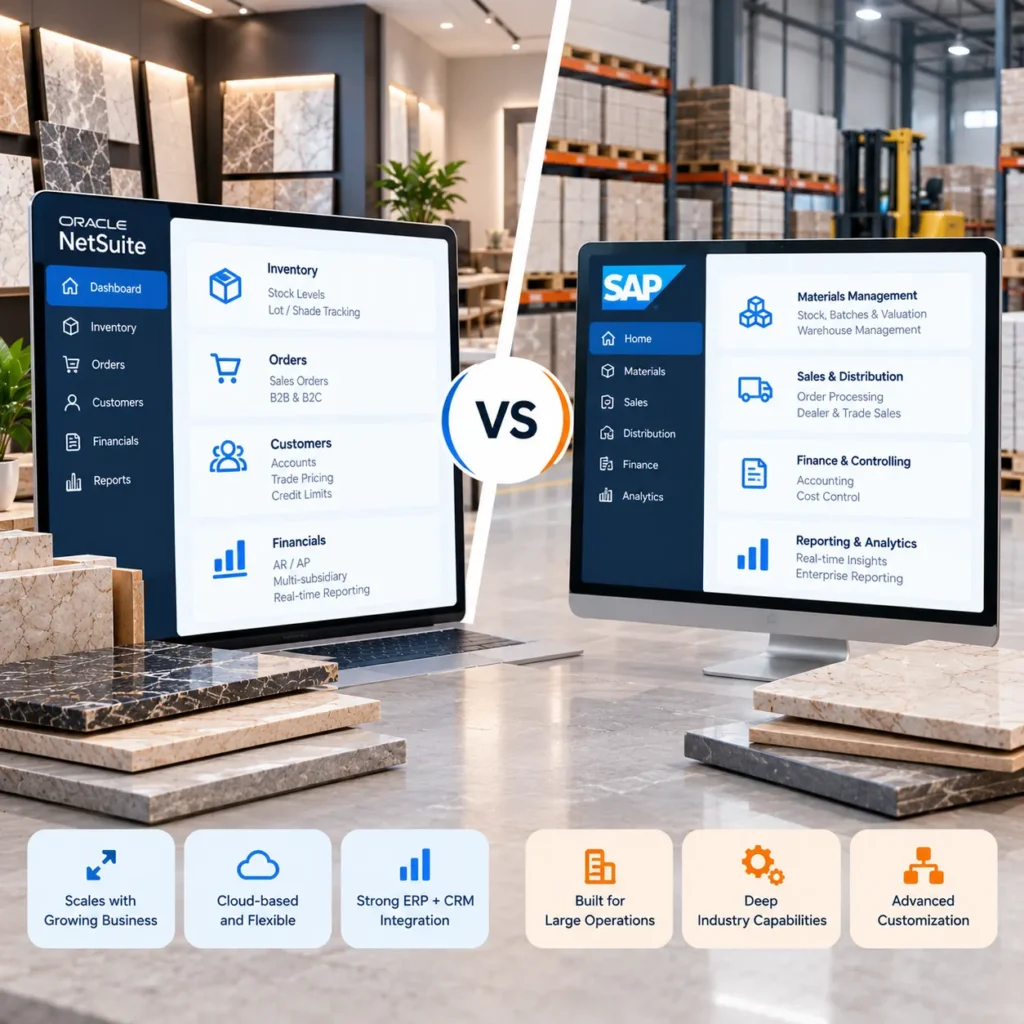
A dealer calls on Thursday afternoon for 40 more boxes of the matte grey plank they bought last month. The system shows 600 in stock, so your rep says yes. An hour later the warehouse calls back: those boxes are spread over three shade lots, and only 22 match what’s already laid. Most tile distributors have taken that call, and it’s often when someone decides the old system has to go. NetSuite vs SAP usually tops the replacement shortlist.
Either one can run tile distribution. They suit different sizes of business, though, and a mismatch tends to show up a year later as creeping license costs or a rollout nobody can call finished. If you’re already leaning one way, our tile ERP and CRM integration solution connects either system to the storefront, portal, and warehouse tools you already use.
NetSuite vs SAP for Tile Distributors: Quick Comparison
The one line version: SAP Business One for a small single depot operation, NetSuite for a distributor adding depots and selling online, and SAP Cloud ERP for groups with several legal entities or their own production.
| If this sounds like you | Look first at |
| One warehouse, small office, mostly counter and phone orders | SAP Business One |
| Two or more depots plus a dealer portal or online store | NetSuite |
| Several legal entities or your own production lines | SAP Cloud ERP |
| Part of a group that already runs SAP | SAP Business One or SAP Cloud ERP |
None of these rows is a rule. A two depot business with no online ambitions can be perfectly happy on Business One.
SAP Business One vs SAP Cloud ERP: Which Should You Compare?
Most comparison pages never say which SAP they mean, and it changes the answer.
SAP Business One is SAP’s small and midsize product. It runs on your own servers or in the cloud, and partners sell and implement it.
S/4HANA is the enterprise suite. Its multitenant cloud edition (S/4HANA Cloud Public Edition, renamed SAP Cloud ERP in 2025) has been offered to midsize firms through GROW with SAP since 2023. You work inside SAP’s standard processes; classic ABAP modifications aren’t permitted there, so extensions get built on SAP Business Technology Platform.
For most small and midsize distributors, then, the real contest is NetSuite against Business One.
Key ERP Features for Tile and Ceramic Distributors
Four details separate a tile ERP project from a generic one. Check them before anyone shows you a dashboard.
1. Shade, Caliber and Batch Tracking for Tile Inventory
PEI class, finish, and format belong on the item record. Shade and caliber change from one production run to the next, so they belong on the lot.
NetSuite handles this with lot numbered inventory items, which Oracle documents working alongside multiple units of measure. Watch one behavior in the demo: a sales order can reserve quantity without naming a lot and leave that choice for fulfillment. Fine for most products. In tile, it’s exactly how the Thursday call happens.
Business One manages items by batch, with attribute fields on each batch where shade and caliber codes can sit. SAP’s enterprise ERP goes further with batch classification, which makes tonality, caliber, and grade searchable.
Neither platform, in our experience, refuses to fill one line from two lots unless someone configures it to. Budget a workflow rule, script, or partner extension either way.
2. Box, Square Meter and Pallet Unit Conversions
Buy by the pallet, warehouse packs boxes, counter pitches by the area. NetSuite handles this with unit types, which have separate purchase, stock, and sale units for each item. Business One uses units of measure groups, which are based on a base unit and conversion rules.
Here is the catch, conversions are per group, and most formats don’t have conversions. A box of 2 porcelain tiles 60 x 120 cm has coverage of 1. 44 m2. A box of 11 mosaic sheets 30 x 30 cm has coverage of 0. 99 m2. You will probably have to set up conversions for most formats, and I’d do it before you migrate your data!
3. Managing Damaged Tiles, Breakage and Seconds
Damaged stock needs its own home:
- NetSuite can flag boxes with an inventory status like “damaged,” keeping them counted but unavailable to sell
- Business One teams usually park seconds and returns in a separate warehouse or bin pending inspection
Either works if the counter sees it instantly.
4. Dealer Pricing and B2B Portal Integration
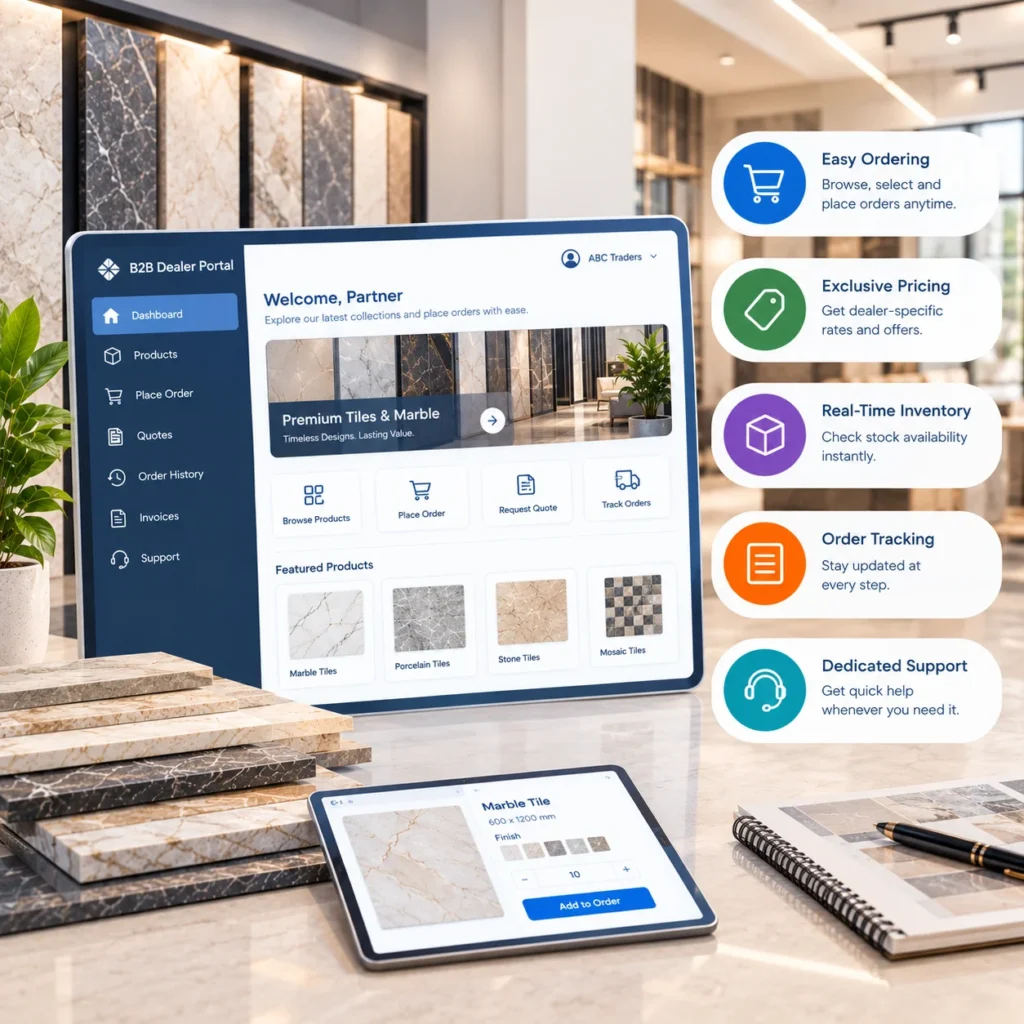
Contractor rates, three dealer tiers, project quotes that lapse after 30 days. Either ERP stores all of it. The harder part is showing a dealer their price beside live stock by shade at 9 pm. That’s a job for a B2B dealer portal solution reading straight from the ERP, and it clears a lot of “is shade 04 still in?” email off your inside sales team.
NetSuite vs SAP: Which ERP Fits Your Business Size?
Revenue is a poor guide on its own. Depots, logins, and legal entities tell you more.
1. SAP Business One for Small Tile Distributors
One depot, a showroom counter, four or five people in the office. Business One usually fits here. You can buy it outright and host it on your own server, and a good partner can configure batches and units without a long project.
Watch the Starter Package. It caps out at five users and can’t be mixed with Professional or Limited licenses, so hiring a sixth person means converting every seat rather than adding one.
NetSuite runs a business this size fine. You’d just be paying for cloud capacity you won’t need yet.
2. NetSuite for Growing and Midsize Tile Distributors
Year one brings a second depot. Year two adds a dealer portal and an online store, and by year three reps are quoting from tablets on job sites.
That’s the profile where NetSuite tends to earn its cost. It’s cloud only, so every depot works in one live system with inventory, CRM, and order management together. Oracle sets the update schedule: fewer upgrade projects, less control over timing.
Business One can still cope, usually with partner extensions for scanning and ecommerce. At that point the partner matters more than the product.
3. SAP Cloud ERP for Large Distribution Groups and Manufacturers
SAP Cloud ERP makes sense once any of these apply:
- several legal entities trading in different currencies
- production lines of your own feeding the distribution side
- hundreds of users, or a credible plan to reach that
NetSuite isn’t ruled out by size. OneWorld, its multi subsidiary edition, handles distribution heavy groups well. For a manufacturer that also distributes, though, SAP’s production planning depth is hard to match. A single depot distributor would be buying far more system than it needs.
NetSuite vs SAP Business One: Licensing and Implementation Costs
Neither vendor publishes a price list, so any online figure without a quote behind it is a guess. The structures do differ:
| NetSuite | SAP Business One | |
| How it’s sold | Subscription only | Perpetual or subscription, through a partner |
| What you license | Base platform, named users, modules like WMS | Professional users (full access) and Limited users (one area, like logistics) |
| Watch for | Costs rising with seats, modules, and renewals | Starter Package limits and partner rates |
Ask both vendors one question in writing before you shortlist: which license does a forklift driver with a handheld scanner need? Across a whole warehouse team, the answer adds up.
NetSuite vs SAP: Ecommerce, Dealer Portal and Warehouse Integration
No tile distributor runs on the ERP alone. Storefront, dealer portal, visualizer, and coverage calculator all pull stock and pricing from it, ideally by shade lot and close to real time. Both platforms expose that data (NetSuite through SuiteTalk web services and SuiteScript, Business One through its Service Layer REST API), so the connection itself rarely holds a project up. Agreeing which system owns each field and how often it syncs takes far longer. Our guide to NetSuite integration for tile ecommerce explains what syncs and how to plan it, and most of it carries over to SAP.
Warehouse accuracy sits under all of it, which is why many distributors pair the ERP with an inventory and warehouse management solution built for lot level tile tracking.
Questions to Ask Before Choosing an ERP for Tile Distribution
Take these to every demo:
- Can a rep choose a shade lot on the order, and will the system block mixed lots on one line?
- Who builds the box, area, and pallet conversions for every format you stock?
- After go live, who answers when something breaks: the vendor or a partner?
- What does connecting the storefront and dealer portal involve?
The ERP integration checklist for ceramic businesses goes deeper on the integration side. And before any rollout, read the SAP implementation mistakes tile brands make; most turn up on NetSuite projects too.
Choosing the Right ERP for Your Tile Distribution Business
Still deciding between NetSuite and SAP? Tiles IT Solutions works with tile distributors to map shade lots, unit conversions, and dealer pricing into whichever ERP they pick, then connect it to their storefront, portal, and warehouse tools. Book an ERP fit consultation and we’ll review your depots, users, and channels before anything is signed.
FAQs
1. Is NetSuite better than SAP for tile distributors?
It depends on size. NetSuite suits growing multi depot distributors selling online, Business One suits smaller single site businesses, and SAP Cloud ERP suits large groups with their own production.
2. Can SAP Business One track shade and caliber?
Yes. Batch managed items have attribute fields that can hold shade and caliber codes. Stopping mixed lots on one order line usually needs extra configuration.
3. Can NetSuite run on premise?
No, it’s cloud only. If you want the ERP on your own servers, Business One offers that.
4. Can I move from Business One to NetSuite later?
Yes, but it’s a full migration rather than an upgrade, so choose for where you expect to be in five years.