SAP rollouts inside tile companies rarely fail because of the software. They fail because the project was scoped like a generic manufacturing implementation, when tile is nothing close to generic.
Batch shade variation. Caliber sorting. Lot-level pricing. Dealer credit ladders. Sample dispatches that never come back. None of this shows up in a standard SAP blueprint, and that gap is where budgets quietly bleed.
We’ve spent years cleaning up post go-live messes for tile manufacturers, distributors, and multi-branch dealer networks. The same mistakes keep surfacing. If you’re planning a rollout or already mid-project, our ERP integration solution is built around exactly these failure points, and this piece walks through the seven that hurt the most.
7 SAP ERP Implementation Mistakes Tile Brands Must Avoid
1. Treating Tile Manufacturing as Generic
This is the mistake that seeds every other one.
A generic SAP setup treats a 600×600 glazed vitrified tile like a bolt or a bottle. One SKU, one price, one stock number. Reality is messier. The same design code often ships in three shades, two calibers, and two surface finishes, and a dealer will reject a pallet if the shade batch doesn’t match his earlier order.
If your sap erp implementation partner has never heard of tonality codes or PEI ratings, that’s the signal to slow down. Ask for a demo built on tile master data before signing anything.
2. Migrating Unclean Master Data
Old ERPs and Tally files are usually a graveyard. Duplicate item codes. Half-populated HSN fields. Dealer names spelled four different ways. Discontinued designs still marked active.
Dumping this into SAP on day one guarantees three things:
- Reports nobody trusts
- Inventory counts that never tie
- A finance team that spends the next quarter cleaning what should have been cleaned before
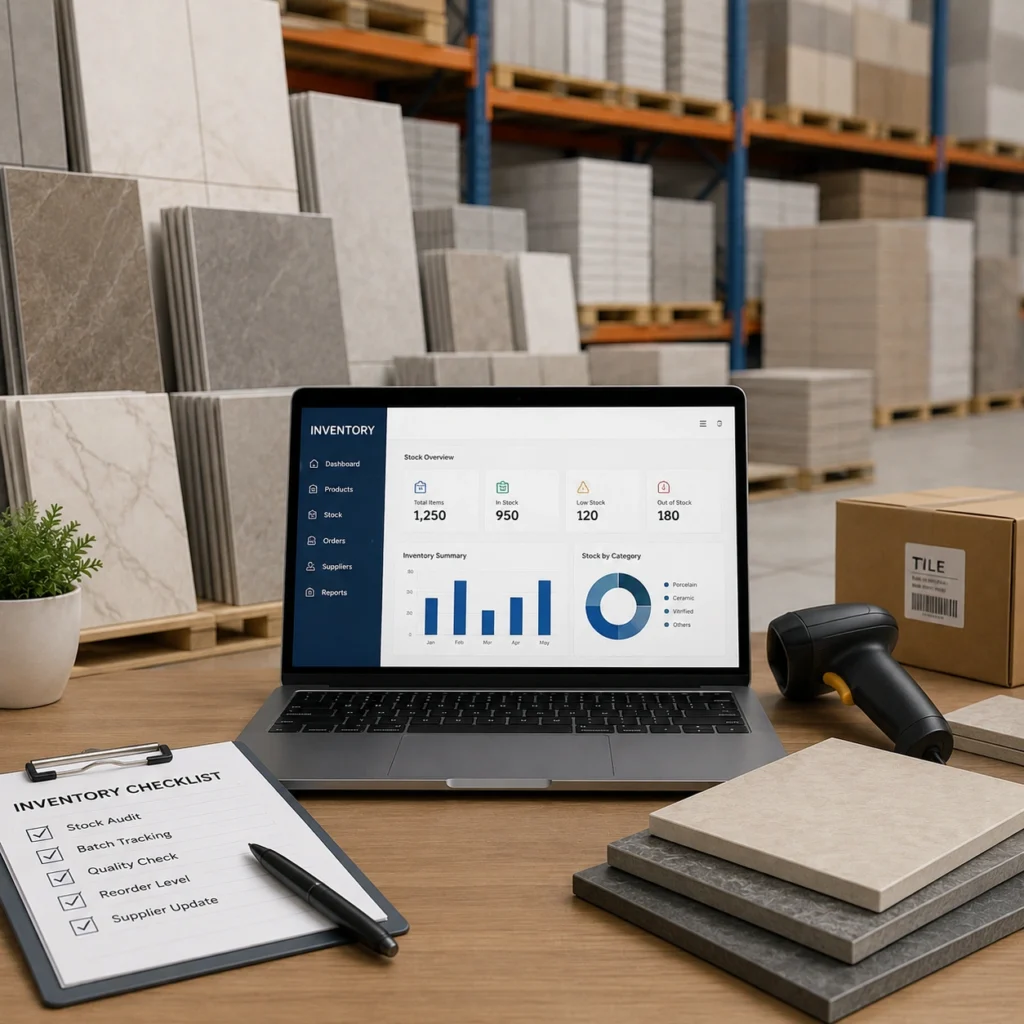
Data cleansing is boring, unglamorous, and always the first thing cut when timelines slip. Don’t. Budget four to six weeks just for master data cleanup, and appoint one person to own it. Our inventory management solution rides on this same master data, so anything ugly upstream shows up downstream too.
3. Replicating Inefficient Processes
Plenty of tile brands ask the SAP partner to “map what we do today.” That’s a red flag.
If your current process involves a WhatsApp group forwarding dispatch photos to accounts, that isn’t a workflow worth preserving. Implementation is the rare window where you can retire bad habits. Waste it, and you’ll pay for a Ferrari that runs like the old scooter.
Honestly, most tile companies need about 30 percent of their existing workflow rethought before it goes into SAP. Not everything. Just the parts held together by tribal knowledge and one senior employee who’s about to retire.
4. Ignoring Dealer Management
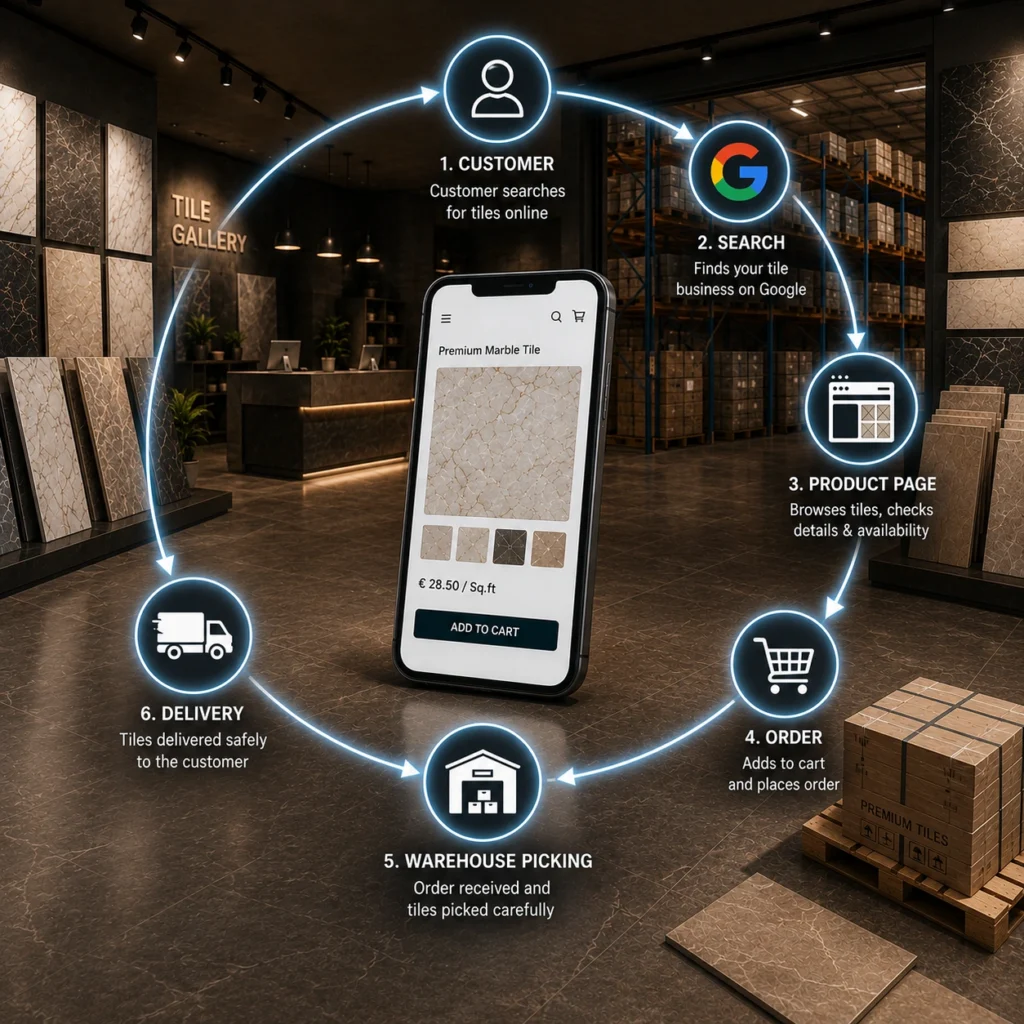
Ceramic and stone brands don’t sell to end customers. They sell through networks. Yet many SAP rollouts scope only for internal users and treat the dealer portal as a phase-two problem.
By the time phase two arrives, dealers have gotten used to phone orders again and the sales team has stopped pushing digital adoption. The window closes.
Scope B2B ordering, credit visibility, claim submissions, and order tracking into phase one wherever possible. Our B2B dealer management solution plugs into SAP and covers this layer without waiting on the core team.
5. Over-Customizing SAP ERP
Tempting, and expensive.
Every tile brand has “unique” requirements. Some genuinely are. Most aren’t. When you customize SAP for every quirk raised in a UAT session, you end up with a system that can’t be upgraded, can’t be patched cleanly, and can’t be handed to a new consultant without three weeks of re-explanation.
A useful rule of thumb: if a requirement affects fewer than five transactions a week, question it hard before customizing. Standard SAP with a lightweight bolt-on almost always ages better than deep custom code inside the ERP core.
6. Underestimating SAP Training
Head office picks it up. They always do. It’s the kiln operators, forklift drivers, dispatch supervisors, and warehouse pickers who struggle.
A senior packer who’s done his job for 18 years without touching a screen isn’t going to scan confidently by week two. When he can’t scan, he writes on paper, and someone at head office keys it in later. That’s exactly the double entry SAP was supposed to eliminate.
Budget for:
- Onsite training in the local language, not just English
- Simplified screens for shopfloor roles
- A visible superuser on each shift for the first 60 days
- Refresher sessions at day 30, 60, and 90
Cheap to plan. Very expensive to skip.
7. Treating Go-Live as the Finish Line
Go-live is the middle of the project, not the end.
The first 90 days after cutover are where the real issues surface. Stock discrepancies. Pricing errors on high-volume SKUs. Dealer complaints. GST reconciliation gaps. If your implementation partner packs up the day after go-live, you’re on your own for the ugliest phase.
Insist on a hypercare period of at least 60 days with named support engineers and daily standups for the first two weeks. It costs more upfront. Far less than a rollback.
Questions to Ask Your SAP Implementation Partner Before Signing the SoW
Ask your ERP partner three questions:
- Show me a tile client where you handled shade and caliber sorting inside SAP.
- Who owns data cleansing, and how many weeks are allocated?
- What happens on day 91 after go-live?
If the answers feel vague, keep looking. Tile is specific enough that generic experience won’t carry the project across the line.
Planning an SAP ERP Implementation for Your Tile Business?
We help tile manufacturers, distributors, and dealer networks implement ERP without the usual guesswork. Whether you’re evaluating SAP, cleaning up a rough rollout, or scoping phase two, we can walk you through what works for tile specifically. Talk to our team to schedule your tile ERP consultation today.
FAQs
1. How long does SAP ERP implementation usually take for a tile manufacturer?
Most mid-sized tile manufacturers land between 6 and 10 months for a first-phase rollout covering finance, production, inventory, and sales. Dealer portals and analytics typically follow in phase two.
2. Is SAP the right ERP for a smaller tile brand?
Not always. SAP fits well once you’ve crossed a meaningful revenue threshold or operate across multiple locations. Below that, a lighter ERP with tile-specific customization often gives better ROI.
3. Can SAP handle shade and caliber sorting natively?
Not out of the box. You’ll need batch management configured with custom characteristics, plus screen simplifications for the sorting bay. Skipping this is mistake number one on the list above.
4. What’s the biggest hidden cost in SAP implementation?
Post go-live support and change requests. Almost every project underestimates this by 30 to 40 percent. Build it into the original budget.